Skip to content

Bookkeeping software for accountants.

For CPAs, bookkeepers and enrolled agents who keep books for small-business clients. KiwiBooks runs the first pass. You review, lock and export.

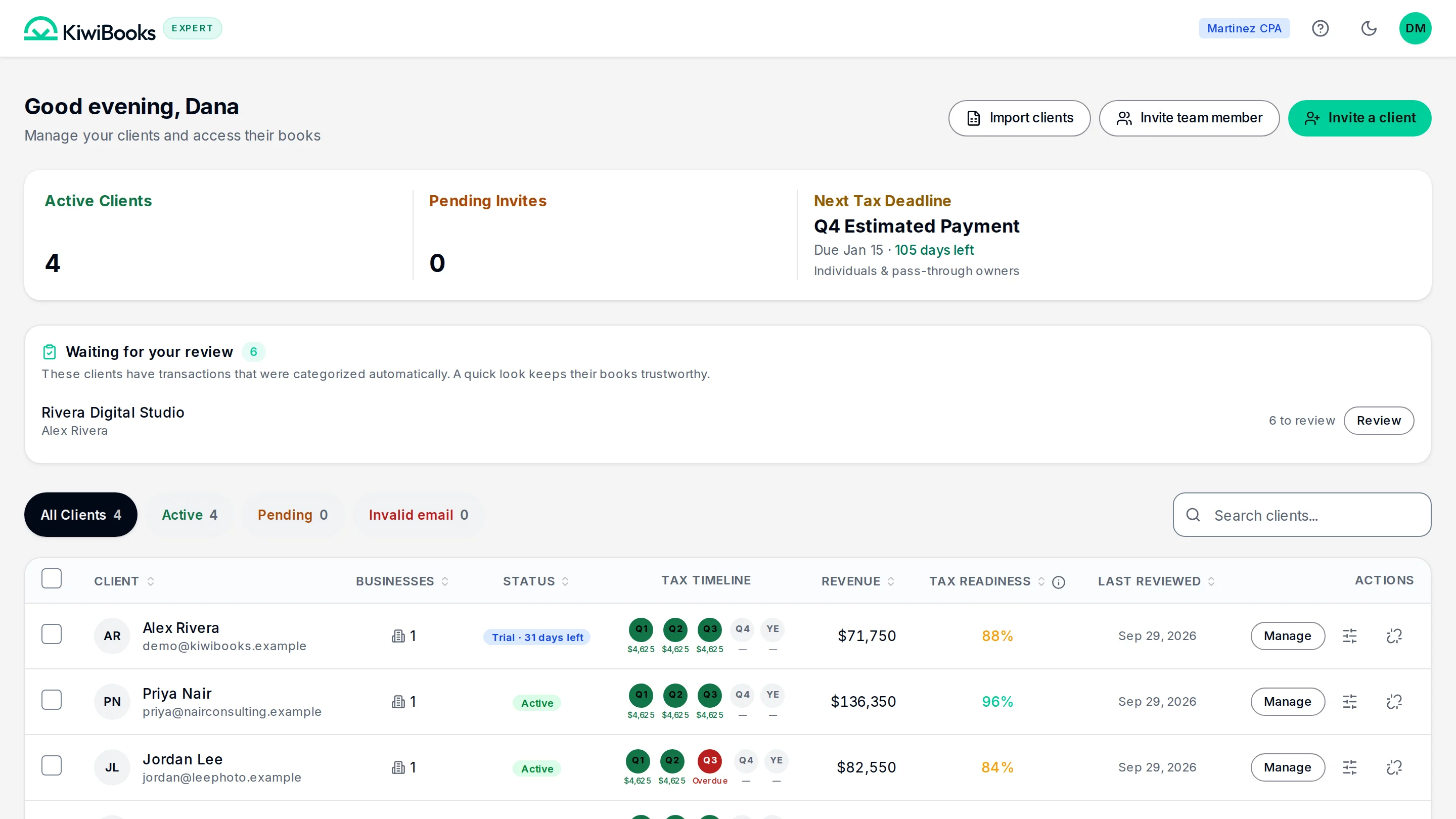
The expert console: active clients, the clients waiting for review, the next tax deadline, and each client’s tax timeline.

QuickBooks Online Accountant is changing.

Intuit is discontinuing QuickBooks Online Accountant on December 31, 2026 and moving firms to Intuit Accountant Suite. If that change has you reviewing your tools, KiwiBooks is worth a look. KiwiBooks is a separate product. It does not import a QuickBooks company file. You can bring transactions and contacts in from a CSV, then review them before they post. Read the KiwiBooks vs QuickBooks comparison.

Invite the client. Review the books. Export the year.

Your hours go to the judgment calls.

  1. 01

    Invite.

    One email brings a client into your console.

  2. 02

    Kiwi runs the first pass.

    On Pro, bank transactions arrive categorized and mapped to their tax lines.

  3. 03

    You review, lock and export.

    Work the review queue, lock the period, and export one tax workbook.

Your console. Their app. The same books.

Clients can use a Simple view that keeps the accounting out of the way. You work in the ledger.

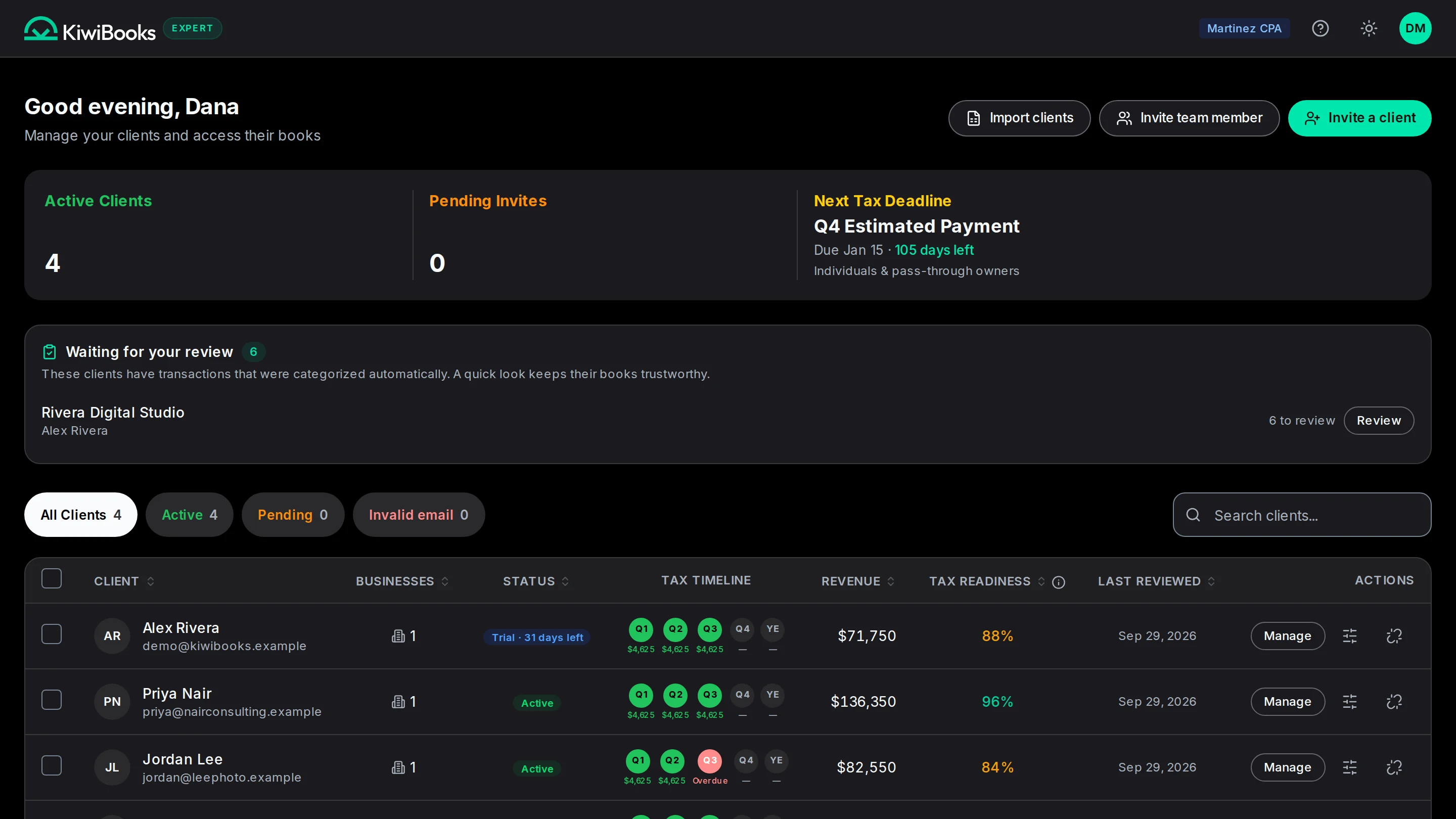
The expert console: four active clients, the next tax deadline, a review queue, and each client’s quarterly tax timeline.
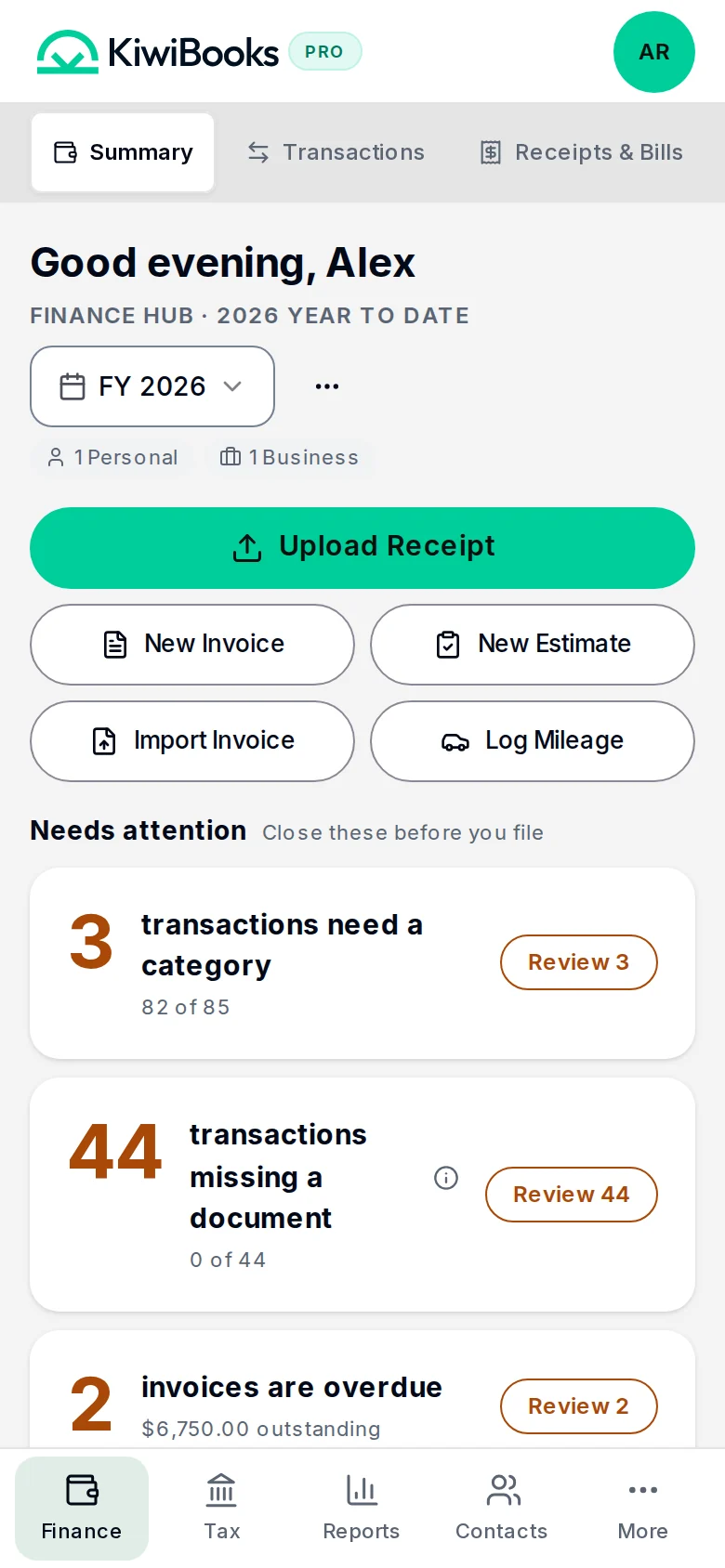
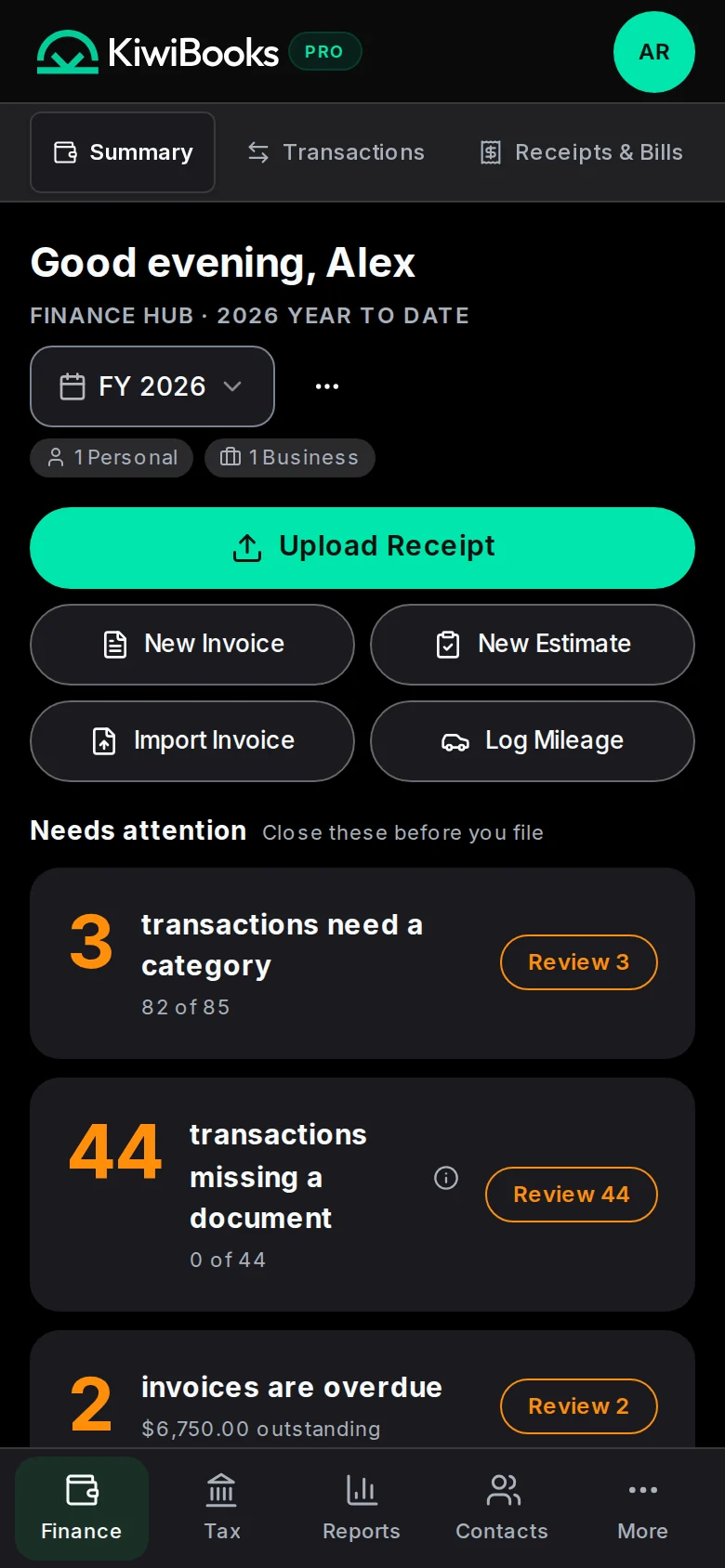
The same business in the KiwiBooks app on a phone: the Finance Hub summary with upload, invoice and mileage shortcuts.

What you do in the firm console.

The same capabilities listed on the capabilities page, chosen for a practice.

Free for firms

Built for your accountant

Accountants manage every client from one console: see which books need review, open the ledger, lock periods and export. Unlimited clients, no seat fees, no firm subscription. You choose who pays for each client’s Pro: the client or your firm. Clients can switch to a Simple view that keeps the accounting out of the way.

Pro

Automatic categorization and matching that learns from your edits

Free and Pro

Tax-ready export

At year end, export one xlsx with a cover sheet, the 1040, Schedules C, E, F and SE, Forms 1065, 1120 and 1120-S, and Form 4562. Hand it to your preparer.

Free and Pro

Audit trail and locked periods

Every change is recorded in an audit log. Lock a period once it is filed, and the numbers you reported cannot drift.

Every capability, with the screen it lives on, is on the capabilities page.

KiwiBooks prepares tax-ready reports and an export. It does not file tax returns, pay the IRS, or give tax advice. Bank sync and automatic categorization are part of Pro. The free plan has no time limit and needs no card. A full QuickBooks company file import is not available. Client plans are on pricing.

Free for your firm. Free or $15 a month per client.

Bill each client’s Pro to them, or fold it into your fee.

The expert console a firm works from: every client, their tax timeline and what is waiting for review.

Accountants and bookkeepers

$0/month for your firm

  • Unlimited clients on one login
  • The full Expert console: ledger, reports and lockable periods
  • No seat fees and no firm subscription
  • Per client, bill Pro to the client through Stripe or to your firm

Plans for your clients

Free

Everyday bookkeeping, with manual entry and imports.

Free plan, $0

No billing cycle. Free stays free.

Start free

No card, no time limit.

What you get

  • 1 personal + 1 business
  • Unlimited* manual transactions and CSV imports
  • 10 receipt and document scans a month. KiwiBooks reads the vendor, date and amount. After 10, enter receipts by hand.
  • Mileage tracking for 1 vehicle

Pro

7-day free trial

Bank sync and automatic categorization to speed up your review.

$15/month

$15/mo, or $120/yr ($10/mo, Save 33%). Renews automatically; cancel anytime in Settings. Try free for 7 days, no card.

Try Pro free for 7 days

No card. Trial ends on Free unless you subscribe.

Everything in Free, plus

  • Automatic bank and credit card sync, powered by Plaid
  • Automatic categorization and matching that learns from your edits
  • 1 personal + up to 9 businesses
  • Read/write MCP access is part of Pro, including the 7-day Pro trial.

Compare every feature →

* Fair use limits apply. See Terms.

Pricing, comparisons and the blog.

Written for the same questions a firm asks before it switches software.

Pricing

Free for the firm. Clients start on a free plan or go Pro. No seat fees.

Plans

KiwiBooks vs Xero

How KiwiBooks compares with Xero for a small-business practice.

Comparison

More on comparisons and the blog. Bookkeepers have their own page. The one-page leave-behind is the CPA brochure.

Questions from accountants.

Do accountants and bookkeepers pay?

No. Firms use the Expert console free across every client, with no seat fees. When a client wants Pro, the fee is billed to the client or to the firm, whichever you set per client.

Can I import data from other accounting software?

Currently, KiwiBooks supports CSV import for transactions and contacts. You can upload your exported CSV files from other software through the Finance Hub → Transactions page using the import button.

What tax forms does KiwiBooks support?

KiwiBooks supports Schedule C (sole proprietorship), Schedule E (rental and royalty), Schedule F (farming), Form 1065 (partnership) with Schedule K-1 shares, Form 1120 (C-Corp), Form 1120-S (S-Corp) with K-1 shares, and a Form 1040 personal consolidator that rolls up every entity. Each one maps to the correct tax-form line items at the category level.

What is the lock period feature?

The lock period lets you prevent changes to transactions in prior tax years. Once locked, no one can edit, add, or delete transactions in that period. This protects your filed tax records from accidental modifications.

Is there an audit log of changes made to my books?

Yes. Go to Settings → Audit Log to see a chronological record of all actions taken in your account, including who made changes and when. This is useful for accountability and for working with advisors.

More answers on the full FAQ →

See it on a call. Or start free.

A 15-minute demo on the booking page, or your firm set up in a few minutes.