Pro
Bank and card sync
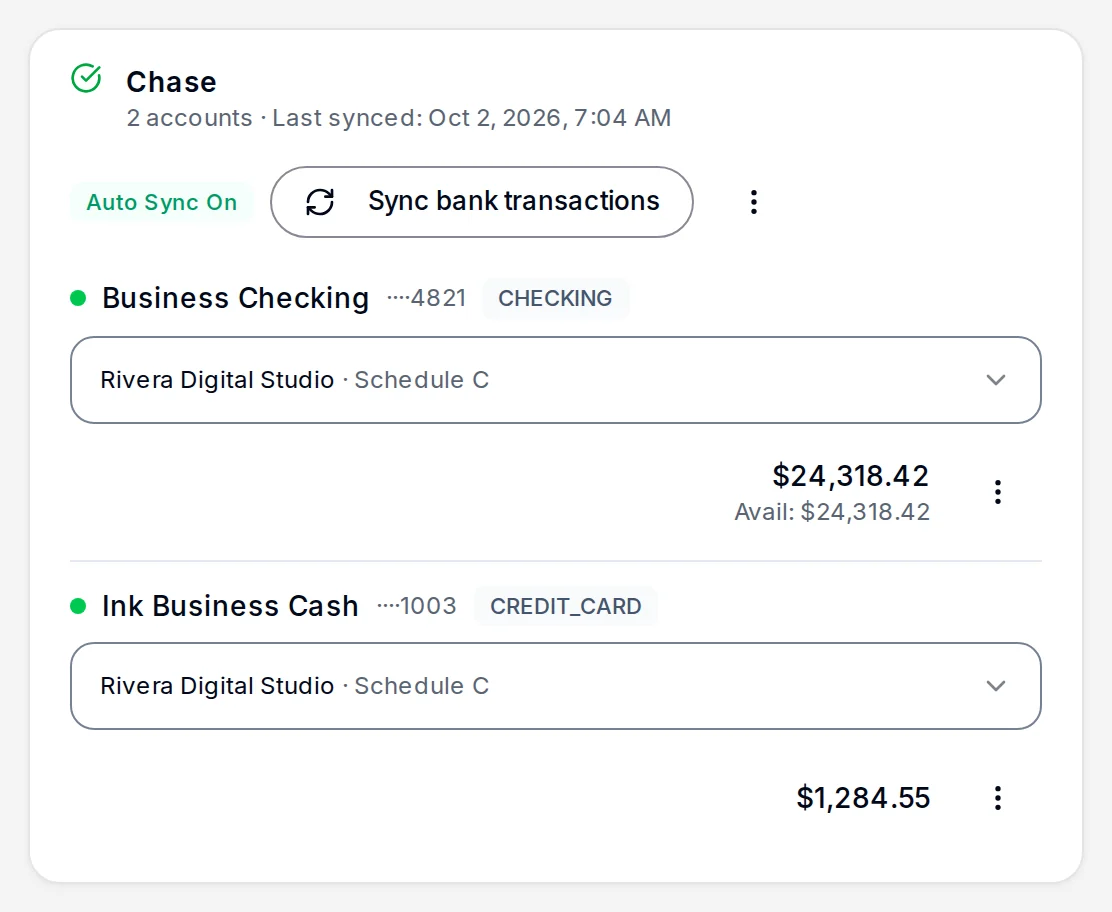
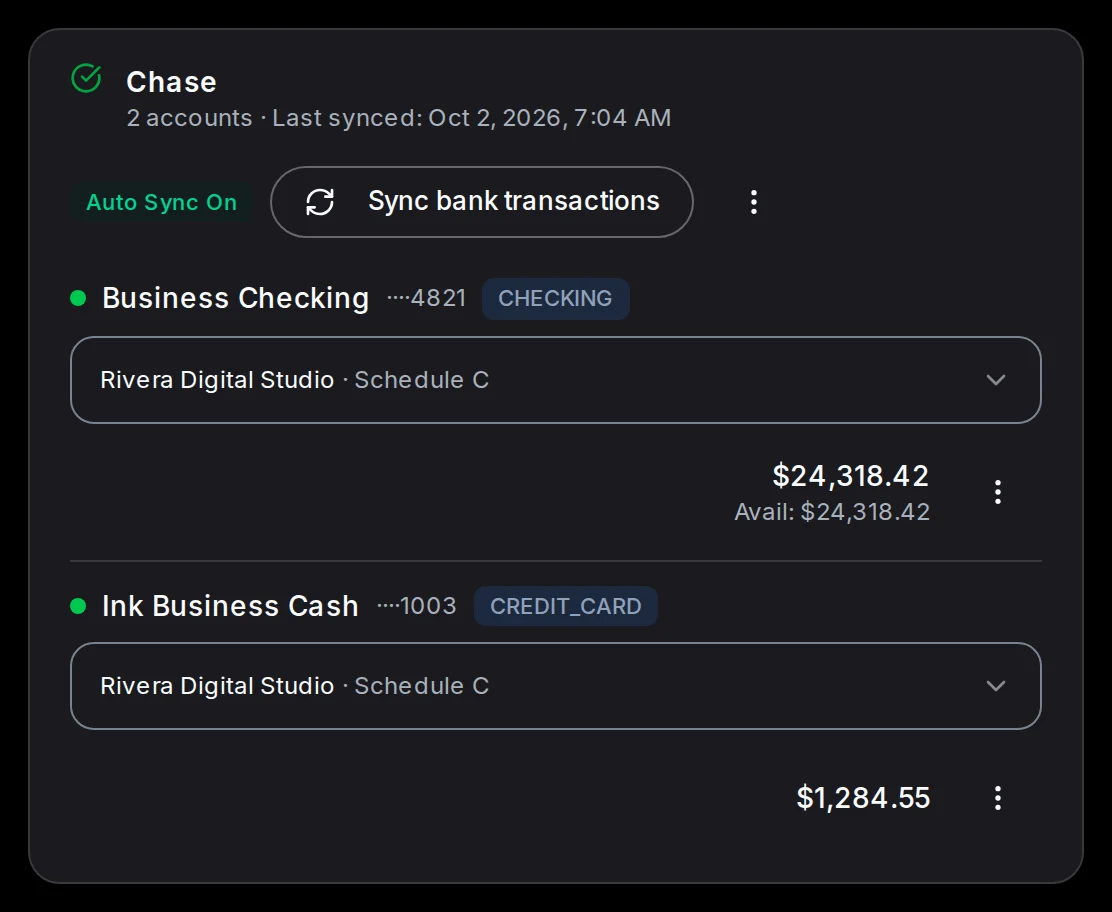
Connect checking, savings and credit cards through Plaid. New transactions sync automatically, so the books stay current without anyone downloading a statement.

Everything reaches the books without retyping.
Connect checking, savings and credit cards through Plaid. New transactions sync automatically, so the books stay current without anyone downloading a statement.
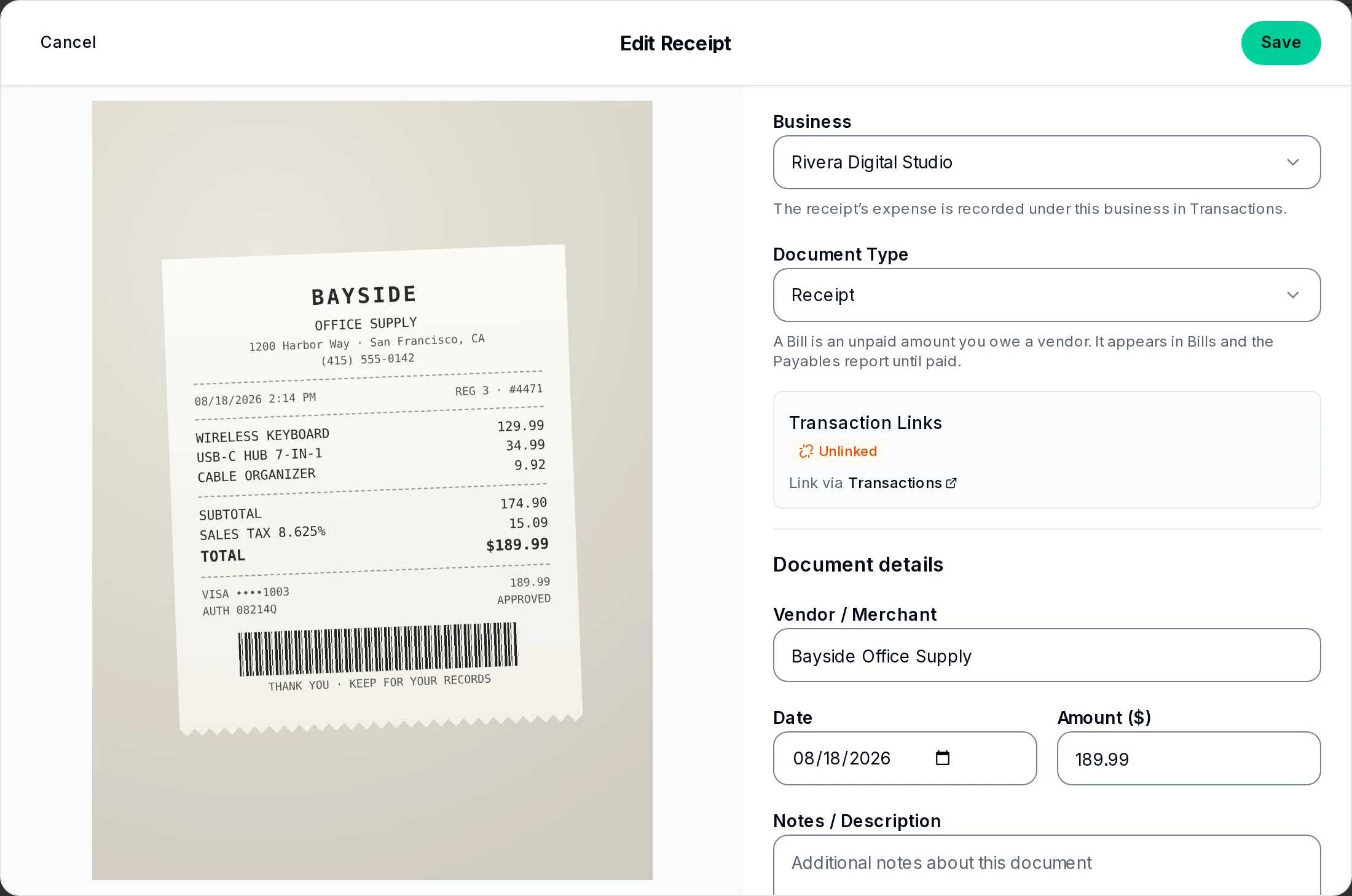
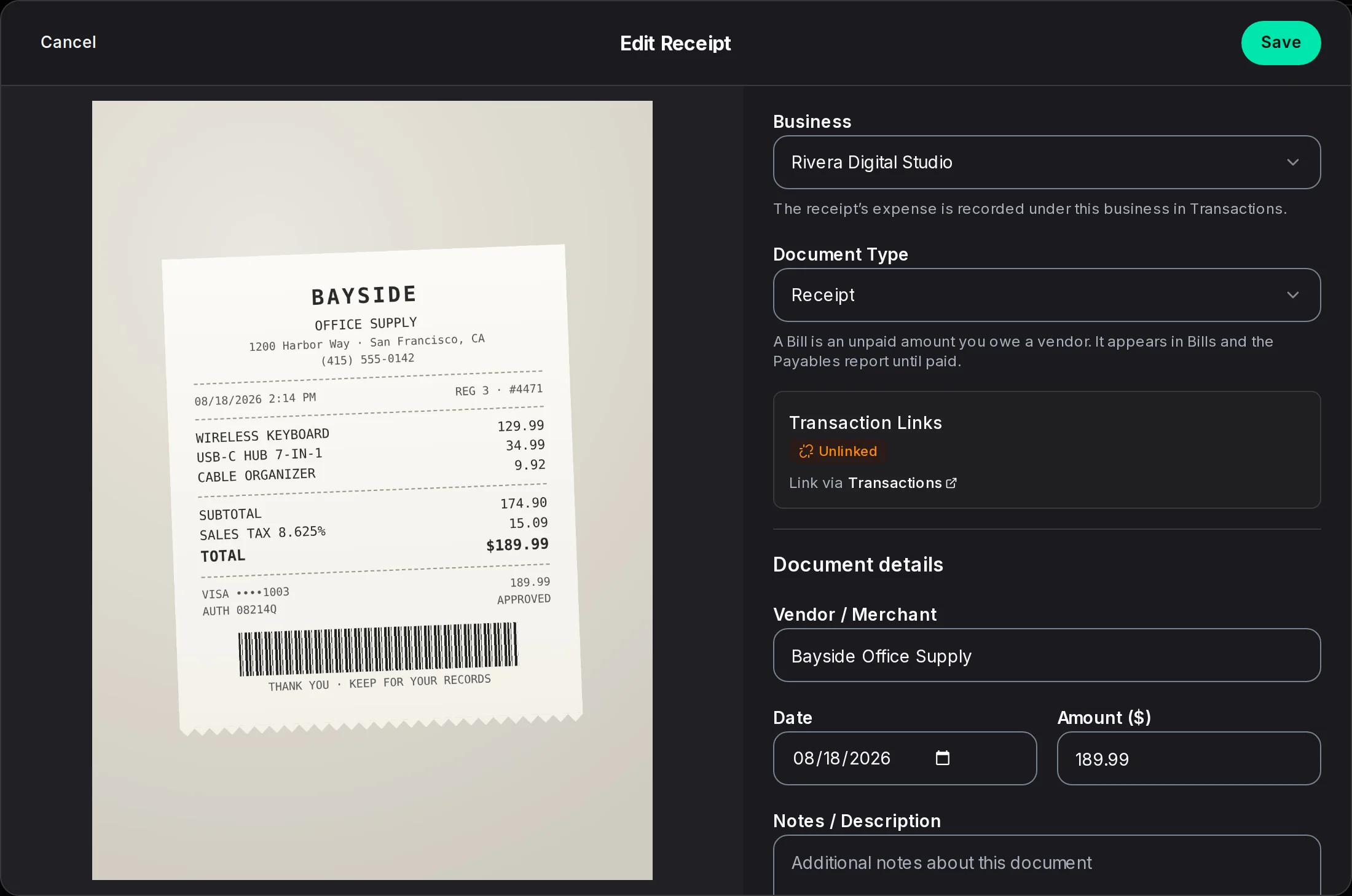
Photograph a receipt or upload a PDF. AI reads the vendor, amount and date. When a bank transaction matches, KiwiBooks points to it, and you attach the receipt in one click.
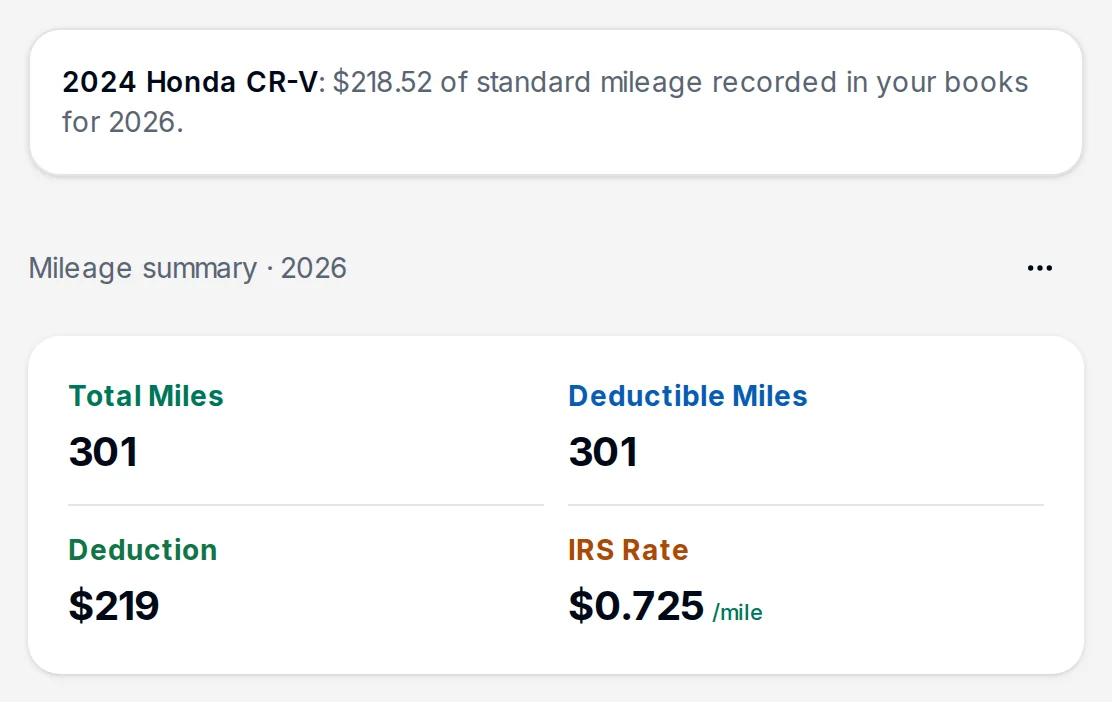
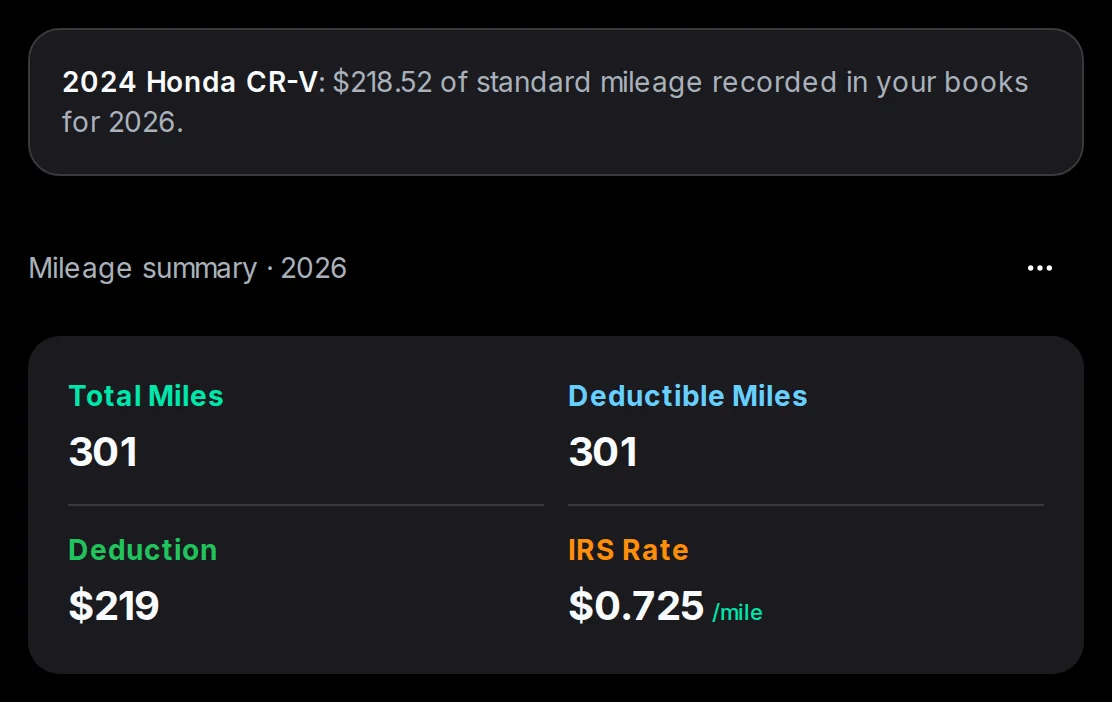
Track trips and vehicle costs across every business. Kiwi calculates both the standard mileage rate and actual expenses, so you can take the bigger deduction.
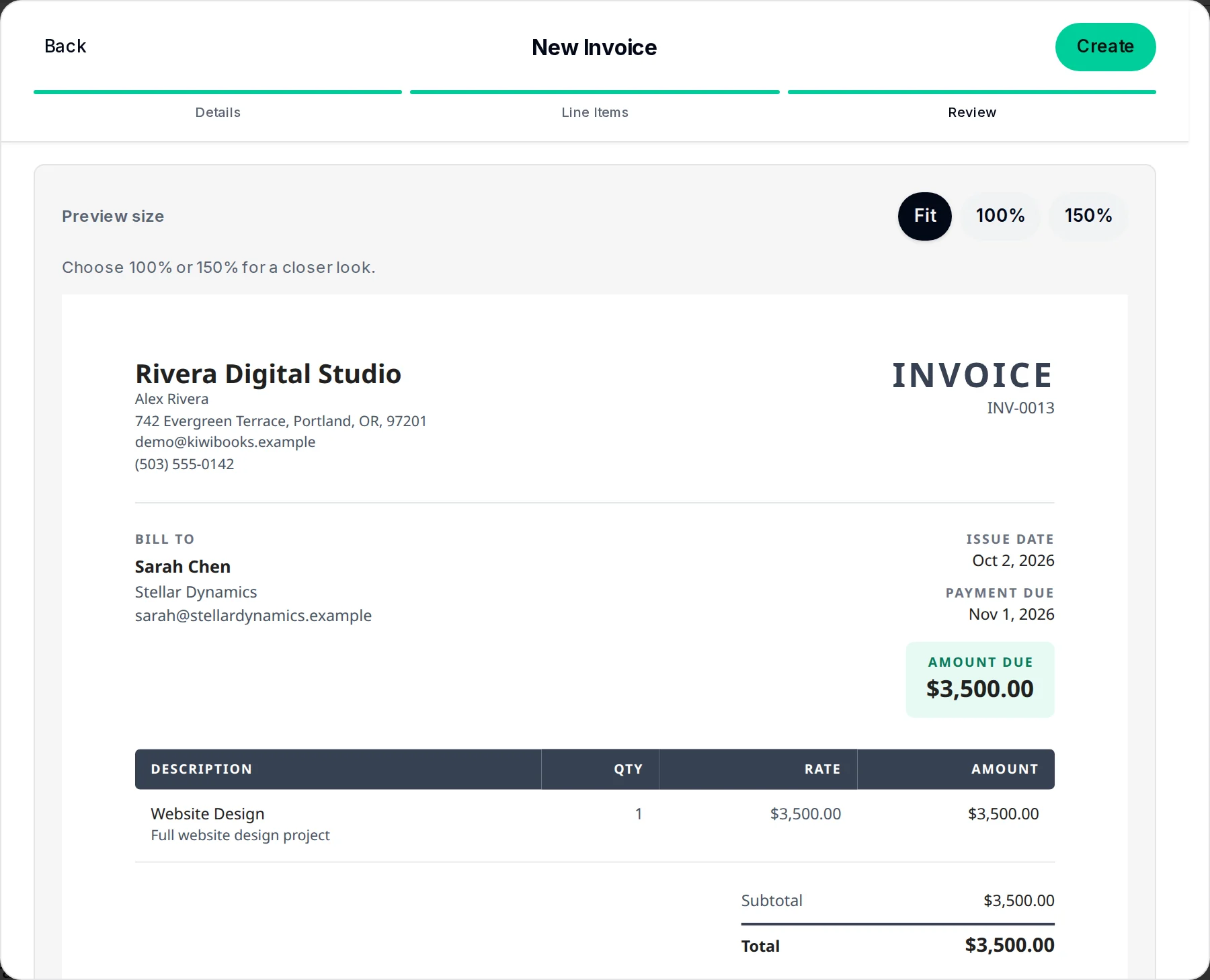
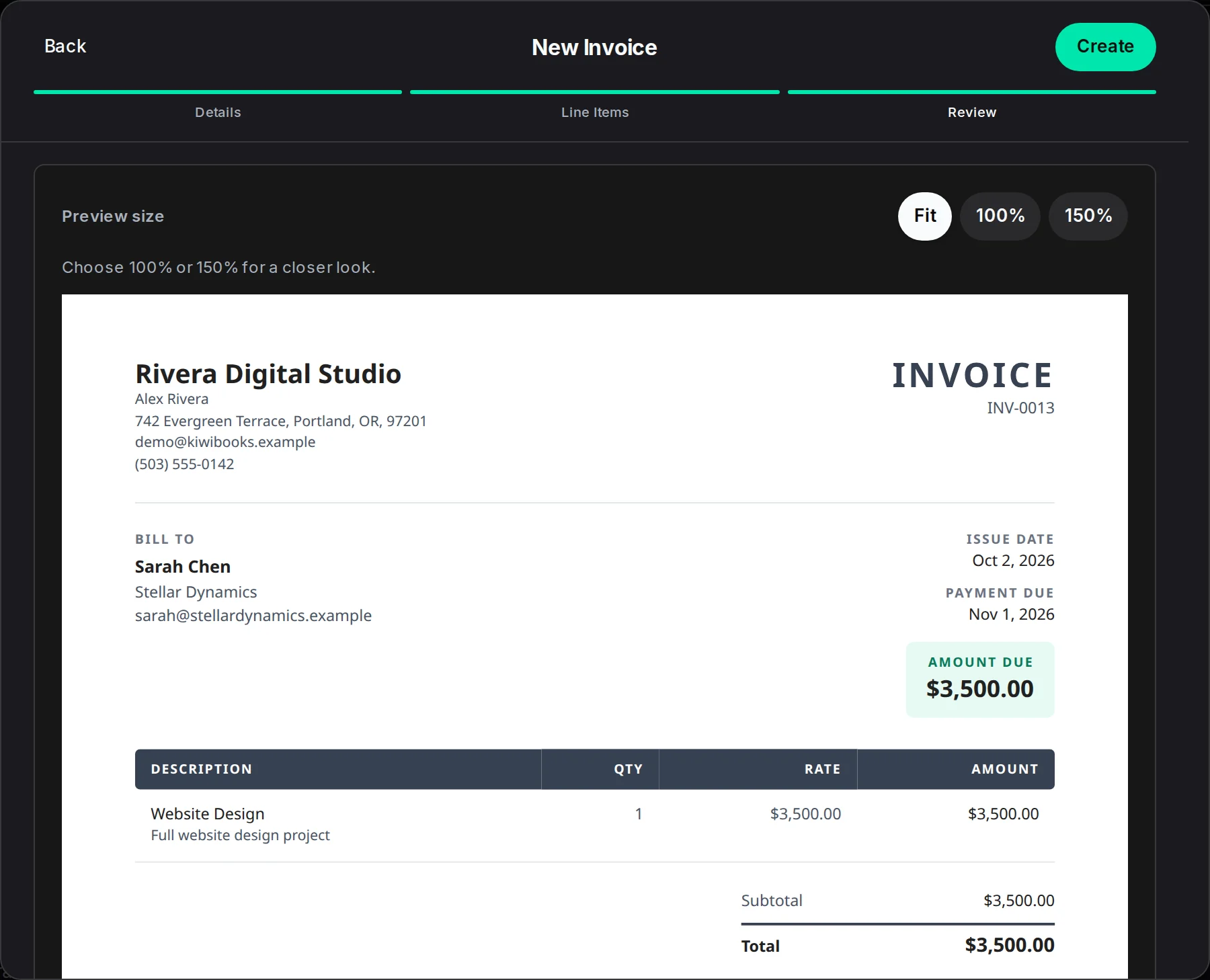
Write invoices and estimates on any plan, with the payment handles your clients already use, and see what is paid and what is still out. On Pro, send them by email straight from KiwiBooks.
Every line categorized and rolled into what you owe.
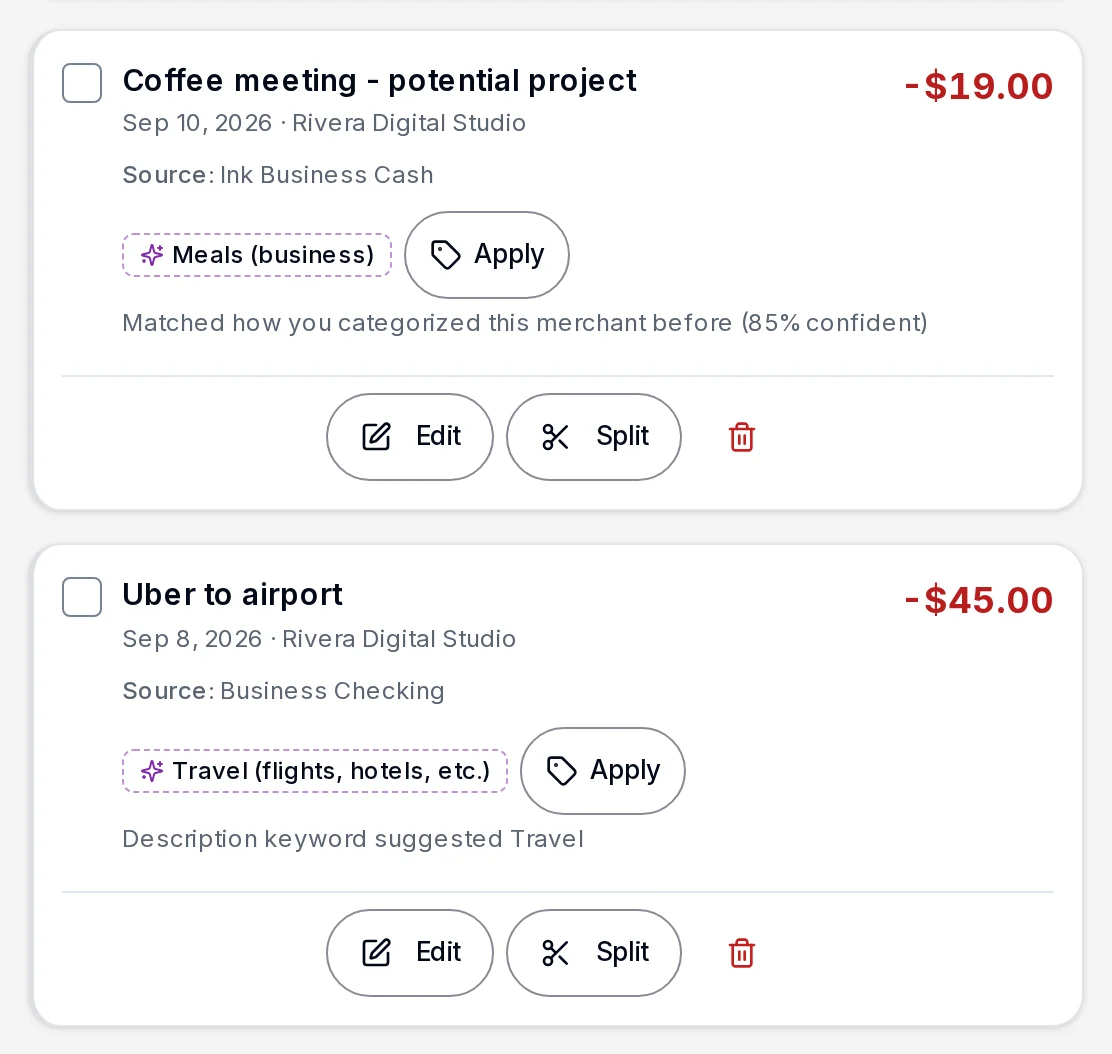
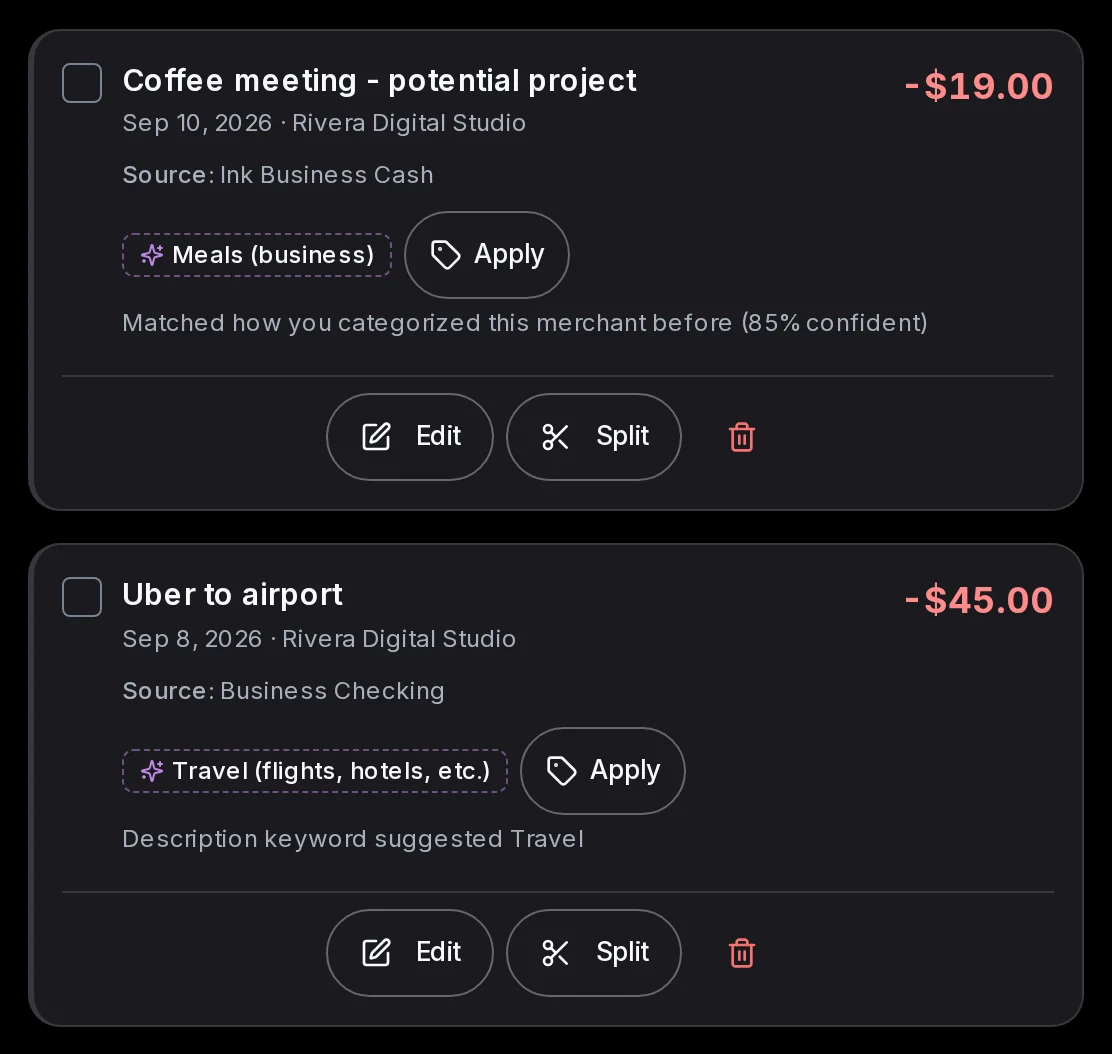
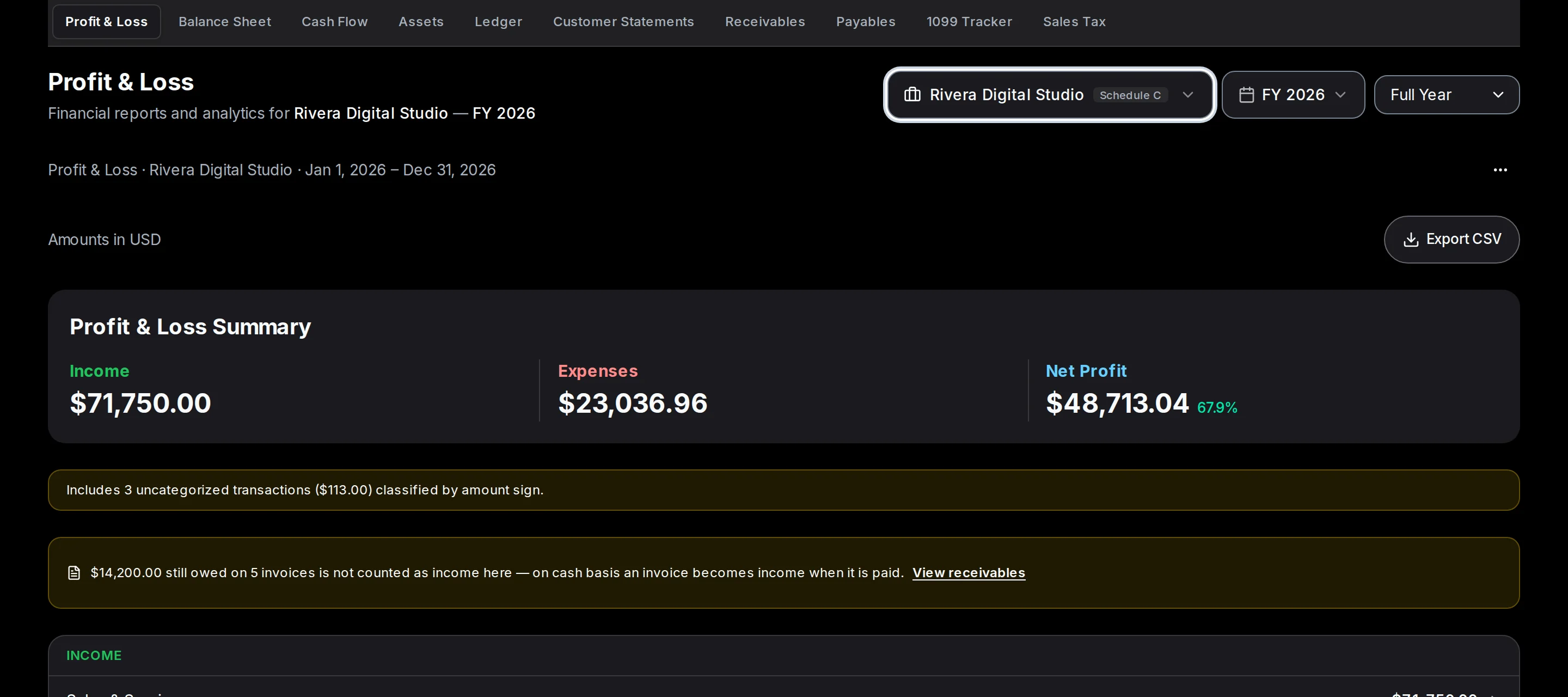
On Pro, rules, merchant history and bank categories categorize each transaction and map it to the tax line. It learns from your edits. You confirm the judgment calls.
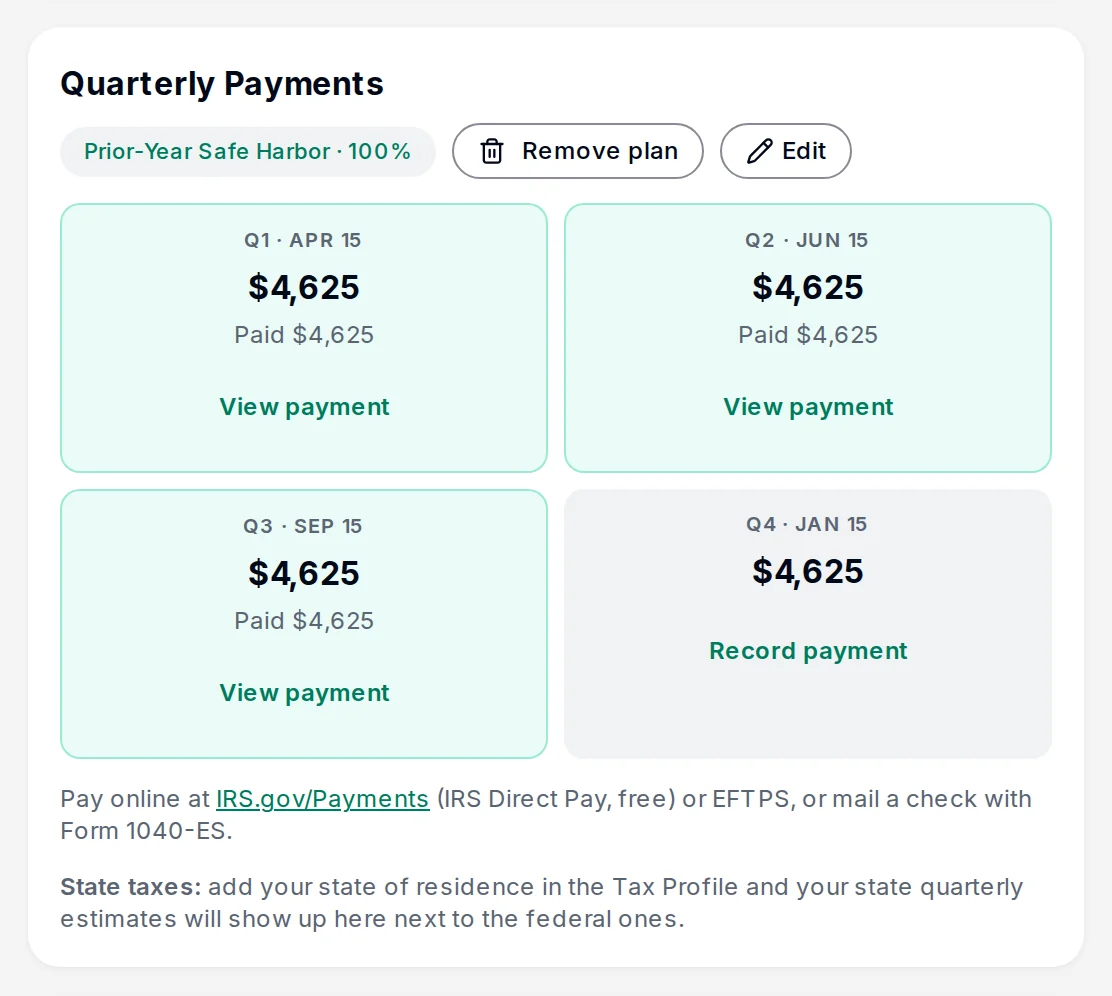
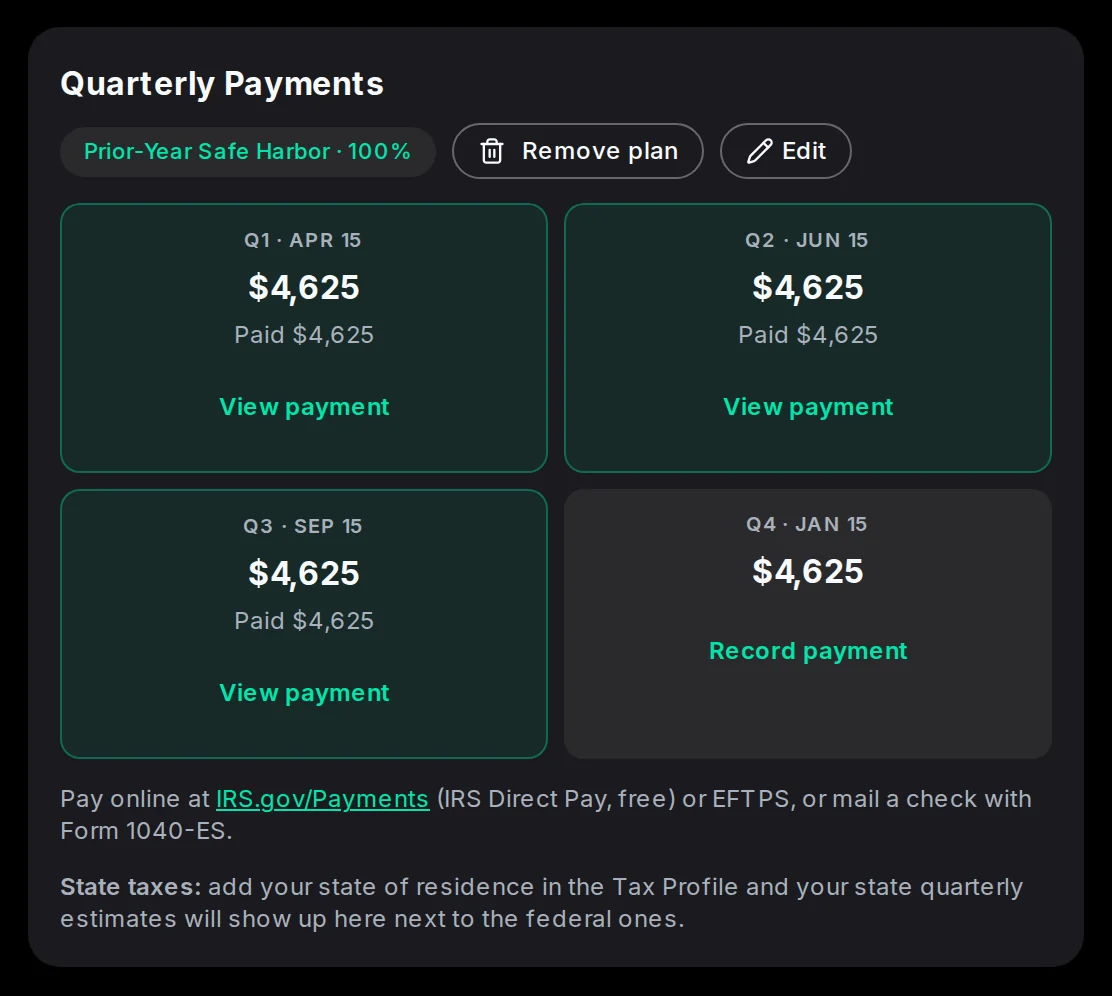
Plan your estimated payments on last year’s safe harbor or on your current books, with every amount and due date laid out. Record each payment as you make it. The home-office calculator compares the actual and simplified methods for you.
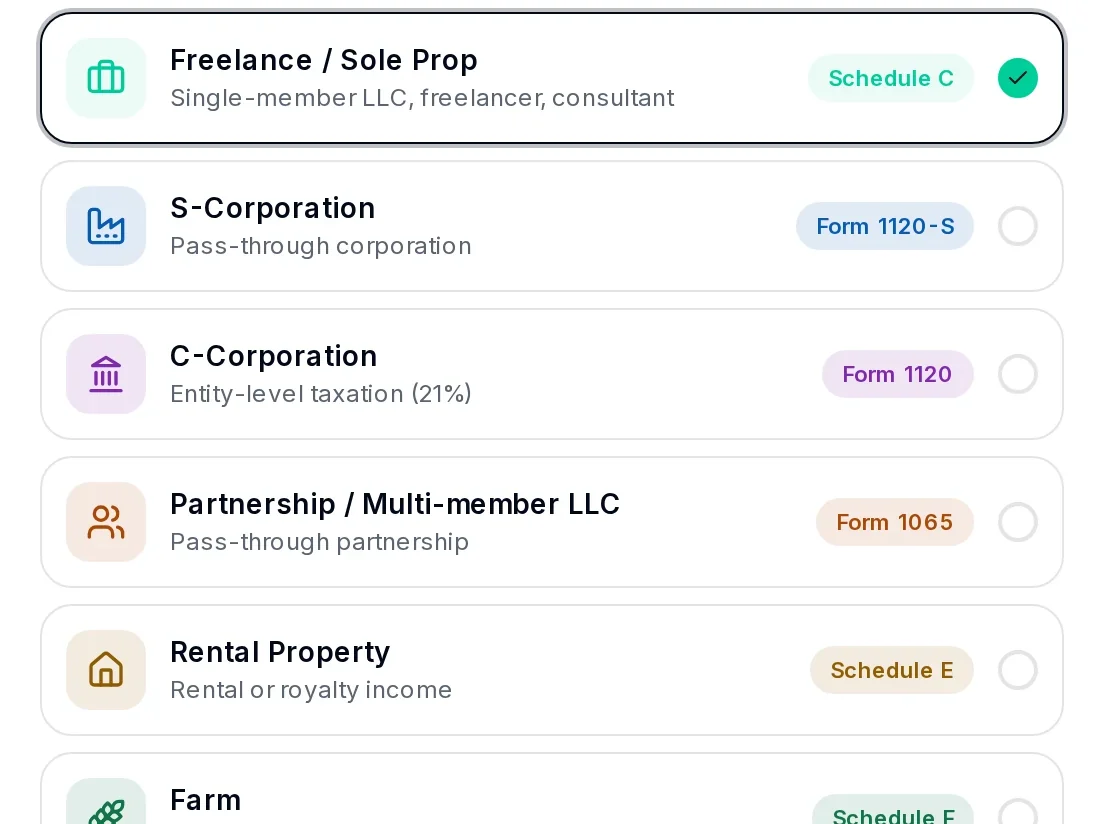
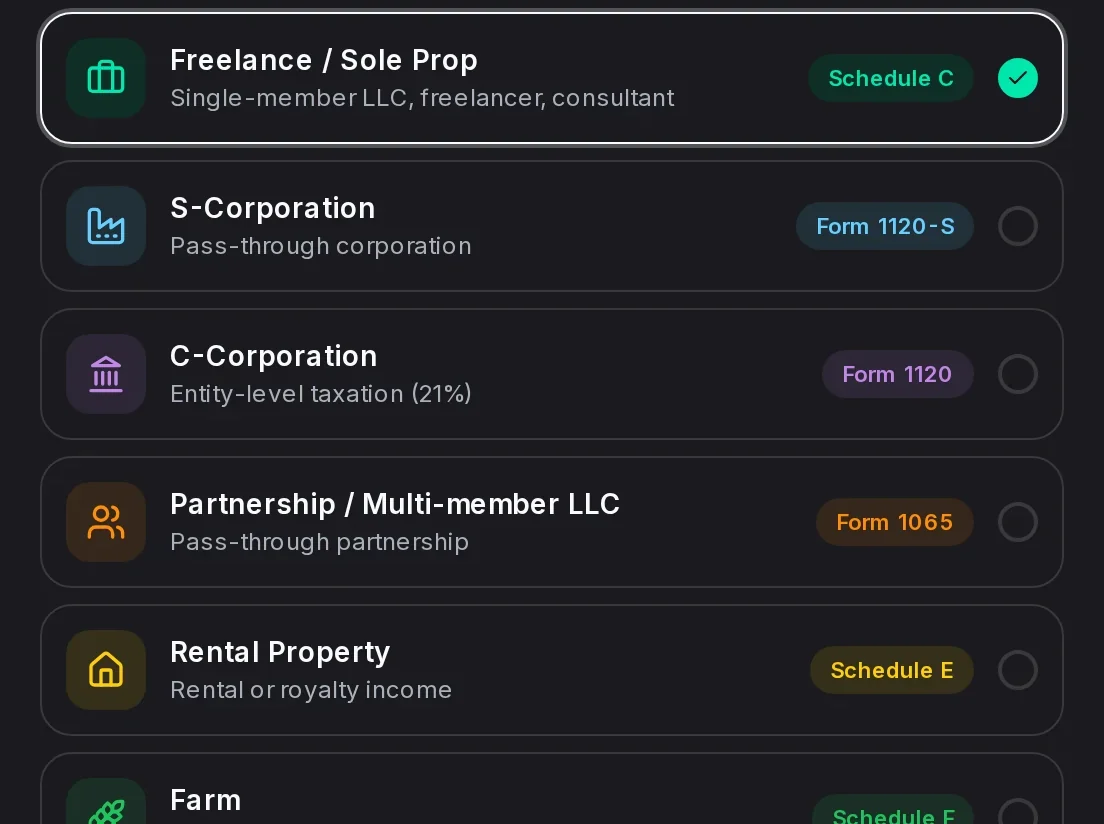
Schedule C, E and F, partnerships, S corps and C corps work on every plan, with owner shares rolled up to your 1040. Free: 1 personal + 1 business. Pro: 1 personal + up to 9 businesses. KiwiBooks prepares your numbers; it does not file returns.
Year end is an export, not a project.
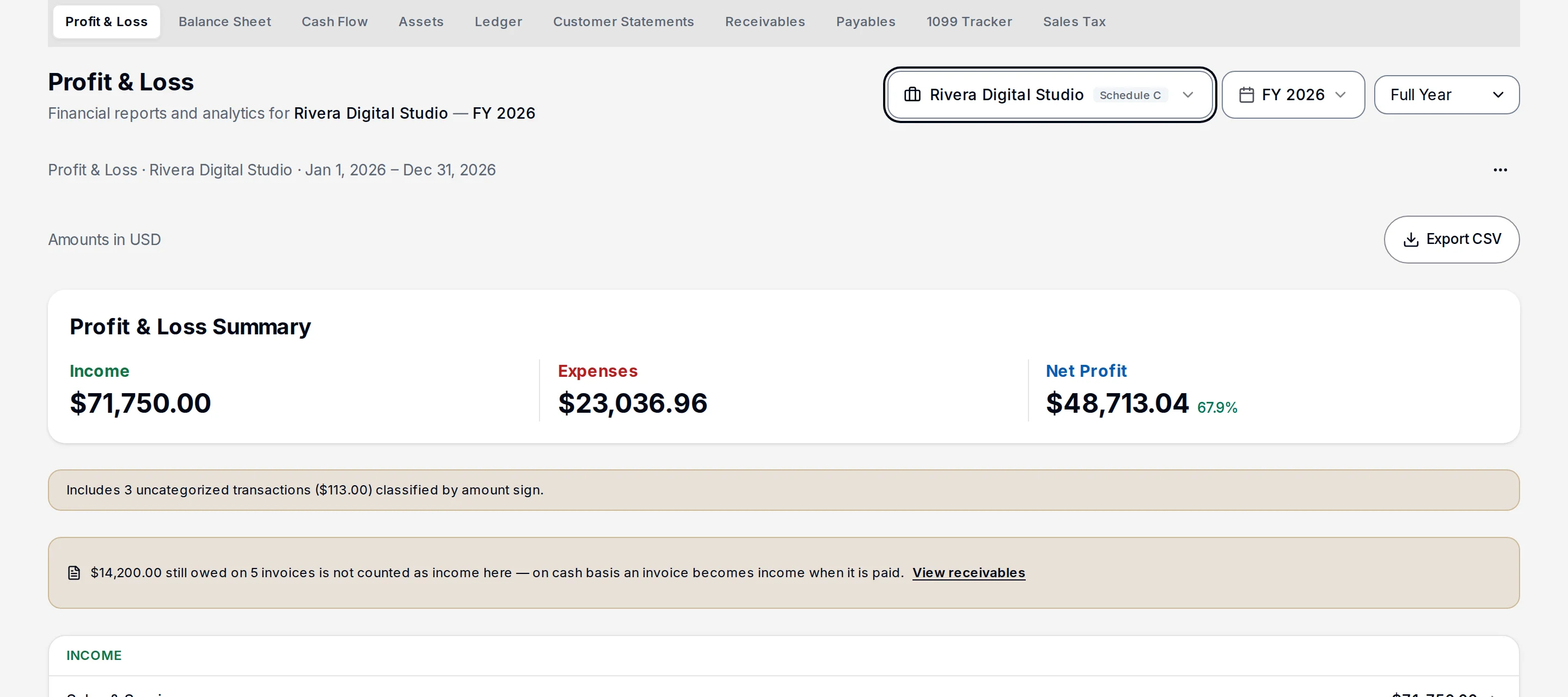
At year end, export one xlsx with a cover sheet, the 1040, Schedules C, E, F and SE, Forms 1065, 1120 and 1120-S, and Form 4562. Hand it to your preparer.
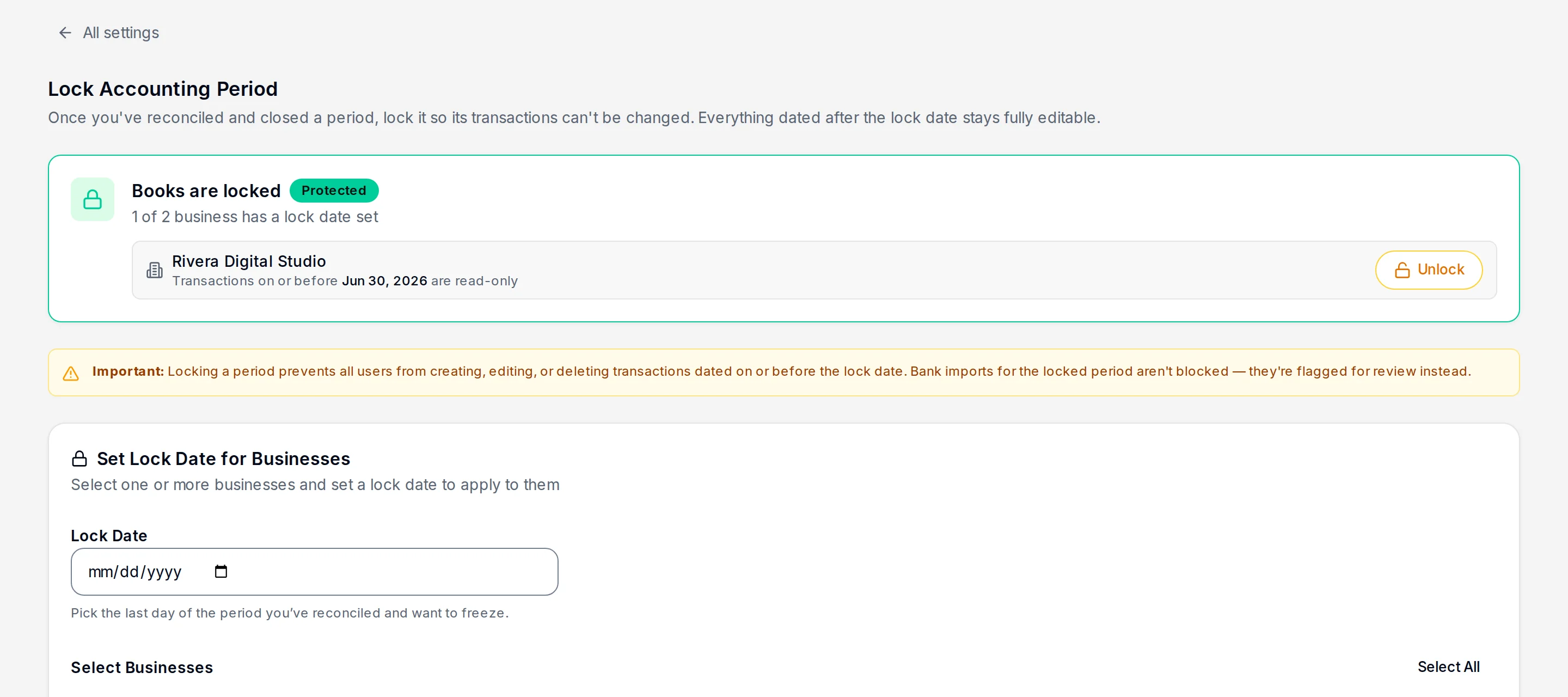
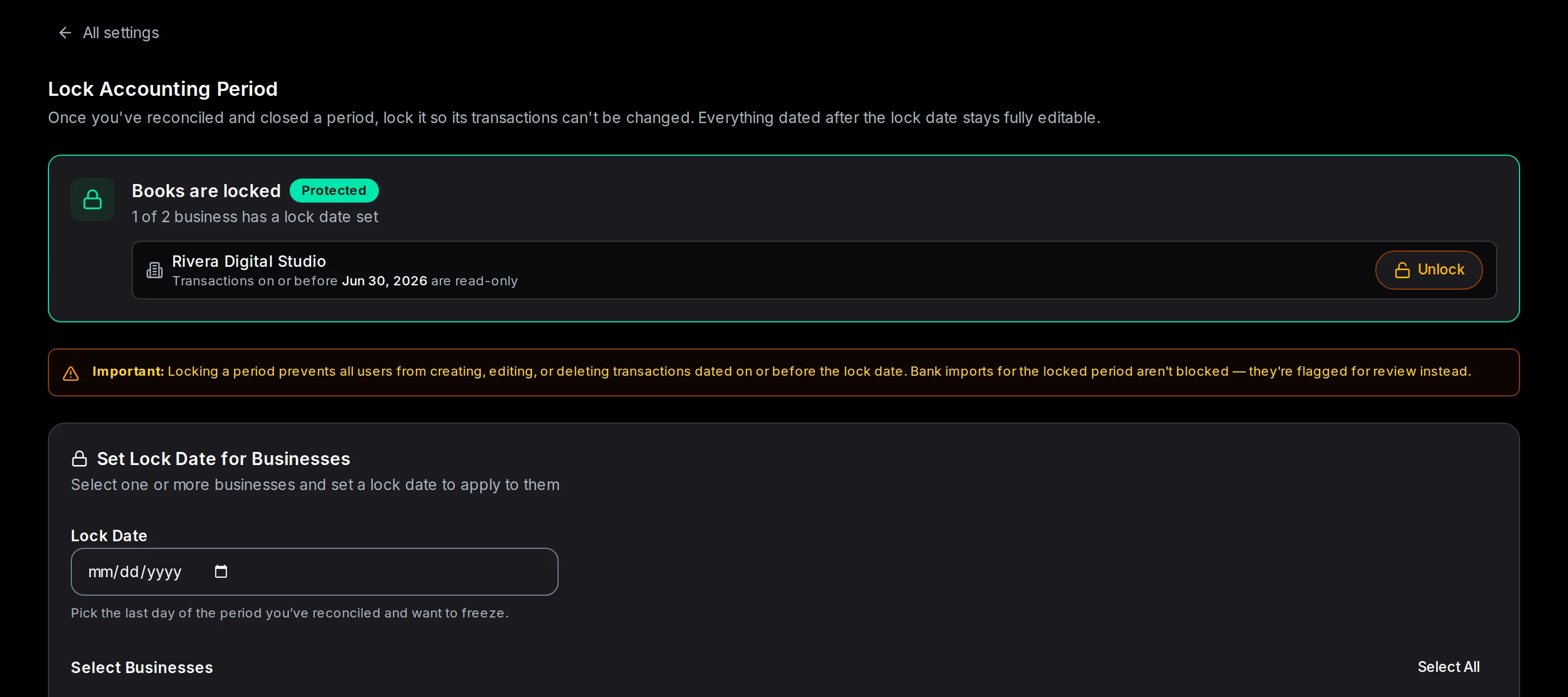
Every change is recorded in an audit log. Lock a period once it is filed, and the numbers you reported cannot drift.
Your accountant and your AI agent work in the same books.
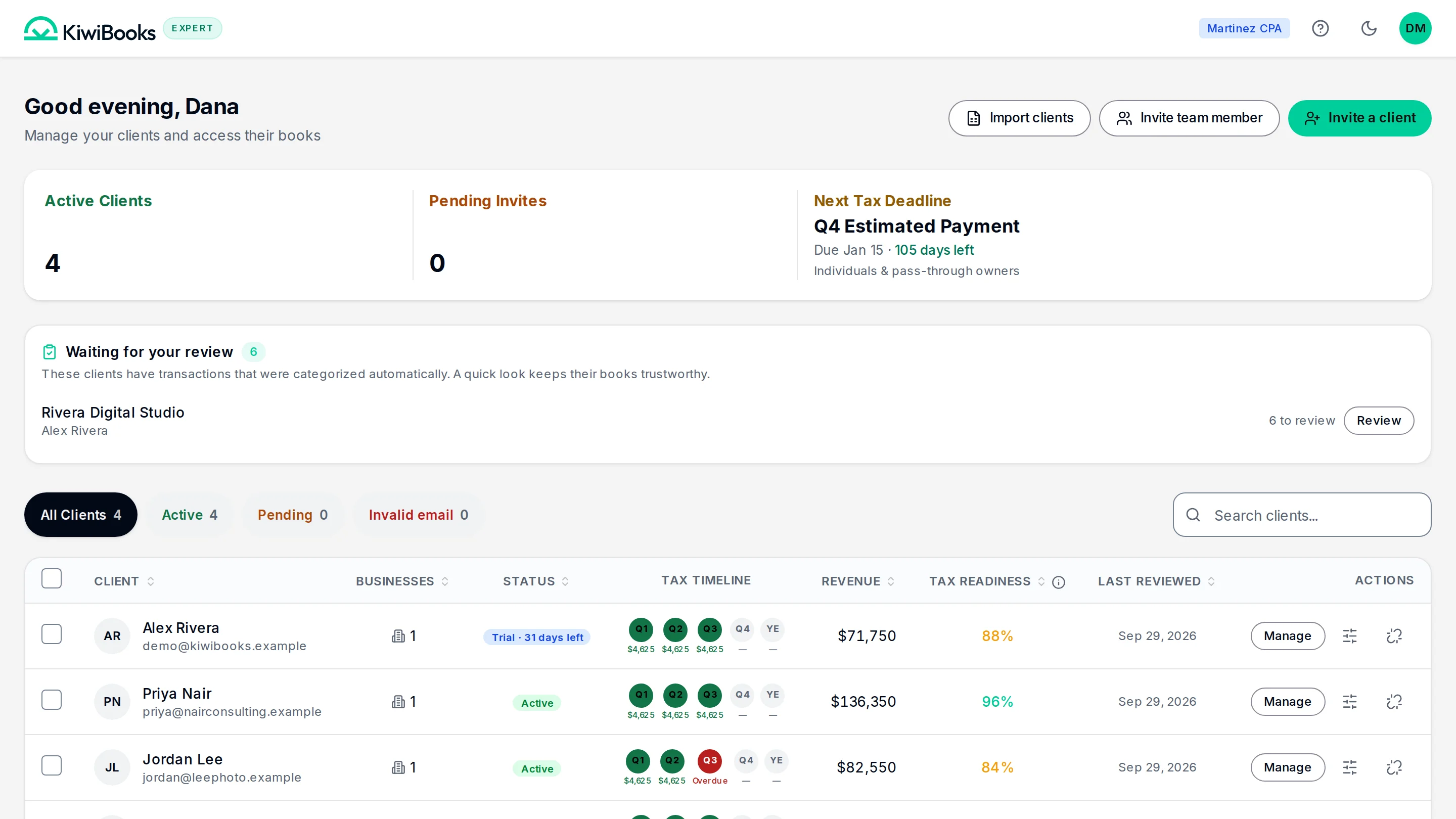
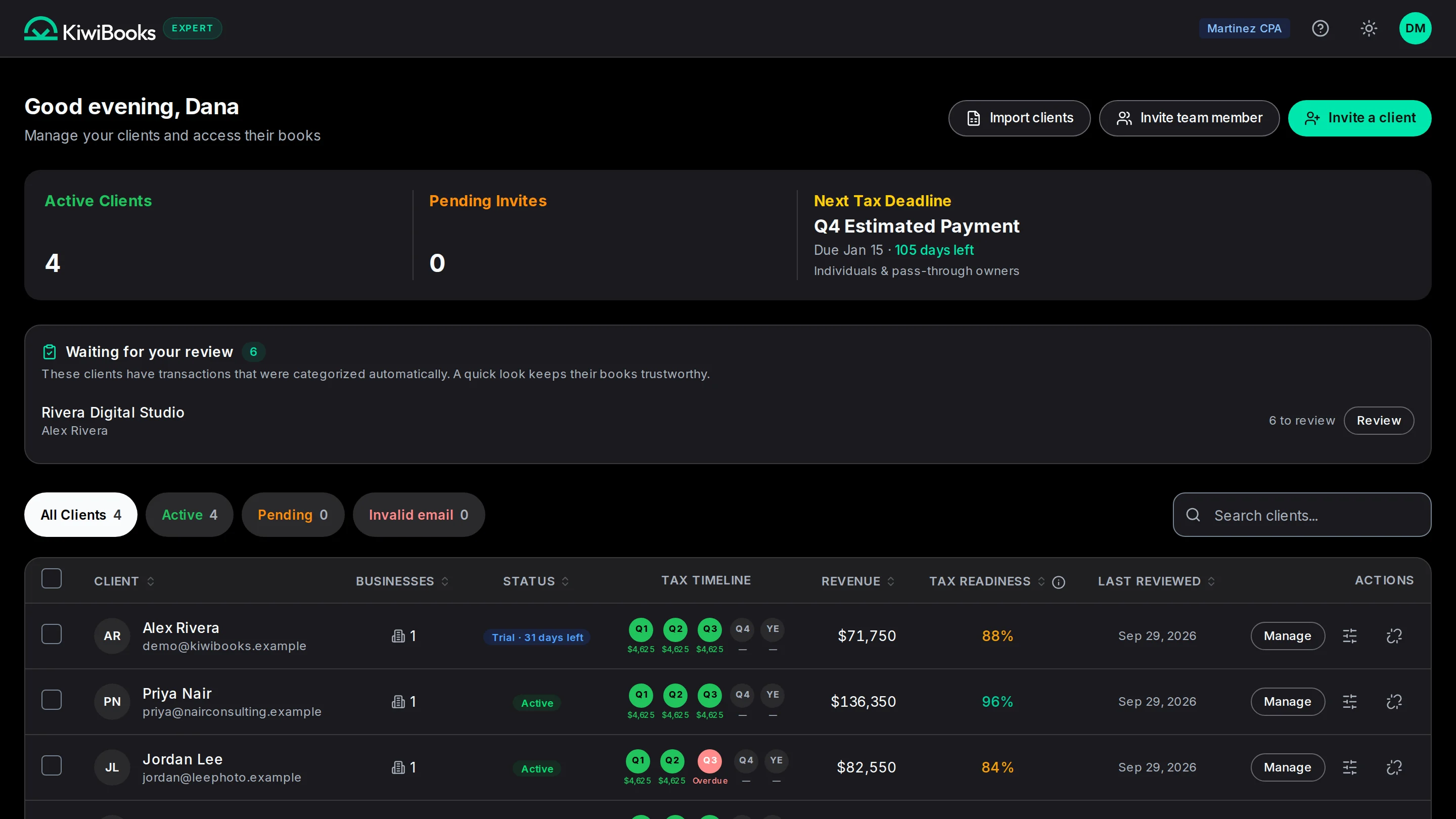
Accountants manage every client from one console: see which books need review, open the ledger, lock periods and export. Unlimited clients, no seat fees, no firm subscription. You choose who pays for each client’s Pro: the client or your firm. Clients can switch to a Simple view that keeps the accounting out of the way.
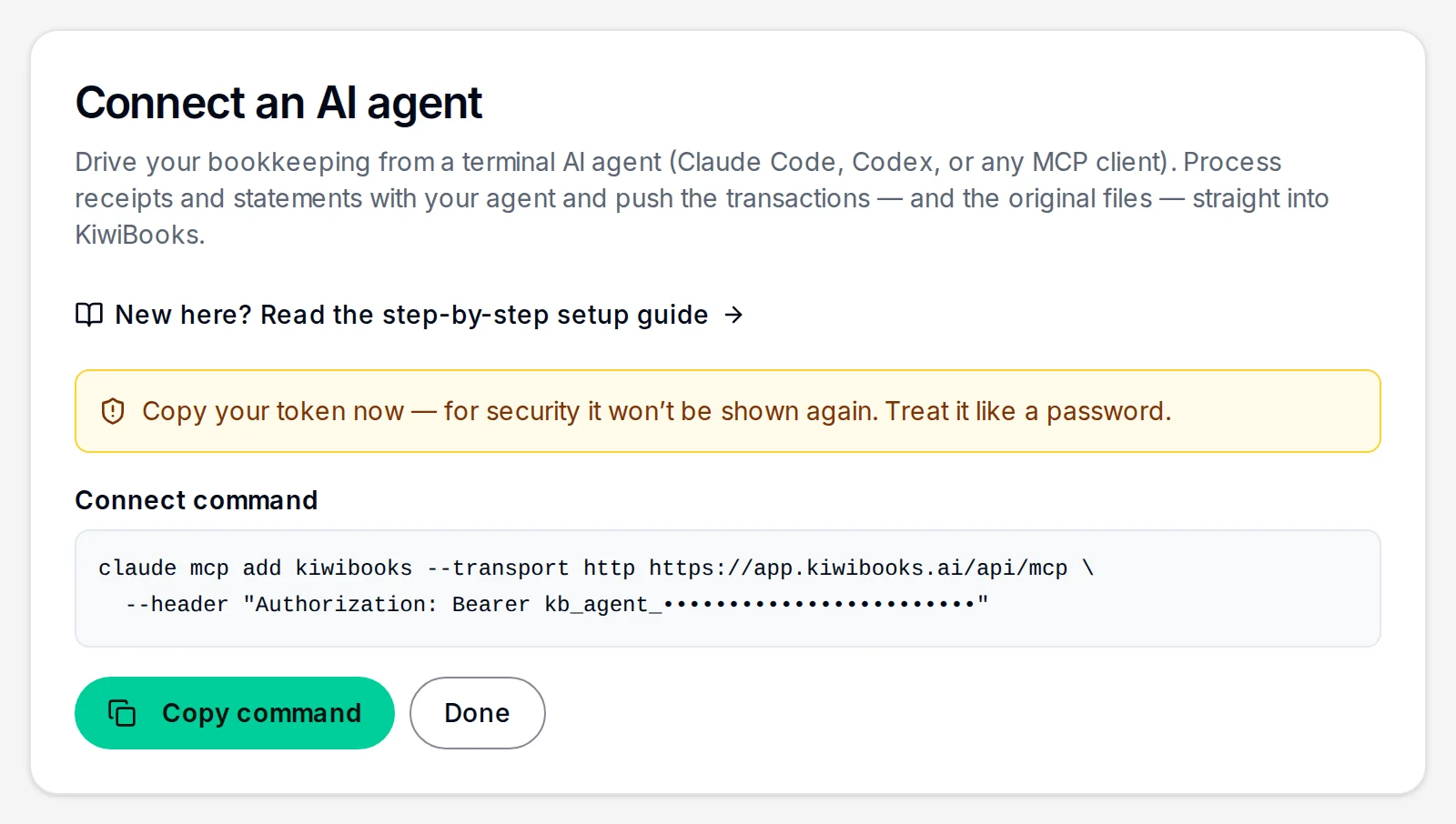
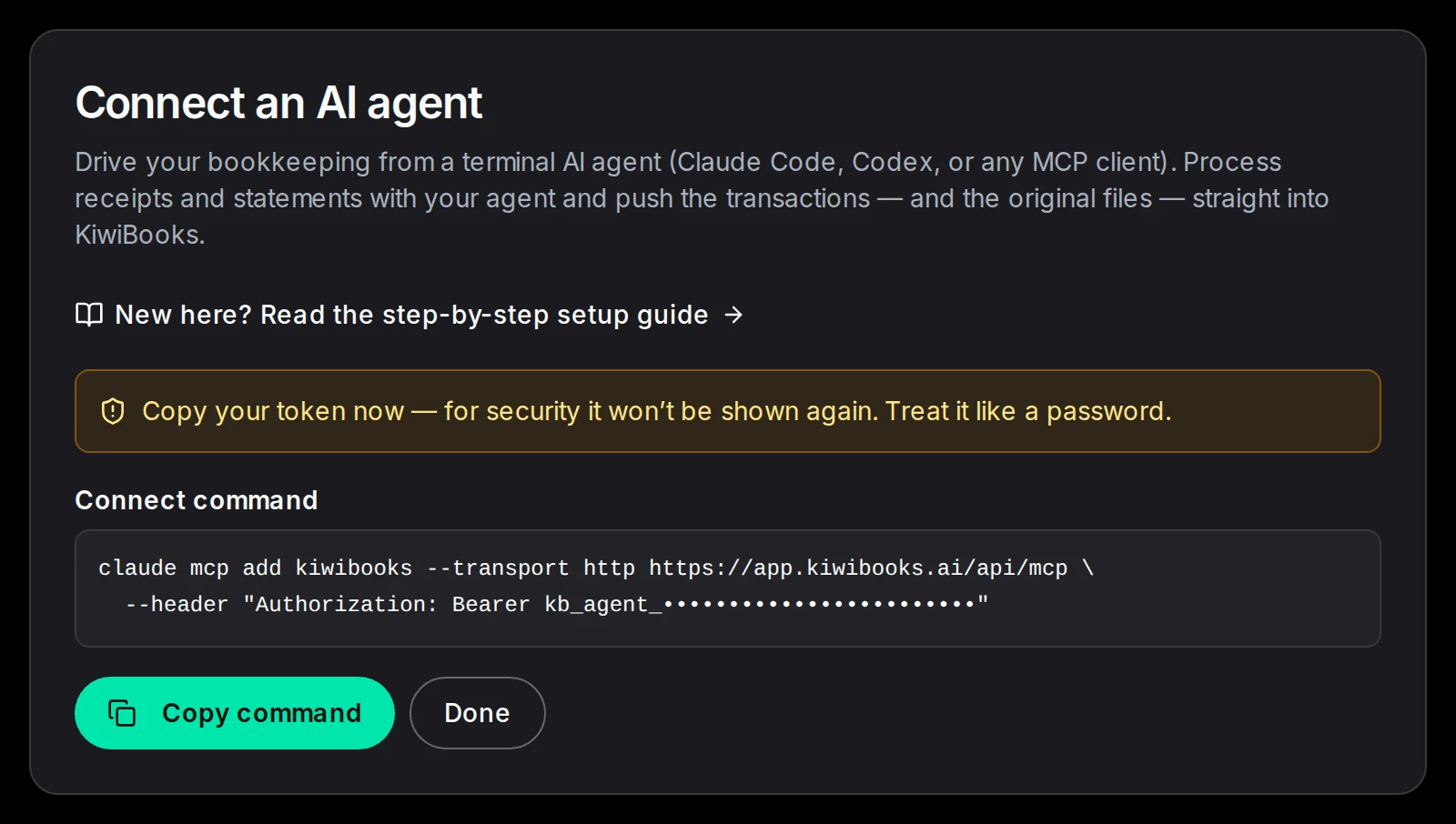
KiwiBooks runs an MCP server, so an assistant can work in your books from Claude, ChatGPT, Grok, Claude Code, Codex, or a script. Connecting is free. On Free, it can read. On Pro, including the 7-day Pro trial, it can also create and change records.
Accountants and bookkeepers are always free.