KiwiBooks

Built for CPA firms

We do the messy bookkeeping.You do the advice and the filings.

KiwiBooks automates the work CPAs don’t want to do: categorization, receipt matching, bank reconciliation, mileage, quarterly estimates, customer support. You stay in advisory and tax filings, where your hours are actually worth billing. Unlimited clients, one login, no seat fees.

Start free in 2 minutes
Right now, Kiwi isCategorizingReconcilingEstimating

No card to start · Unlimited clients · No firm subscription

Platform cost

$0

No seat fees, no firm subscription. Add unlimited clients on one login.

AI confidence

0%

Average match score on bank transactions and receipt OCR.

Time to set up

<0 min

Create your firm, invite the first client, hand them the app.

From tax-season stress to year-round confidence.

Bank-level 256-bit encryption
Connects to 10,000+ banks

Expert reviews

What tax pros say.

CPAs, EAs, and bookkeepers who put KiwiBooks through its paces.

What really sets it apart is the built-in Tax Center, which helps business owners estimate and understand their tax obligations throughout the year.

Lucy Splichal, EA
Lucy Splichal, EA
Founder, Colossa Tax Group
colossatax.com

The platform is clean, intuitive, and easy to navigate, and I was especially impressed with the tax-focused features.

Justin Davis, CPA
Justin Davis, CPA
JLD Consulting LLC
trinitytattoo.co

After 35 years as a CPA, I was impressed with KiwiBooks' focus on simplicity and value for small businesses and accounting professionals.

Kevin A. Marshall, CPA
BOSS Financial Group

Author of Tax Credits Are Sexy

View profile

I really like that KiwiBooks is simple, clean, and easy to use without feeling overwhelming.

Abbey Shohan, Bookkeeping Specialist
Dollars and Sense
makedollarsense.com

Three steps from invite to filed.

Most of the work happens without you. You step in for the judgment calls.

Step 01

Invite.

2 clicks

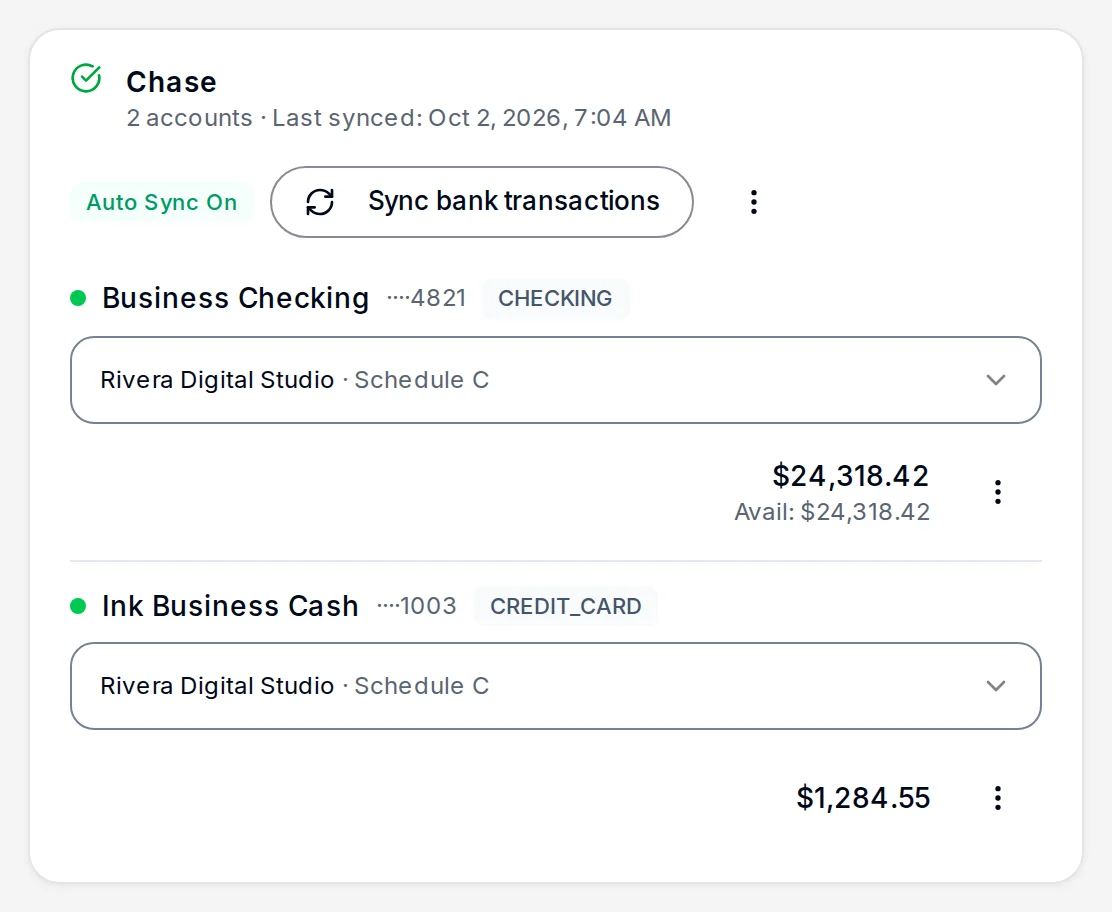
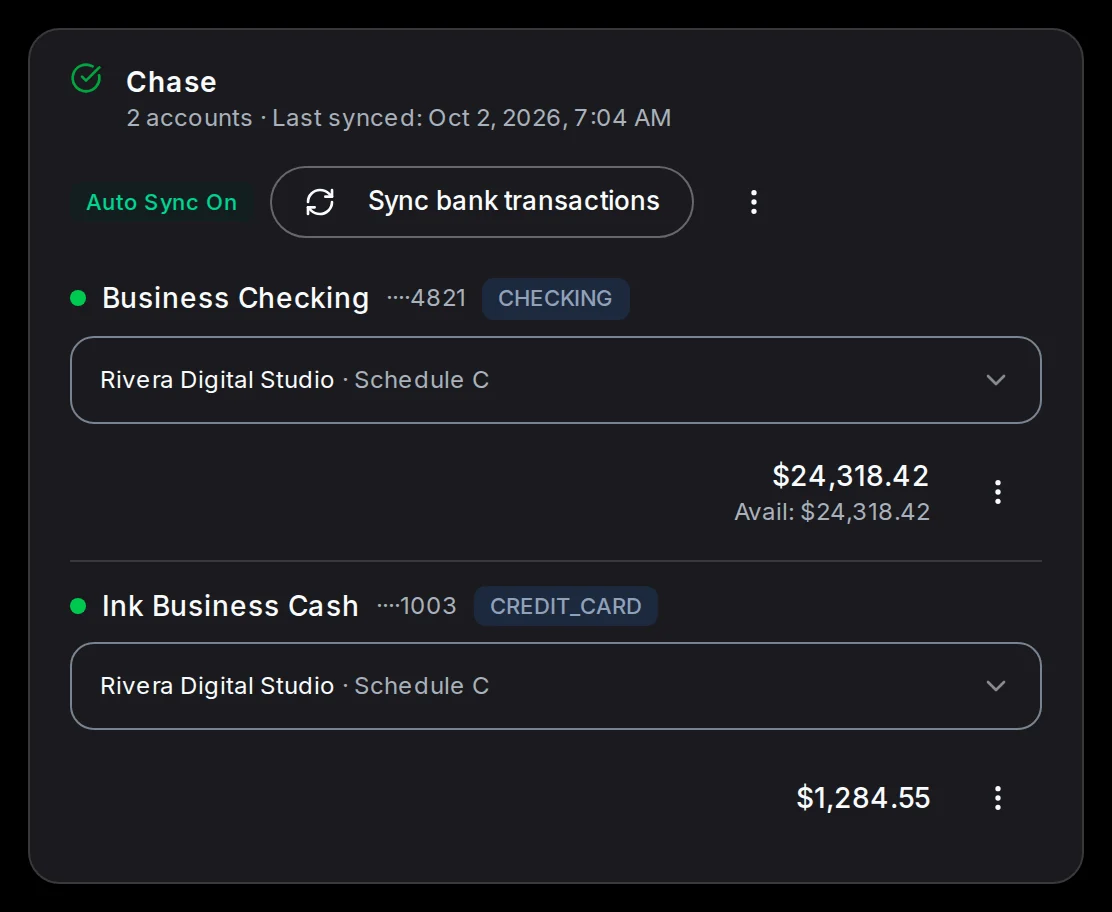
Send a magic link by email. Plaid connects in two clicks. Transactions sync automatically each month.

app.kiwibooks.ai/expert
K
Good morning, Maria

Manage your clients and access their books

Invite a client
Active Clients
12
Businesses
14
Pending Invites
2
Tax Calendar
Q1 1040-ES15d Due
All Clients14Active11Pending2
AL

Acme LLC

sarah@acmellc.co

Active
Manage
BC

Beth Carter

beth@bethsbakery.com

Pending
Manage
CH

Chen Holdings

lin@chenholdings.co

Active
Manage
DC

Dunn & Co.

mark@dunnandco.com

Trial expired
Manage
EF

Evans Farm

tom@evansfarm.us

Active
Manage
Showing 1-5 of 14 clients
Page 1 of 3

Step 02

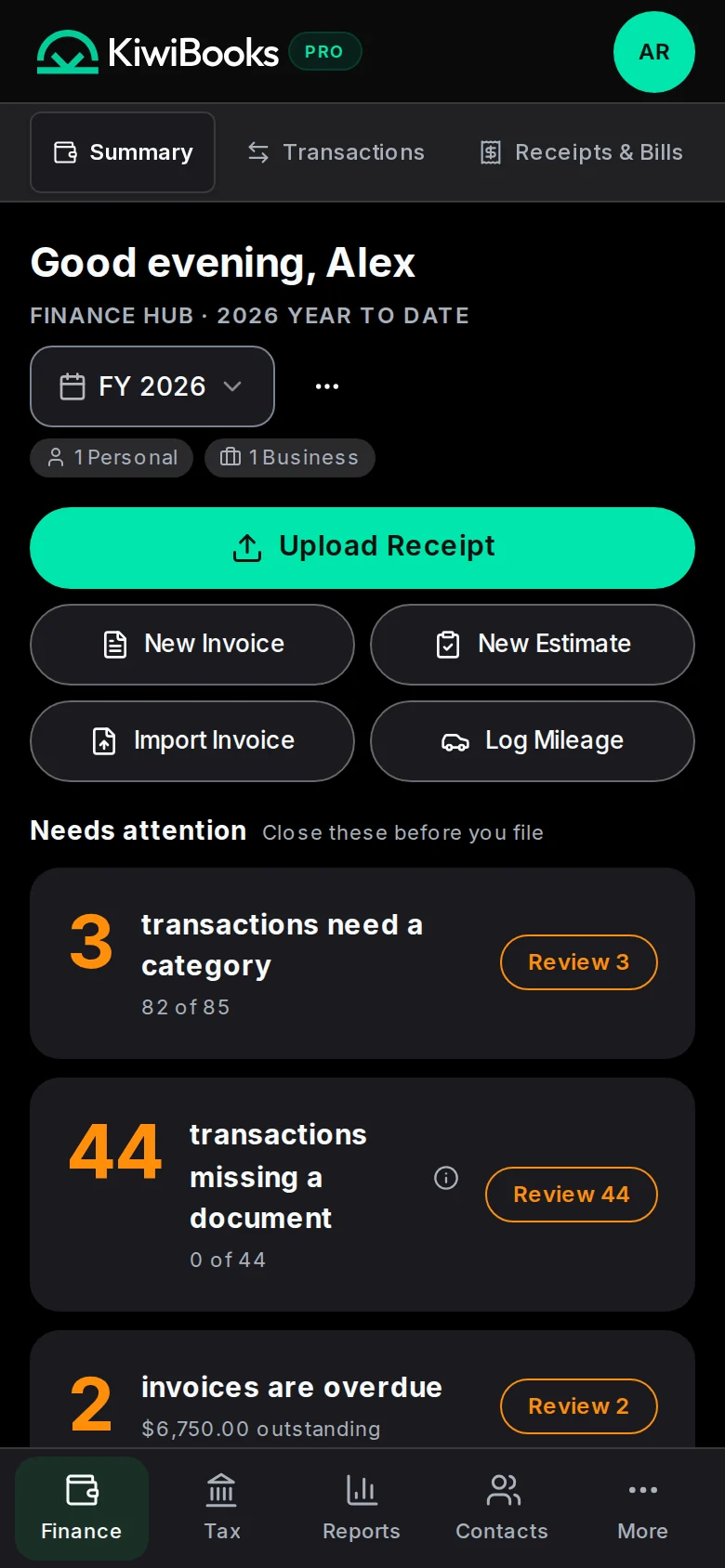
AI does the books.

Continuously

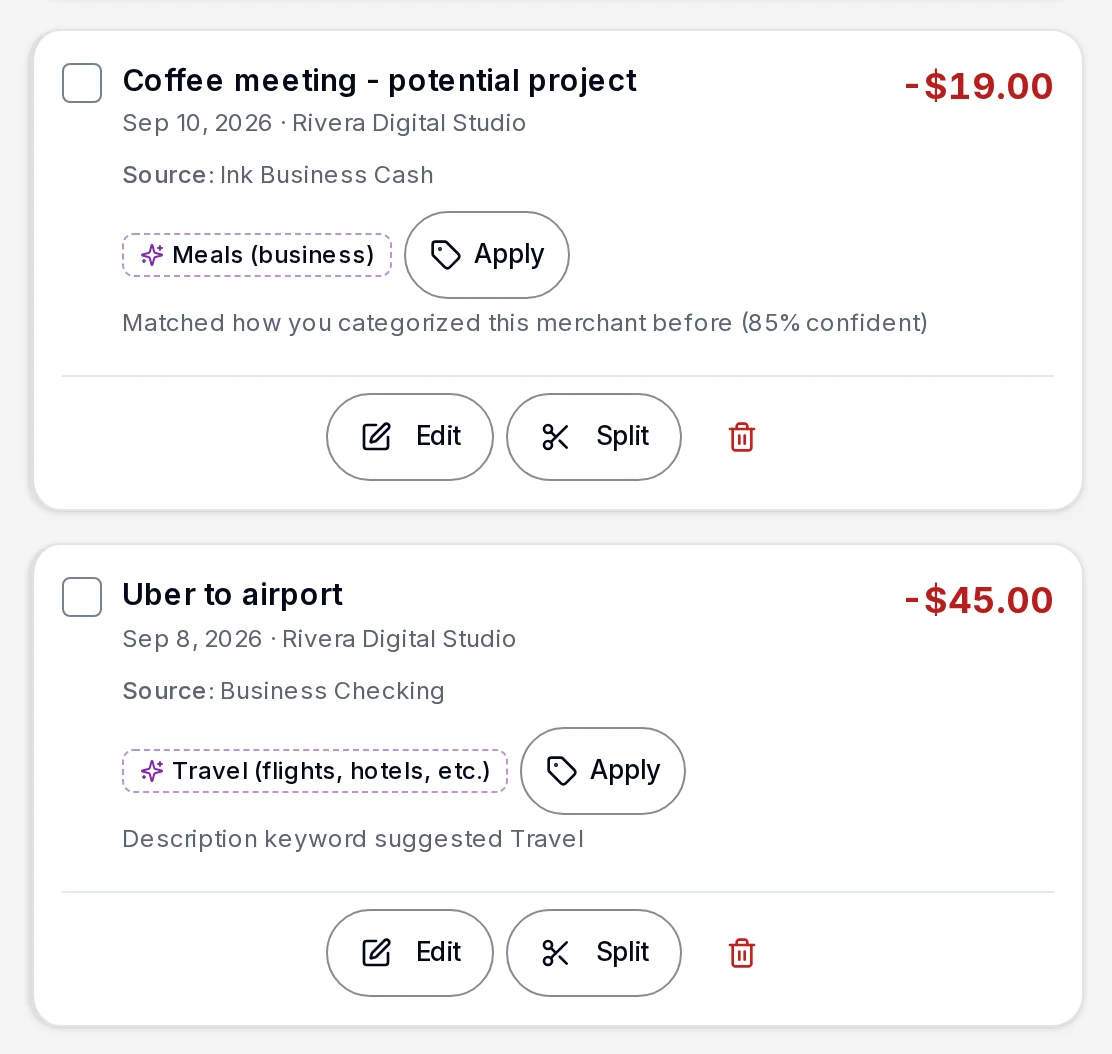
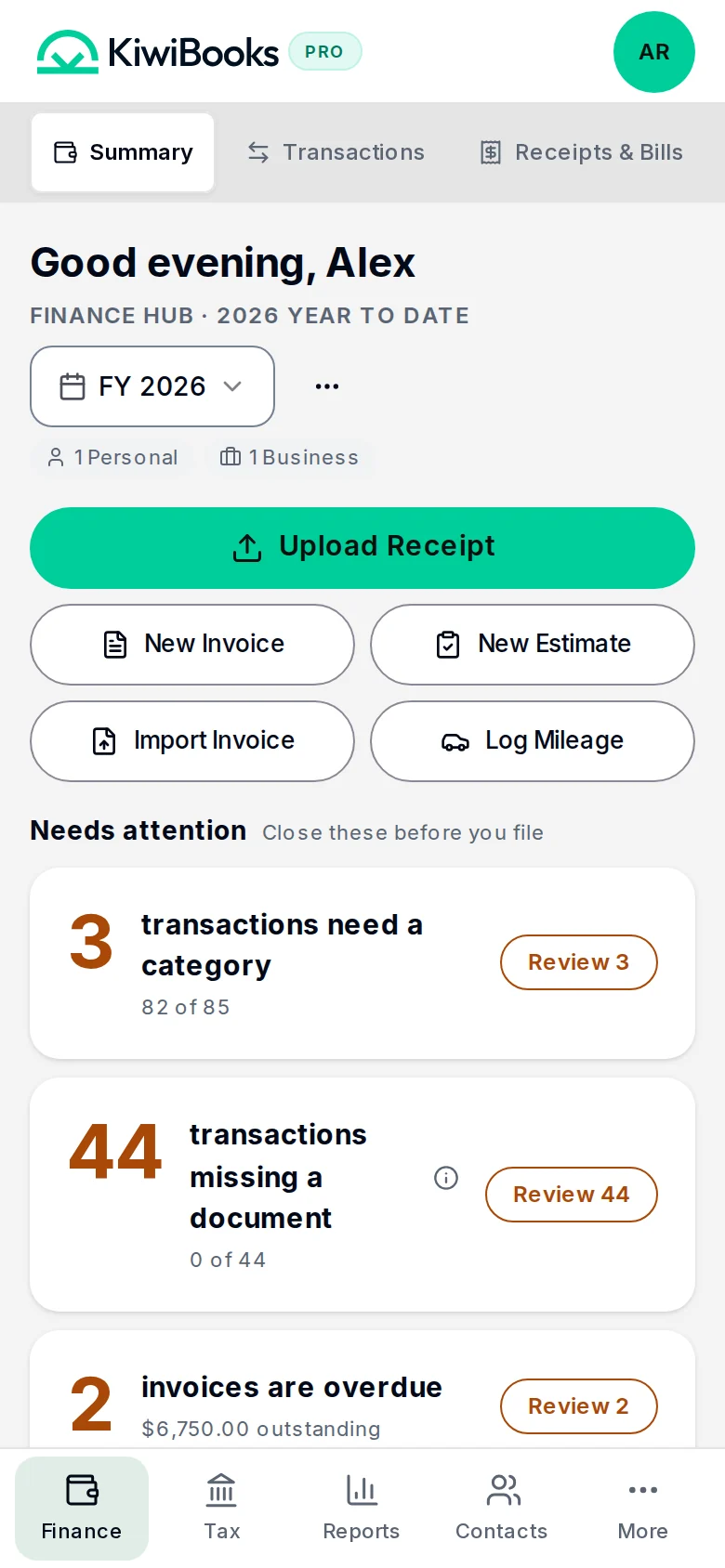
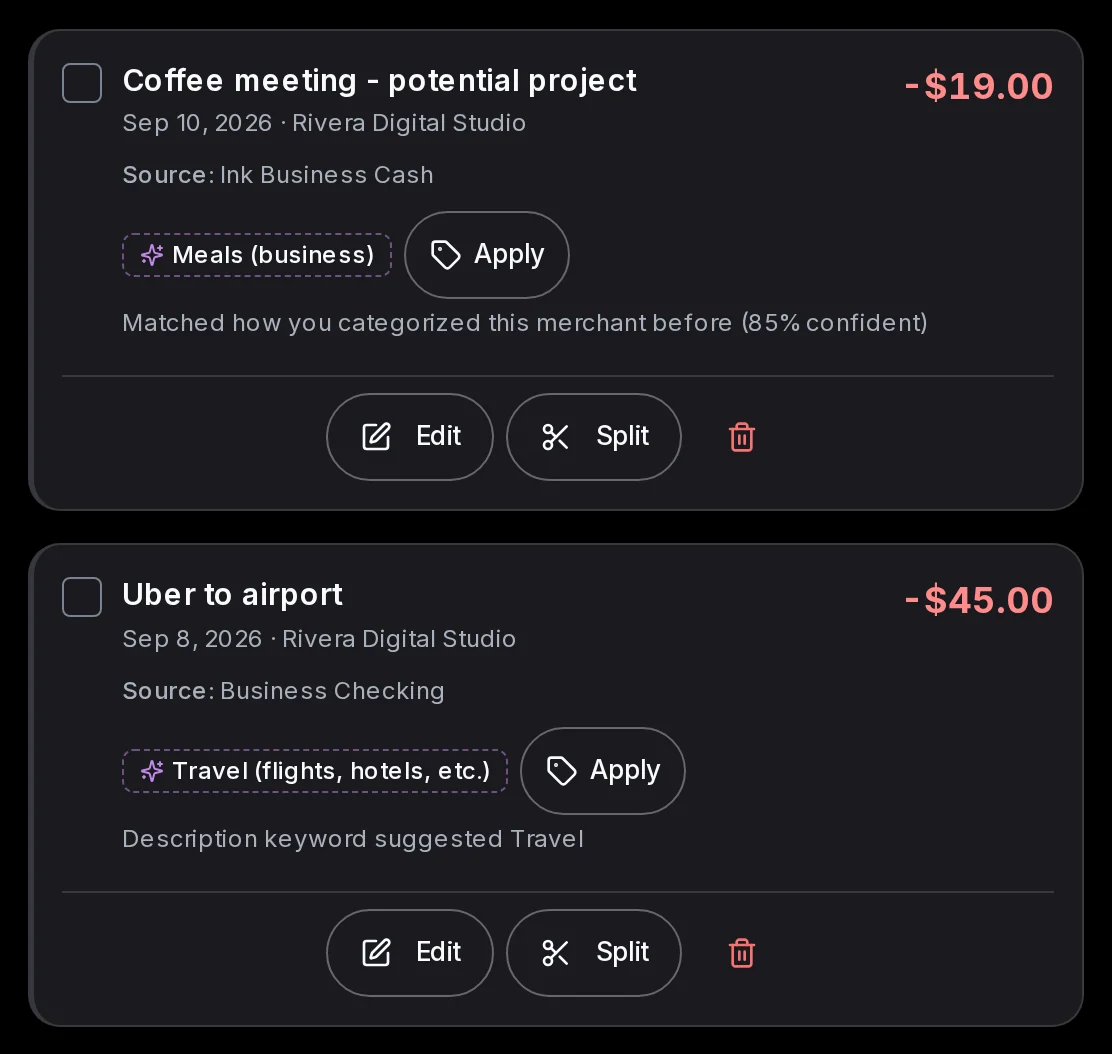
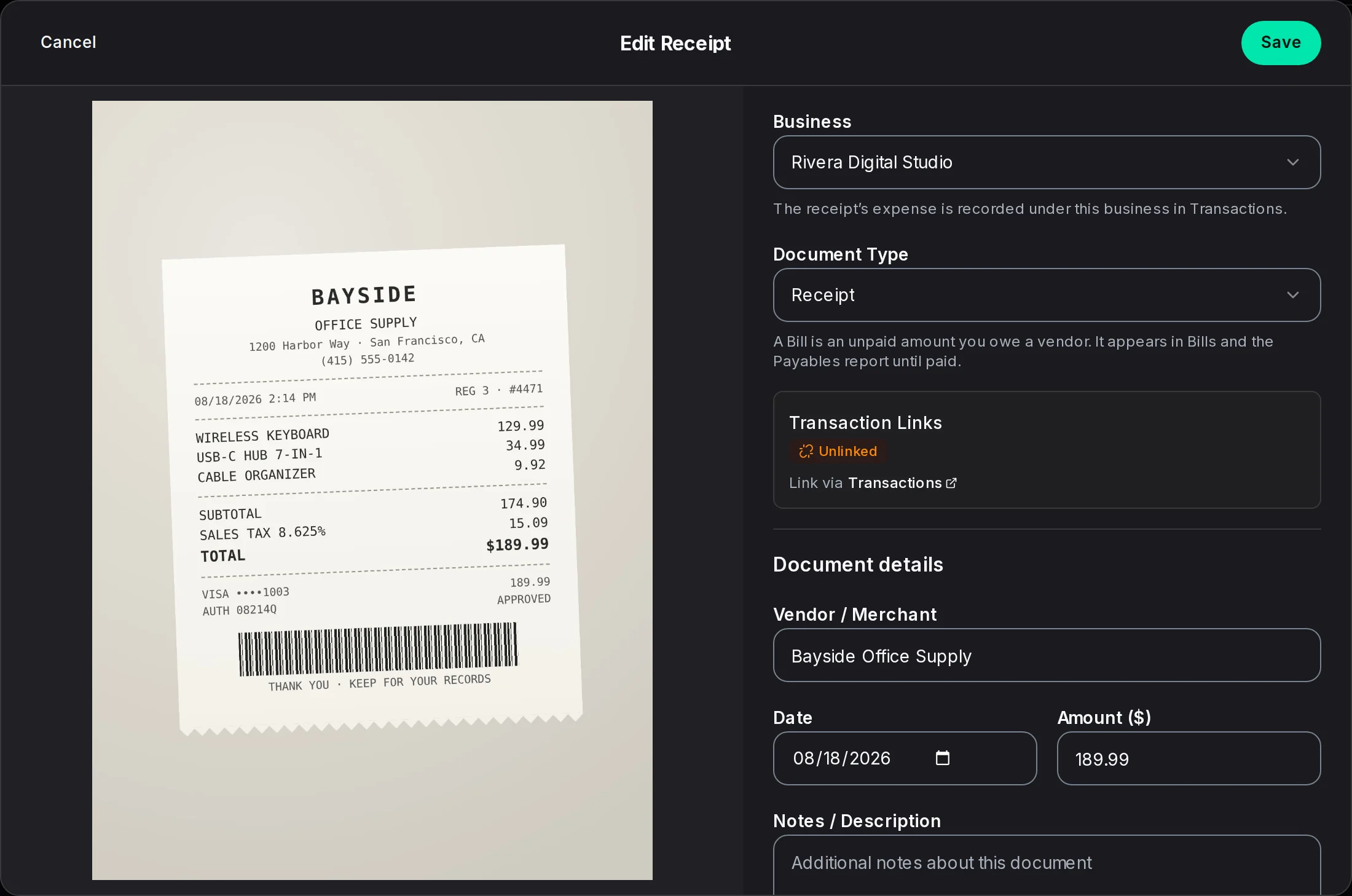
Client uploads receipts, bills, and mileage in the app. AI categorizes at 95%, maps each line to the right IRS form, calculates tax estimates and sends quarterly reminders.

S
SummaryTransactionsReceipts
Good morning, Sarah

Finance Hub · 2026 Year to Date

1 Personal

Business Health

Income
$124,580
Expenses
$42,310
Tax
$18,240
Net Income
$82,27066.0%
Net Income

You averaged $1,840 net income per week over the last 12 weeks.

Avg Net Income
$1,840 /week
JanFebMar
Upload ReceiptNew InvoiceNew EstimateImport InvoiceLog Mileage

Step 03

Lock and export.

One click

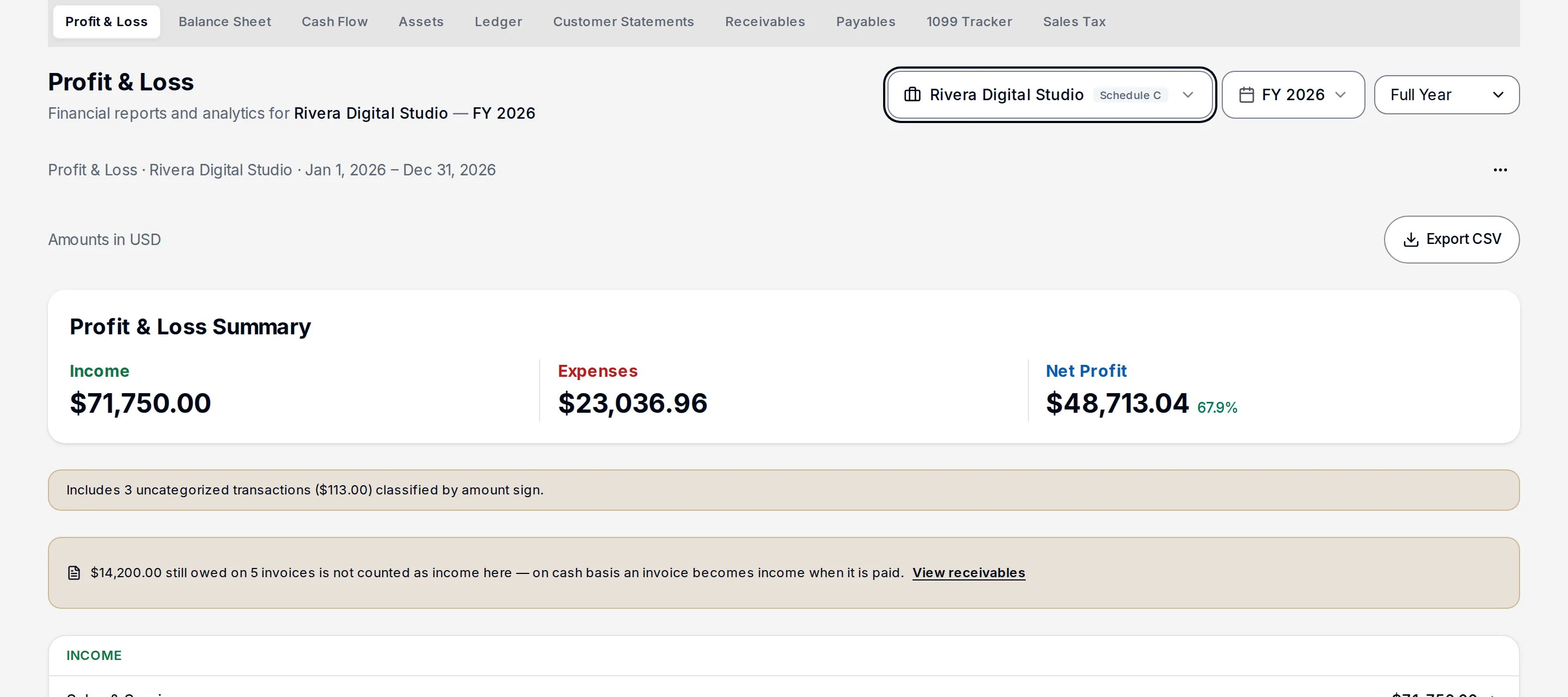
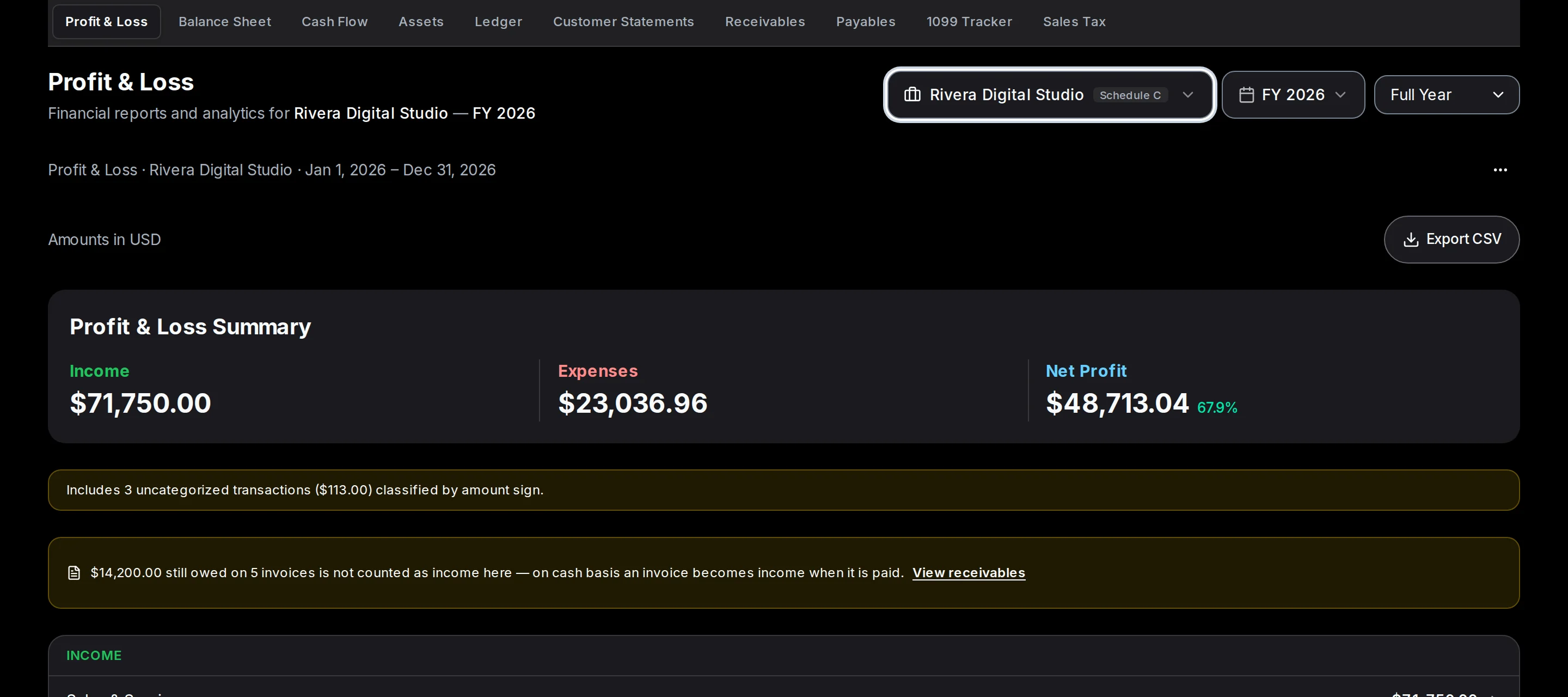
At year-end, reports and tax forms are ready to export and file. P&L, balance sheet, every supporting schedule, every IRS form, all in one xlsx. Hand it to the preparer or file it yourself.

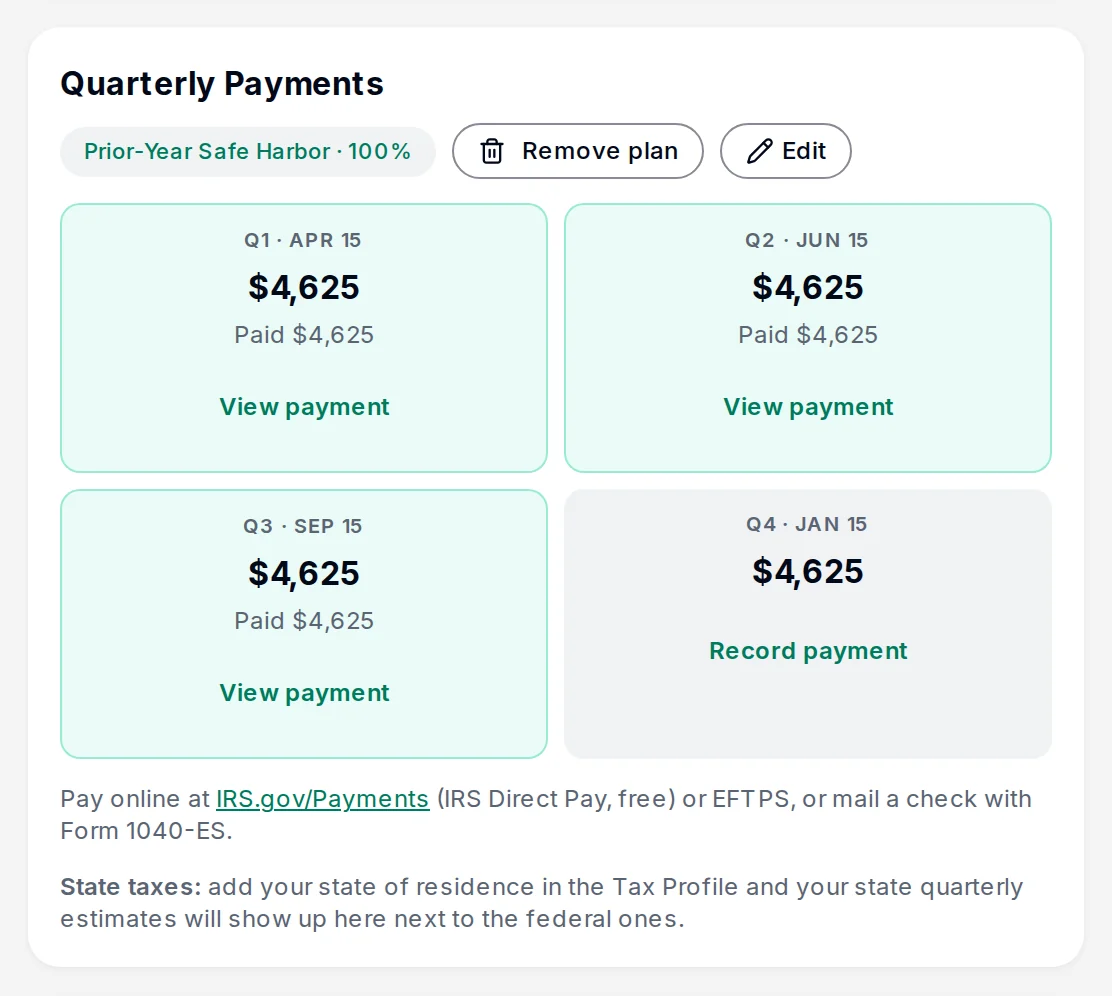
Tax Package — 2025
Ready to file

Year-end checklist complete

8 of 8 reconciliation tasks done

Schedule C Summary

Net profit $52,780 · ready for 1040

PDF

Profit & Loss Report

Income $124,580 · Expenses $42,310

PDF

Mileage Log

43 trips · 1,847 miles · $1,237 deduction

PDF

Asset Depreciation

5 assets · $18,400 total basis

PDF

1099 Vendor Summary

12 vendors · 4 require 1099

PDF

Take a closer look.

Every surface your firm and your clients touch. Pick any one to see how it works in practice.

app.kiwibooks.ai/expert
K
Good morning, Maria

Manage your clients and access their books

Invite a client
Active Clients
12
Businesses
14
Pending Invites
2
Tax Calendar
Q1 1040-ES15d Due
All Clients14Active11Pending2
AL

Acme LLC

sarah@acmellc.co

Active
Manage
BC

Beth Carter

beth@bethsbakery.com

Pending
Manage
CH

Chen Holdings

lin@chenholdings.co

Active
Manage
DC

Dunn & Co.

mark@dunnandco.com

Trial expired
Manage
EF

Evans Farm

tom@evansfarm.us

Active
Manage
Showing 1-5 of 14 clients
Page 1 of 3

CPA Admin panel.

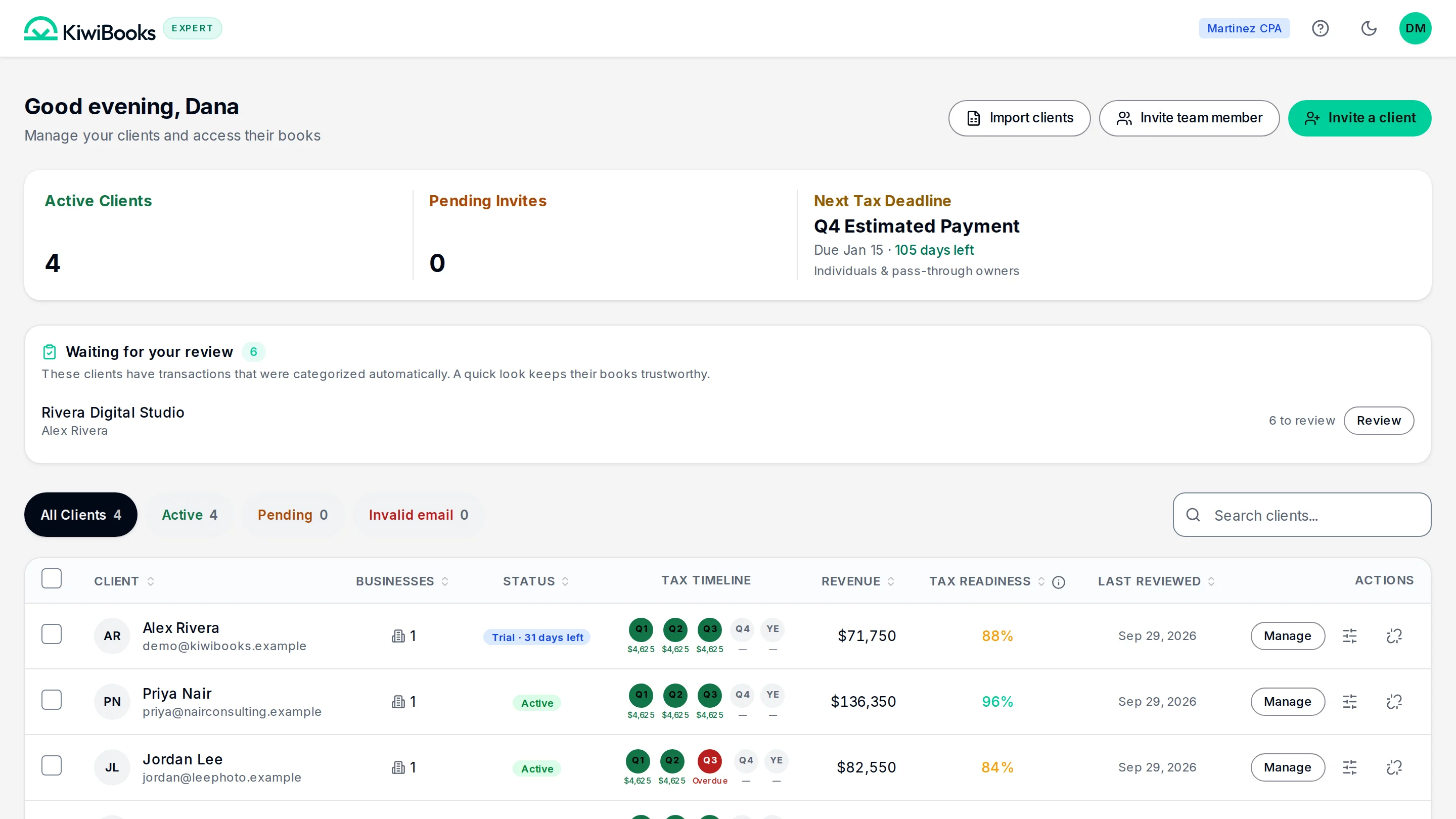
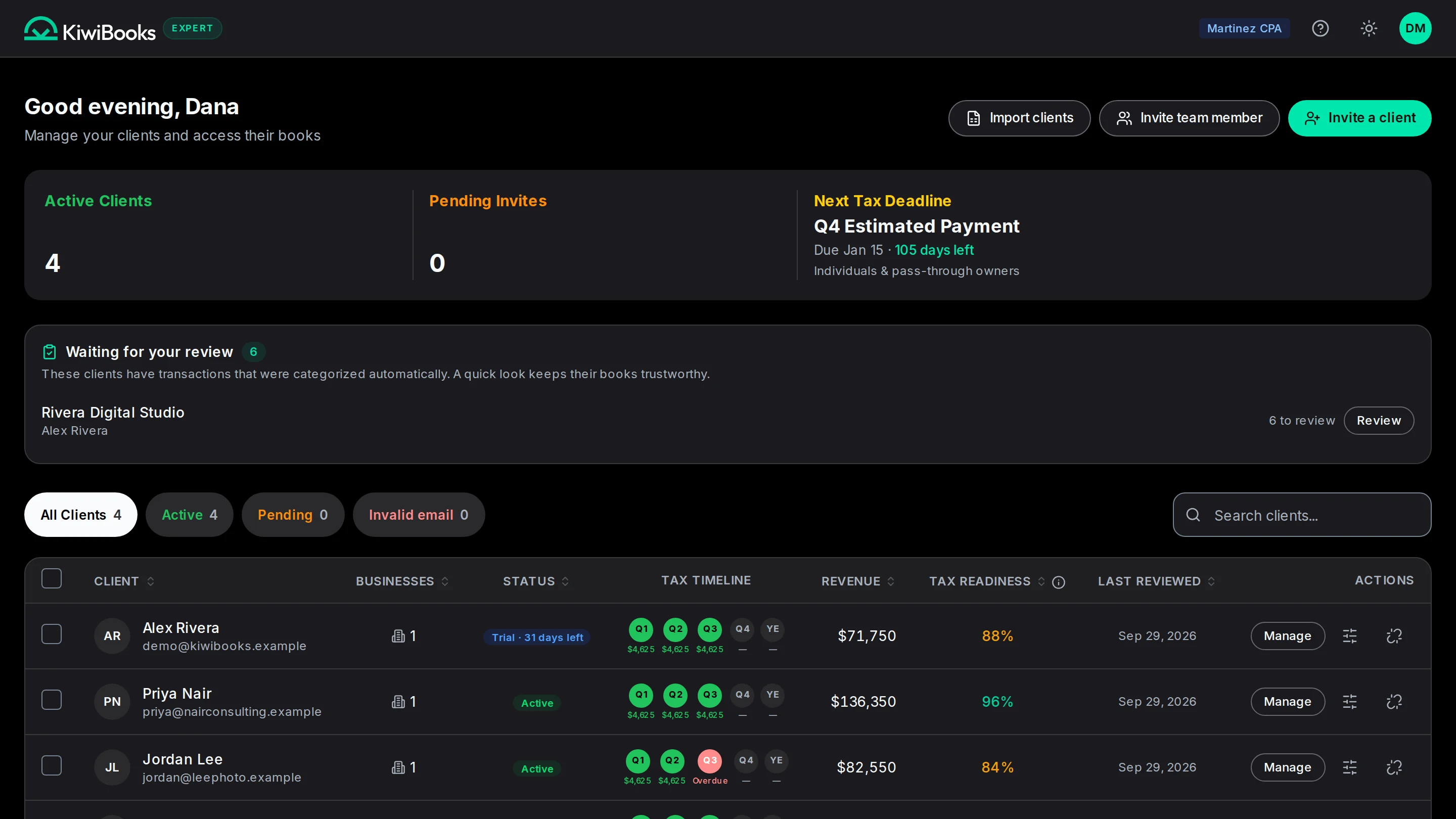
Manage every client from one console. Invite clients with one click, track which books need review, and switch between client files without changing accounts.

One price per client.
You choose who pays.

Your client gets the KiwiBooks app; you get the full Expert console. The platform's free for your firm, and the $15/client software fee is billed to your client, or to you.

For CPA firms

Accountants and Bookkeepers

$0/month

Full Expert console. Unlimited clients. No firm subscription.

  • Unlimited client access
  • Real-time collaboration
  • Multi-client dashboard
  • AI-powered categorization
  • Audit-ready records
  • Lock period
  • Deduction finder
  • Under 24h support turnaround
  • IRS-ready reports: Schedules C/E/F, 1040
  • Standard reports: P&L, Balance Sheet, Fixed Assets, Customer Statements, 1099 Tracker

Business Owners

$15/month

After 30-day free trial. No card to start.

  • Conversational AI bookkeeping
  • Securely connects to 10,000+ banks with Plaid
  • Bank reconciliation with smart auto-categorization
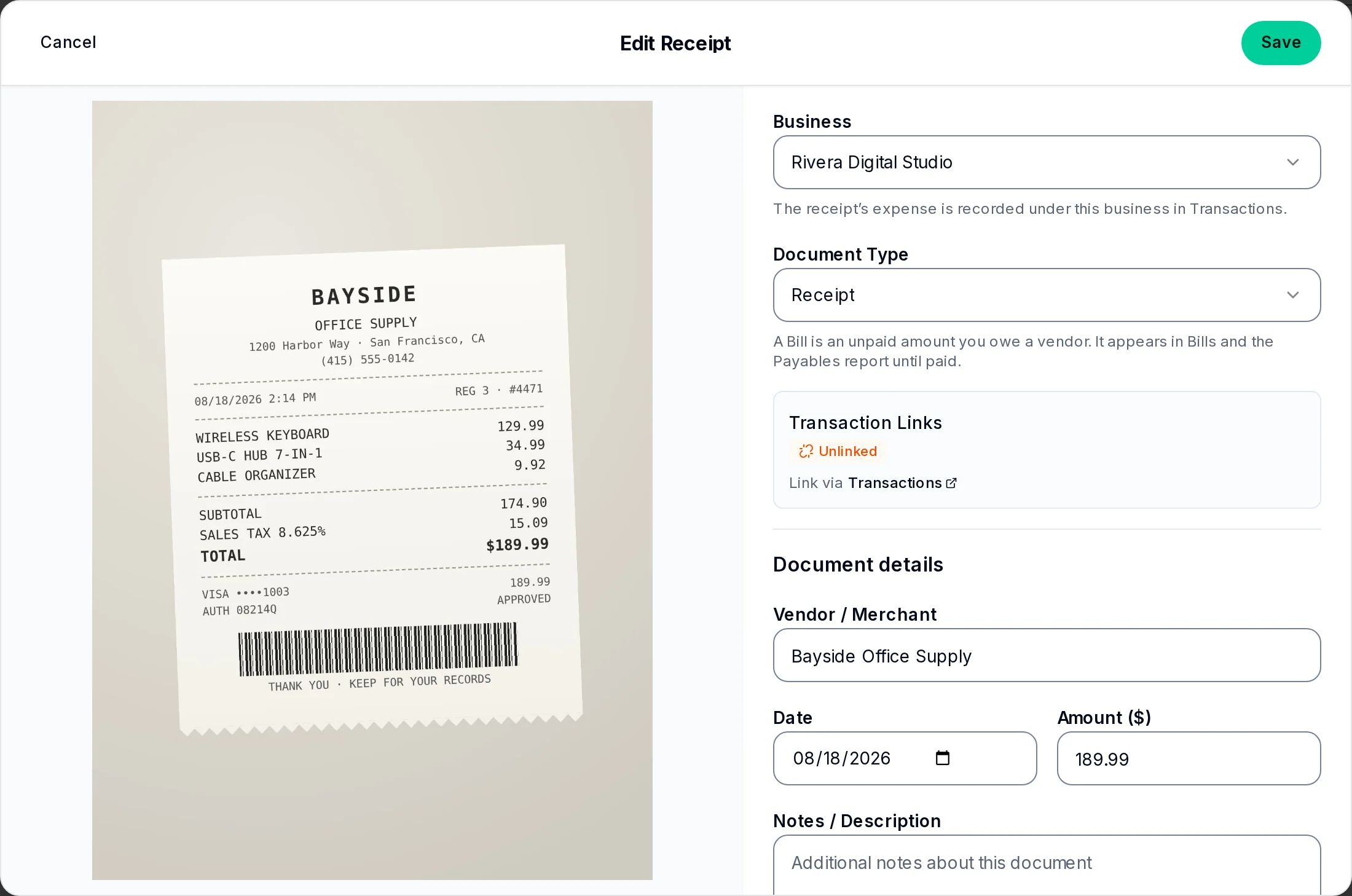
  • Receipt scanning & auto-matching
  • Professional invoicing & estimates
  • Mileage tracking
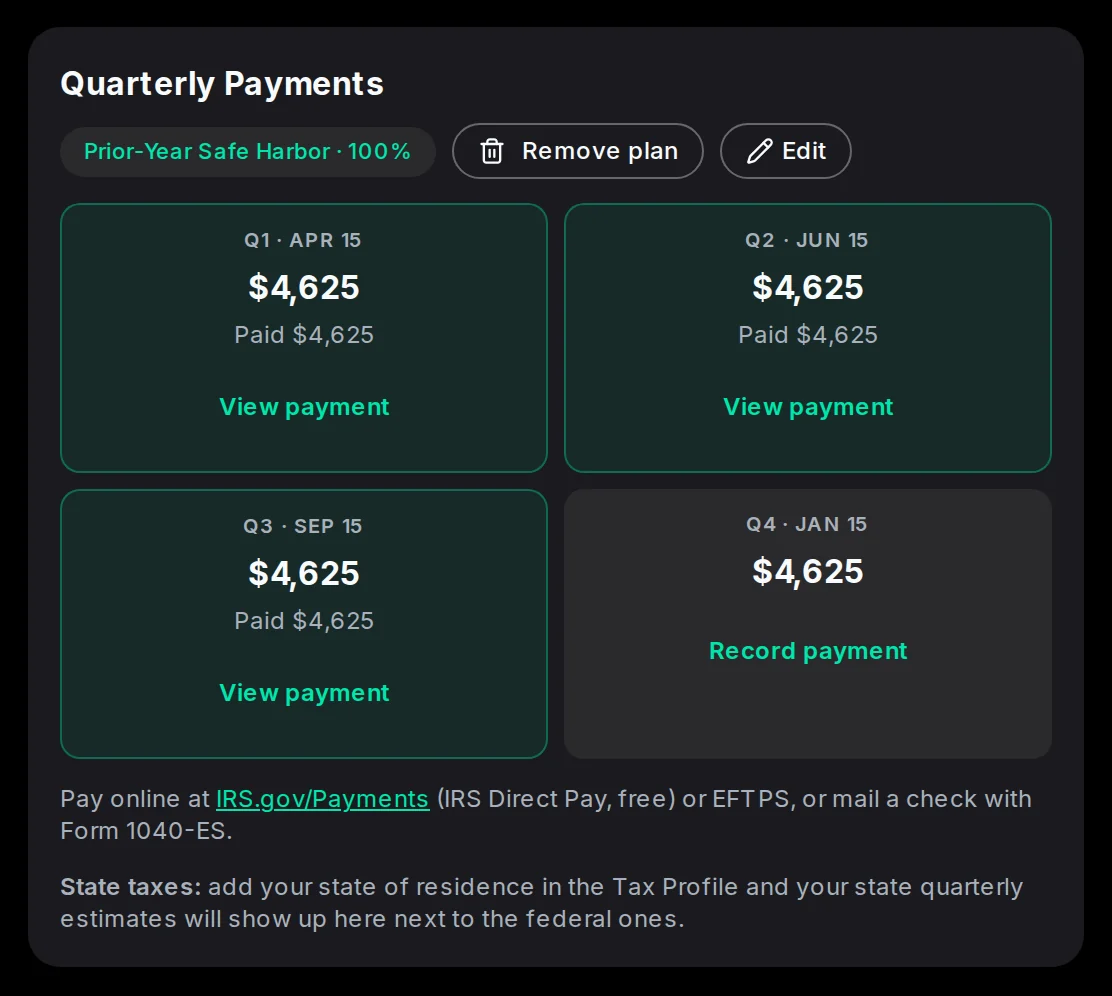
  • Annual and quarterly tax estimates
  • Tax-ready reports
  • Up to 6 business entities
  • Unlimited transactions
  • Unlimited CPA access
Try 30 days free, no card needed

Per client, you choose: bill the $15/month to your client (direct via Stripe), or to your firm. Switch anytime.

The KiwiBooks difference.

Your firm’s current setup vs. what changes when every client is on KiwiBooks.

Software cost per client

$50-200/mo (QuickBooks Online + add-ons + integrations)
$15/mo flat. Bill it to your client, or absorb it into your retainer.

Cost for the CPA to use

$30-100/mo per seat, charged to your firm
$0 for the firm. Unlimited clients. One login.

Support response

3-5 day ticket queue, business hours, no live chat
Under 24h response. In-product AI chat for instant answers. Searchable FAQ.

AI categorization

Manual or 60-70% accuracy, retraining required
95% confidence, mapped directly to IRS form lines

Entity coverage

Schedule C / E only on lower tiers, extras gated
Sch C/E/F + Form 1065/1120/1120-S + 1040 consolidator

Period lock + audit log

Paid add-on, or missing entirely
Built in. Included. Real lock, not a soft warning.

Entity coverage

Schedule CSole prop / freelanceSchedule ERentalSchedule FFarmForm 1065PartnershipForm 1120C-CorpForm 1120-SS-CorpForm 1040Personal consolidator
Start my free trial

Built on the infrastructure you’d pick yourself.

Bank data, billing, and hosting through the platforms a CPA already trusts.

Plaid

Bank linking, 10,000+ institutions

Stripe

Client billing handled end-to-end

AWS

Hosted on AWS, region-isolated

Encrypted at rest

Bank tokens never leave KMS

Audit log

Every change tracked, lockable periods

Questions, answered.

Everything you need to know about KiwiBooks for CPAs and the small businesses they serve.

Your choice, per client. The platform is free for accountants and bookkeepers, with no seat fees or firm subscription. The $15/month software fee can go straight to your client via Stripe (you never touch it), or onto your firm's card so you can fold it into your retainer. You set it when you invite each client, and you can change it later.
A mobile-first Simple view: Income, Expenses, Trips. They upload receipts, the AI categorizes them, and bank-synced transactions appear in clean rows. They never see a Chart of Accounts, journal entries, or anything the average business owner shouldn't touch. You see the full Expert console with everything.
Yes. Bank history syncs through Plaid for the past two years on most institutions. You can also CSV-import historical transactions and the AI will categorize them in bulk against the entity-appropriate Chart of Accounts.
Bank linking goes through Plaid. We never see or store credentials. Plaid access tokens are encrypted in AWS KMS. The app runs on AWS with region-isolated infrastructure. Every write is captured in an audit log; periods can be locked once reviewed.
Schedule C (sole prop / freelance), Schedule E (rental), Schedule F (farm), Form 1065 (partnership), Form 1120 (C-Corp), Form 1120-S (S-Corp), and Form 1040 personal consolidator. The Chart of Accounts is seeded per entity type and categories map directly to form lines.
Stripe charges the client $15/month automatically. If billing fails, the client gets a soft paywall on writes (read still works) and you see a yellow flag on their row in the Expert dashboard, so you can nudge them or pay on their behalf.
Yes. The Expert console has a real period lock that hard-stops writes before the lock date, not just a soft warning. Combined with the audit log, you can be confident the books didn't change after your review.
However you want. KiwiBooks only ever charges the $15/month software fee. Bill it to your client, or absorb it and fold it into your retainer so the client sees one number. Your accounting services are always billed by you, through your own methods, at whatever you price them.

See it on a call.
Or start free.

A 15-minute demo walks the CPA console, the client experience, and the tax export. Or set up your firm in two minutes and explore on your own.

Start free for your firm

Questions? Send us a message.

Not a CPA?

KiwiBooks works for bookkeepers and business owners too.

Run a bookkeeping practice? AI does the first pass, you review and approve. Run a business? AI keeps your books tax-ready for $15/month after a 30-day free trial, no card to start.