Accountants and bookkeepers
$0/month for your firm
- Unlimited clients on one login
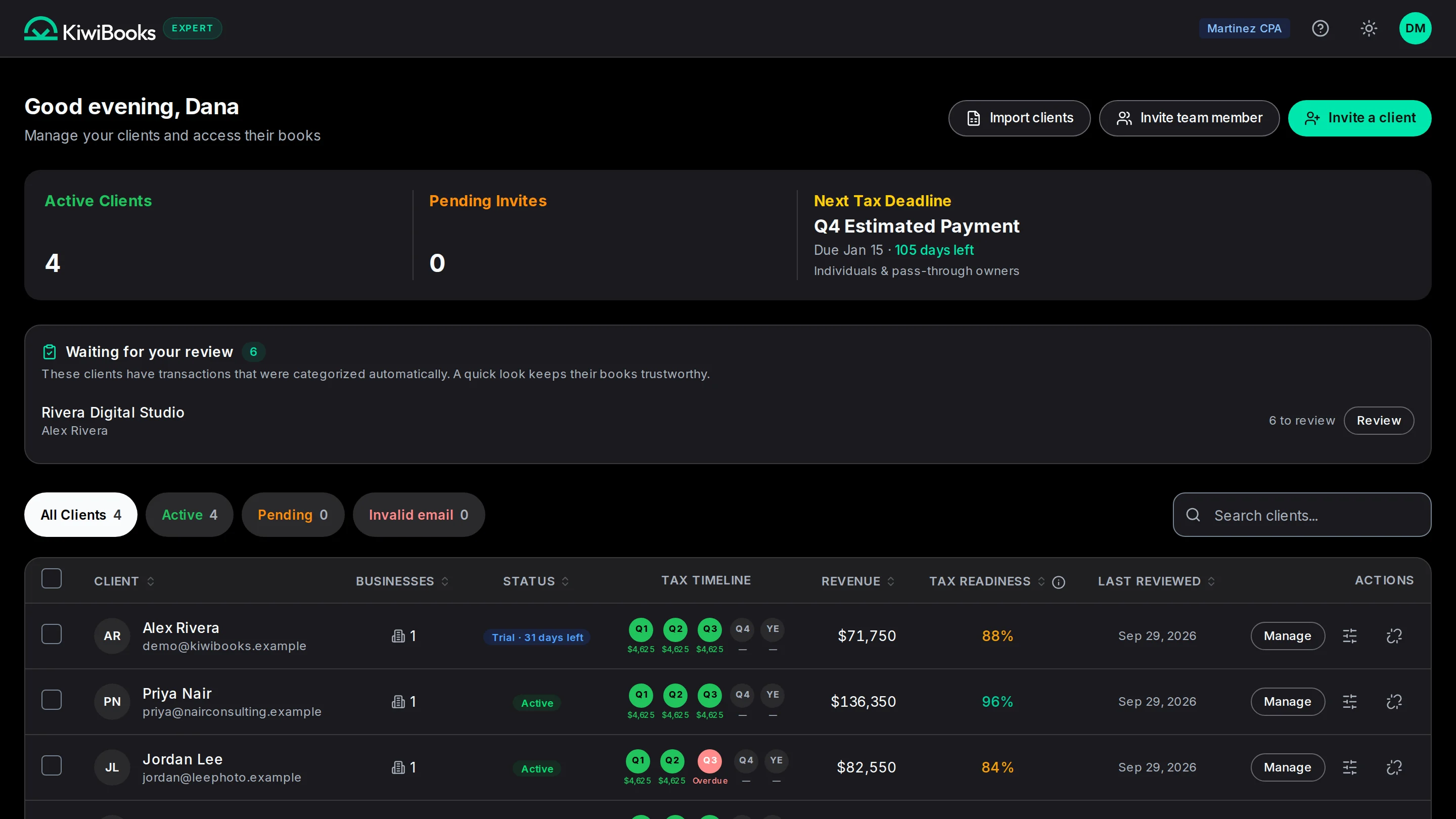
- The full Expert console: ledger, reports and lockable periods
- No seat fees and no firm subscription
- Per client, bill Pro to the client through Stripe or to your firm

Manage every client in one place. Pro syncs their banks and suggests categories.
Your hours go to the judgment calls.
Bring each client in with one email.
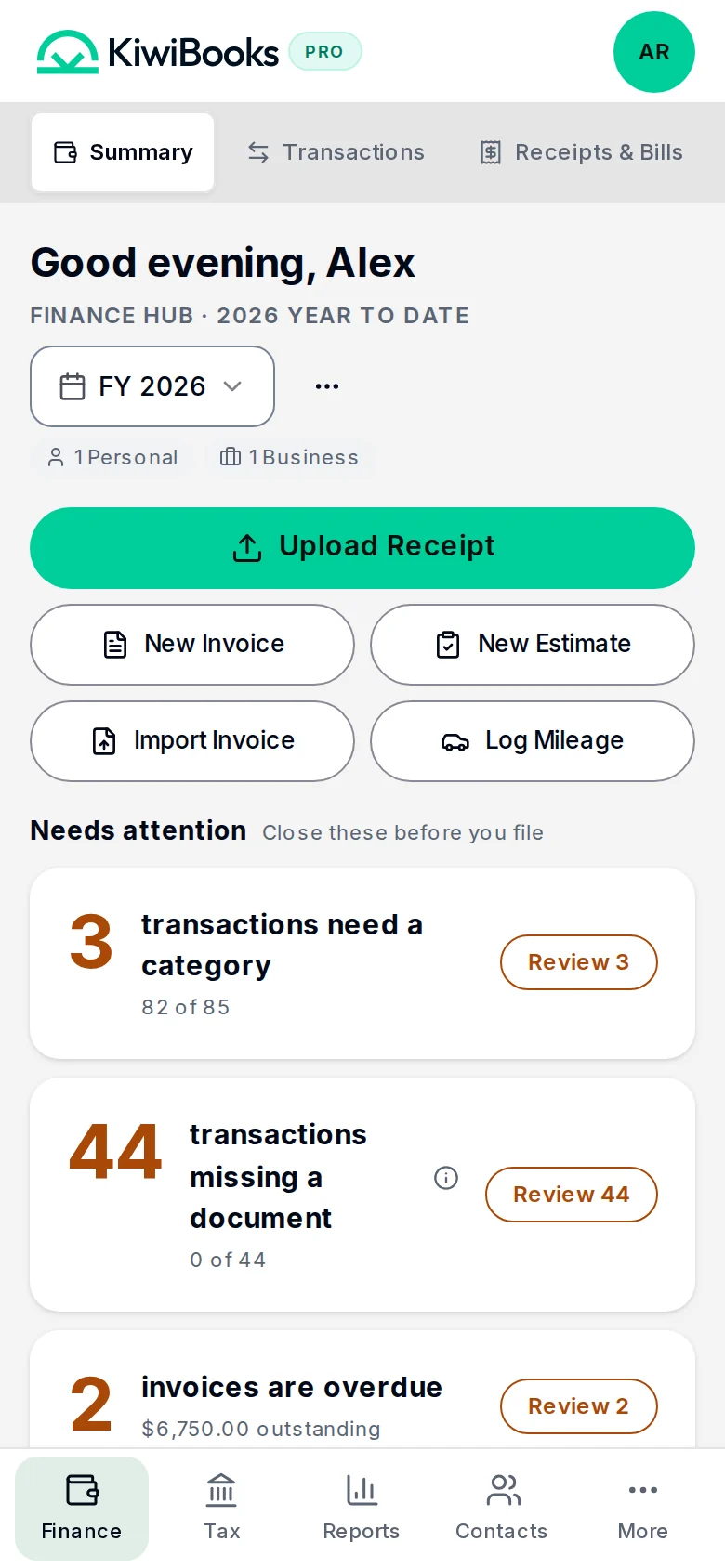
On Pro, transactions arrive categorized and mapped to their tax lines.
Work the review queue, then lock the period.
Bill each client’s Pro to them, or fold it into your fee.
$0/month for your firm
Everyday bookkeeping, with manual entry and imports.
Free plan, $0
No billing cycle. Free stays free.
No card, no time limit.
What you get
Bank sync and automatic categorization to speed up your review.
$15/month
$15/mo, or $120/yr ($10/mo, Save 33%). Renews automatically; cancel anytime in Settings. Try free for 7 days, no card.
No card. Trial ends on Free unless you subscribe.
Everything in Free, plus
* Fair use limits apply. See Terms.
No. Firms use the Expert console free across every client, with no seat fees. When a client wants Pro, the fee is billed to the client or to the firm, whichever you set per client.
Currently, KiwiBooks supports CSV import for transactions and contacts. You can upload your exported CSV files from other software through the Finance Hub → Transactions page using the import button.
The lock period lets you prevent changes to transactions in prior tax years. Once locked, no one can edit, add, or delete transactions in that period. This protects your filed tax records from accidental modifications.
Yes. Go to Settings → Audit Log to see a chronological record of all actions taken in your account, including who made changes and when. This is useful for accountability and for working with advisors.
A 15-minute demo, or your practice set up in two minutes.