
You make the content. Kiwi handles the money.
Brand deals, ad revenue, affiliate payouts, subscriptions. KiwiBooks organizes every income stream, tracks deductible expenses, and keeps your taxes current all year.
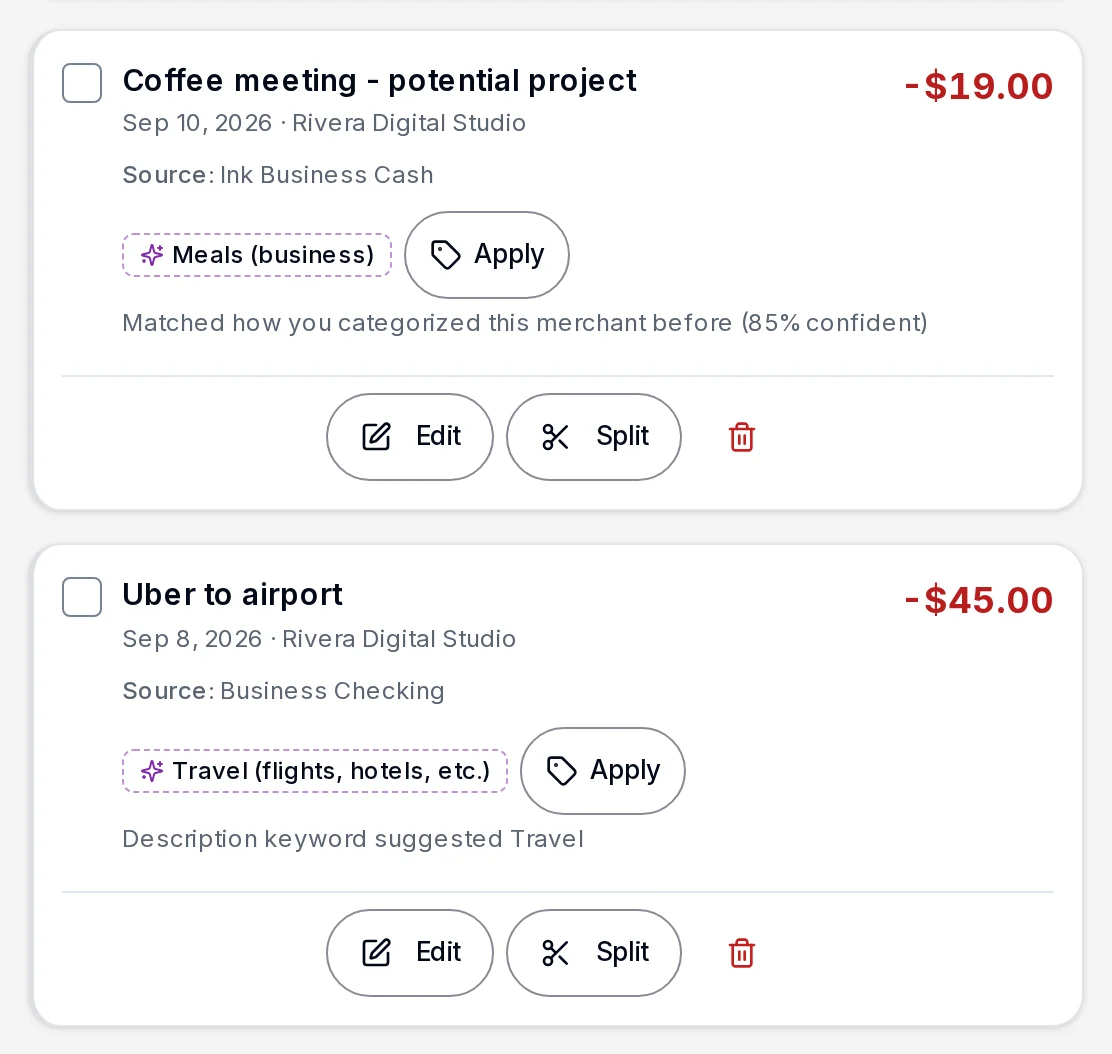
Built for every way creators earn.
- Brand deal and sponsorship payments
- Ad revenue (YouTube, podcasts, etc.)
- Affiliate commissions
- Production gear and software
- Travel for content and brand activations
Reports to IRS Schedule C.
Content creator questions.
What can content creators deduct on their taxes?
Content creators can deduct cameras, microphones, lighting, editing software, subscriptions, a home office or studio, internet and phone (business portion), travel to brand events, props and production supplies, and any gear purchased for content. KiwiBooks tracks and categorizes all of these automatically as you spend.
Do YouTubers and creators have to pay quarterly taxes?
Yes. If your creator income is your primary source of revenue and you expect to owe more than $1,000 at tax time, the IRS requires quarterly estimated payments. Most creators get caught off guard the first time. KiwiBooks calculates what you owe each quarter and lays out every due date.
How do I track income from multiple platforms for taxes?
Connect your bank and payment accounts to KiwiBooks and Kiwi automatically categorizes income from every platform, including AdSense deposits, Stripe payouts, PayPal transfers, and brand deal wire payments, and maps each one to your Schedule C. No spreadsheet juggling required.
Is content creation equipment tax deductible?
Yes. Any equipment you buy primarily for content creation, including cameras, lenses, tripods, lighting, microphones, hard drives, and computers, qualifies as a business expense. Section 179 even lets you deduct the full cost in the year of purchase rather than depreciating it over time. In KiwiBooks you record the purchase as an asset and choose Section 179 as its method.
Keep creating. Kiwi handles the business side.
Free plan, no card required. Try Pro free for 7 days if you want it.