
Your Books, Now in Chat: Connect Claude Code, Codex or Grok to KiwiBooks
Ask a question, get it done. Connect Claude Code, Codex or Grok through MCP, then file receipts, chase unpaid invoices and check your spending just by asking.
Ask a question, get it done. Connect Claude Code, Codex or Grok through MCP, then file receipts, chase unpaid invoices and check your spending just by asking.
Your books, in a chat
Ask your assistant what you'd ask a bookkeeper. It does the work in KiwiBooks:
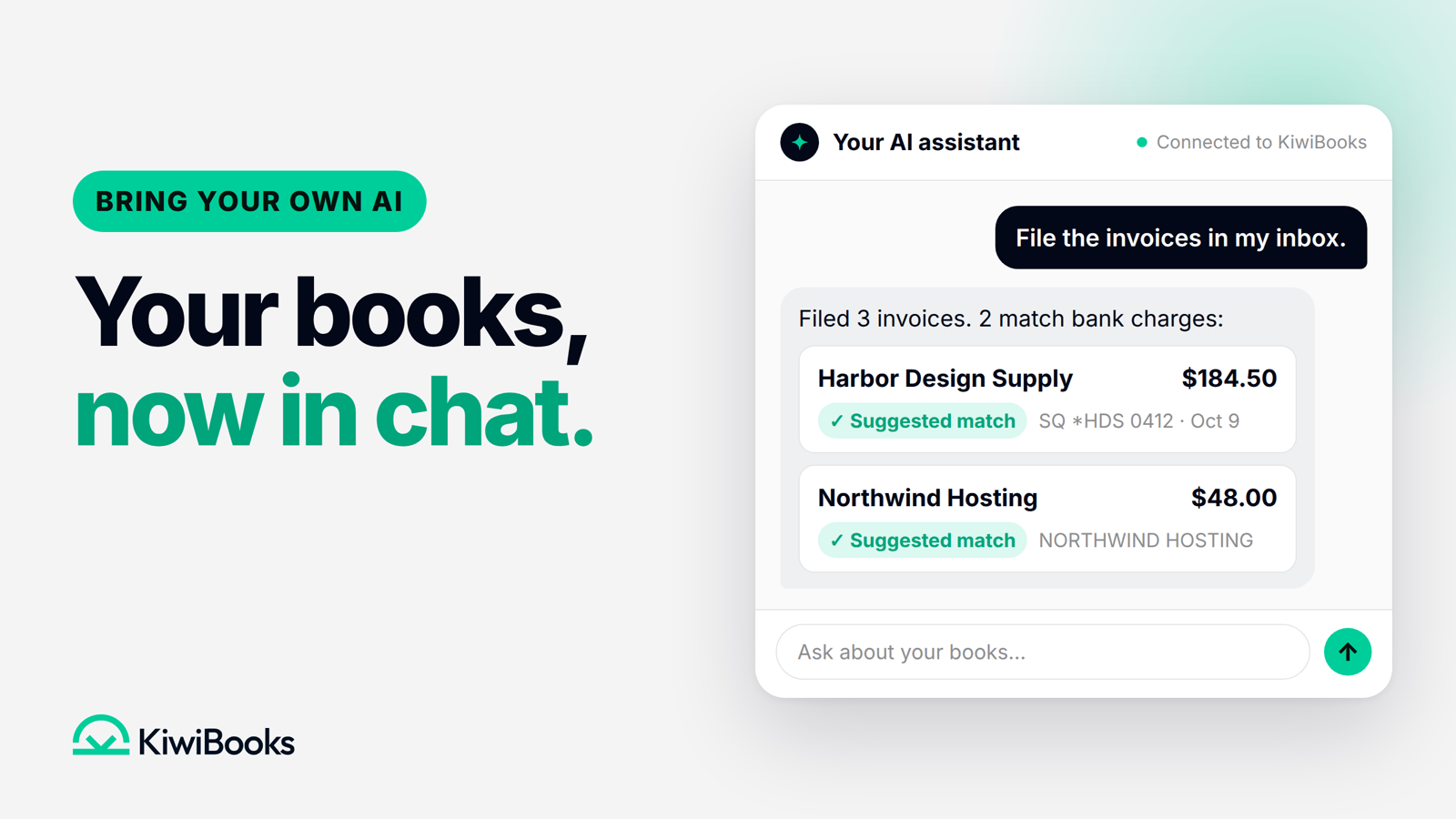
- Clear your inbox of paperwork. "File the invoices in my inbox." If your assistant can read your email, it finds the invoices and receipts there and files them in KiwiBooks, with suggested matches to their bank charges.
- Close the month faster. "Categorize last month's transactions." KiwiBooks offers automatic categorization that learns from your edits, plus suggested matches. Your assistant can work through them and check with you when something needs a decision.
- Know where your money goes. "What did I spend on software this quarter?" It looks up the answer in your KiwiBooks data.
- Get paid sooner. "Which invoices are still unpaid?" It looks up who owes you, sends an invoice and records a payment when it arrives.
Your assistant can handle much of your day-to-day work, from filing a receipt to running a report. It's the same KiwiBooks underneath: everything your assistant does is a normal transaction, receipt or invoice you can see and change in the app. Changes in the app are recorded in an audit log.
For accountants: every client, one conversation
Accountants connect their firm's assistant once and work across every client who has invited them. Ask "Which clients have uncategorized transactions this year?", then have it work through them one client at a time, in each client's own books and on each client's plan.
Connect in a minute
Go to Settings → AI agent access and connect Claude Code, Codex or Grok through MCP.
You stay in control:
- Choose its access. Read only, or read and write. Revoke it at any time.
Also new
- Less receipt chasing. Receipt scanning with suggested matches to your bank or card charges, and an unmatched receipt tells you why.
- Revenue booked right. Record payment links the bank deposit that paid an invoice, and books the revenue and sales tax where they belong.
- Sales tax, sliced your way. The Sales Tax report reads each invoice's address and filters by state and city, with a CSV export. Not tax advice.
- Books on your calendar. Set your business's fiscal year in Business settings, and lock a period once it's closed.
- Keep going after your trial. Accountant-invited clients can continue on Free when their trial ends and keep using the businesses they already have.
- Sharper numbers. Fixes to QBI, NOL and self-employment tax figures, the cash-flow report and customer statements. Not tax advice. Track fixed assets in KiwiBooks.
- And more: refunds that reduce the original expense, adding accounts to a bank you've already connected, editable invoice numbers, a quicker category picker, a landlord business type, and a transaction editor that keeps every attached receipt and invoice.
Try it today: open Settings → AI agent access, connect Claude Code, Codex or Grok through MCP, and ask, "What needs my attention today?" Questions or ideas? support@kiwibooks.ai.
Common questions.
Which AI assistants work with KiwiBooks?
Connect Claude Code, Codex or Grok through MCP. Connect it in Settings → AI agent access.
Does KiwiBooks read my email?
No. If your assistant can read your email, it can find the invoices and receipts there and file them in KiwiBooks for you. KiwiBooks doesn't connect to your inbox; it receives the documents your assistant sends.
What can my assistant do?
With read access it can search your books. With read-and-write access it can also take actions, like categorizing transactions, filing receipts and sending invoices.
Can I limit what my assistant can do?
Yes. When you connect it, choose Read only or Read and write, and revoke its access at any time in Settings → AI agent access.