
What's New in KiwiBooks: The Expert Network Goes Live
A quick look at what's new: public profiles for CPAs and bookkeepers, a cleaner onboarding checklist, smarter Chart of Accounts and tax exports, and reliability improvements.
KiwiBooks Team
Here's what's new in KiwiBooks.
The Expert Network
CPAs and bookkeepers on KiwiBooks now get a public profile and a directory where clients can find them.
- Your profile lives at kiwibooks.ai/experts/your-name with your photo, practice logo, specialties, industries, location, and how to reach you (email, phone, a Share button, and your own links).
- Clients can browse everyone in the /experts directory.
- Keep a personal photo and a practice logo. The logo sits in your profile header and fits any shape, square or wide.
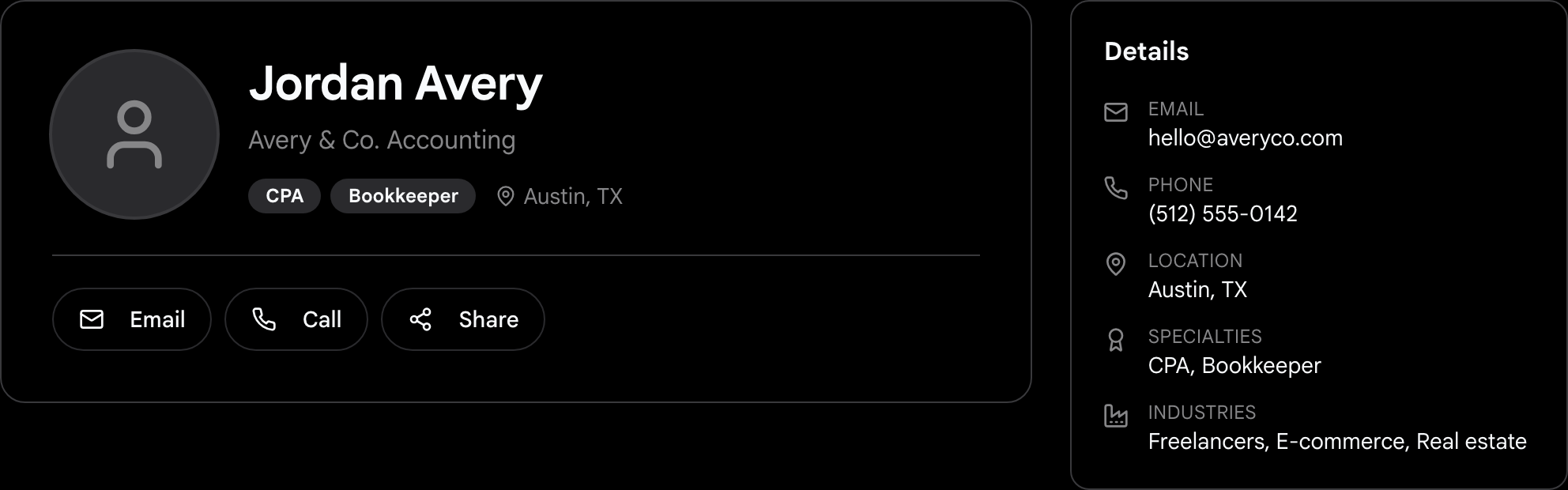
- Submit your profile for review; once it's approved it goes live. If something needs a change, you'll see exactly what to fix and can resubmit.
- The editor opens pre-filled, checks your custom link is available before you save, and always shows your status: draft, pending, published, or changes requested.
For CPA practices
- Open your own practice in KiwiBooks, your firm's books, kept separate from your clients, on Free or an optional 7-day Pro trial.
- It opens in the full (advanced) view from the start.
Onboarding & everyday workflow
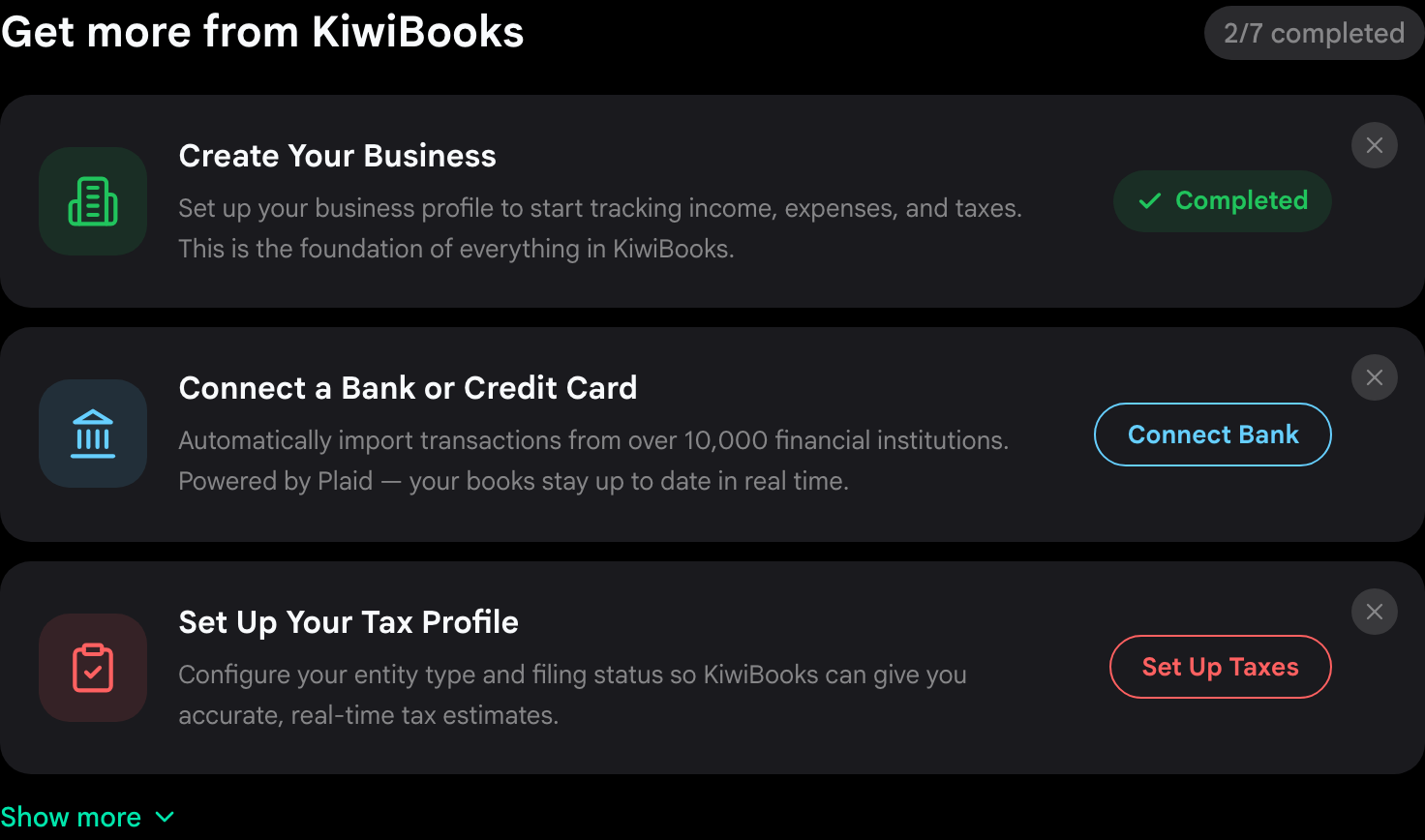
- The "Get more from KiwiBooks" checklist now shows your top steps with a progress counter and a "Show more" toggle, so setup feels lighter.
- Creating a transaction when you only have Personal Finance set up now prompts you to add your first business.
- Products & Services can be filtered by business.
- A contact can be more than one type at once, a client and a vendor, and the row actions menu opens cleanly over the table.
Chart of Accounts & taxes
- Every tax line has a plain-English description, and the menu covers 1065, 1120, and 1120-S returns alongside Schedule C, E, and F.
- The year-end tax export adds a Mileage Log and a Substantiation Report.
Reliability
- Profile photo and logo uploads work reliably.
- The app stays fast under load, and updates no longer interrupt a tab you've left open.
Get started
- Run a practice? Set up your profile and submit it for review.
- Business owner? Browse the directory to find a CPA or bookkeeper who already speaks your books.
Common questions.
How do I get a public KiwiBooks expert profile?
If you're a CPA or bookkeeper on KiwiBooks, open your expert settings, fill out your profile, and submit it for review. Once it's approved it's live at kiwibooks.ai/experts/your-name.
Does listing my practice cost anything?
Your KiwiBooks expert profile and the tools for managing clients are free. Your own practice workspace, your firm's books, can start on Free or an optional 7-day Pro trial.
Share: