“What really sets it apart for me is the built-in Tax Center, which helps business owners estimate and understand their tax obligations throughout the year.”
Lucy Splichal, EA
Founder, Colossa Tax Group

CPAs, EAs, and bookkeepers who put KiwiBooks through its paces.
“What really sets it apart for me is the built-in Tax Center, which helps business owners estimate and understand their tax obligations throughout the year.”
Lucy Splichal, EA
Founder, Colossa Tax Group
“The platform is clean, intuitive, and easy to navigate, and I was especially impressed with the tax-focused features.”
Justin Davis, CPA
JLD Consulting LLC
“I was impressed with KiwiBooks' focus on simplicity and value, particularly for small businesses and accounting professionals looking for an alternative to higher-priced solutions.”
Kevin A. Marshall, CPA
BOSS Financial Group
“I really like that KiwiBooks is simple, clean, and easy to use without feeling overwhelming.”
Abbey Shohan, Bookkeeper, Dollars and Sense LLC
Reviewers were compensated for their evaluation, and some may receive referral rewards.
Clients upload a receipt, start an invoice or log a trip from one screen, and a short checklist walks them through setup.
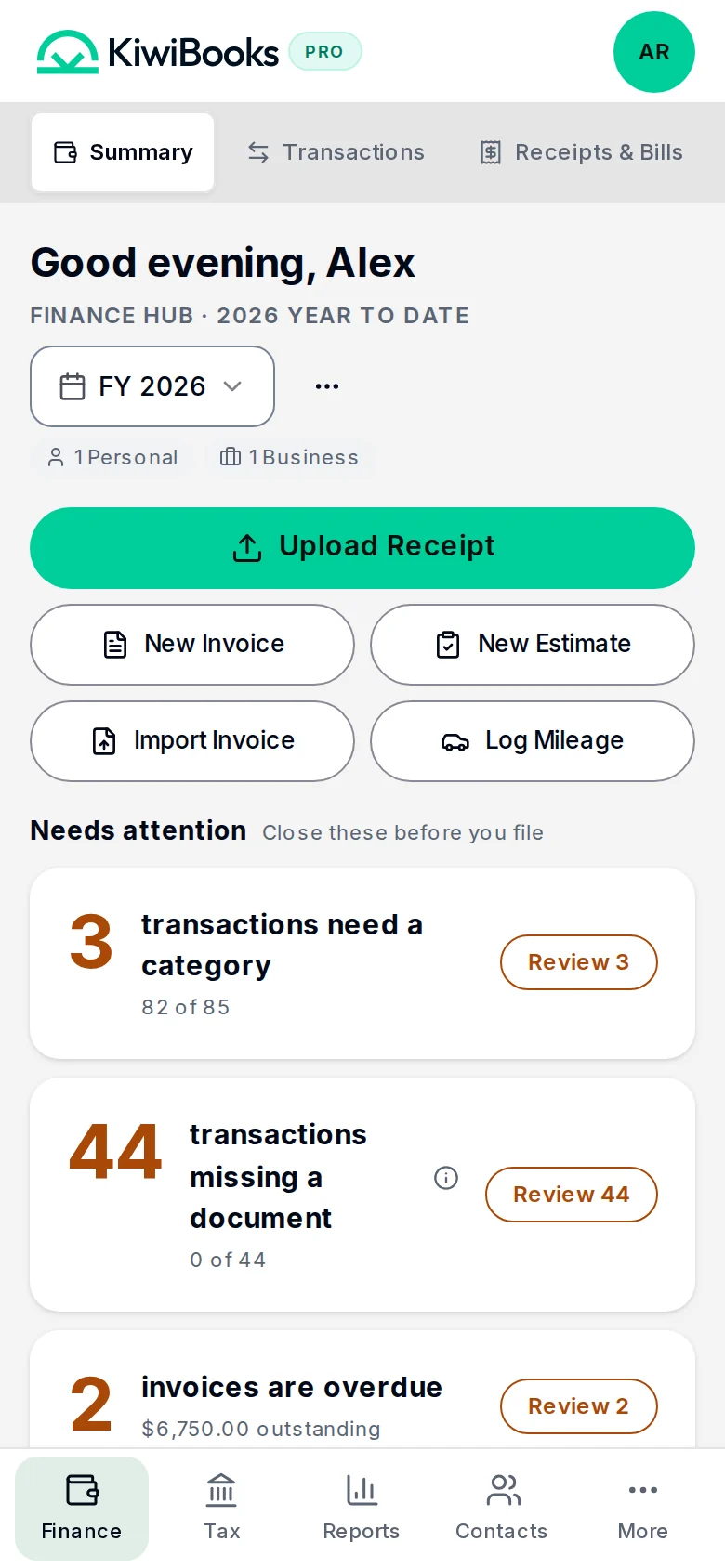
Most of the work happens without you.
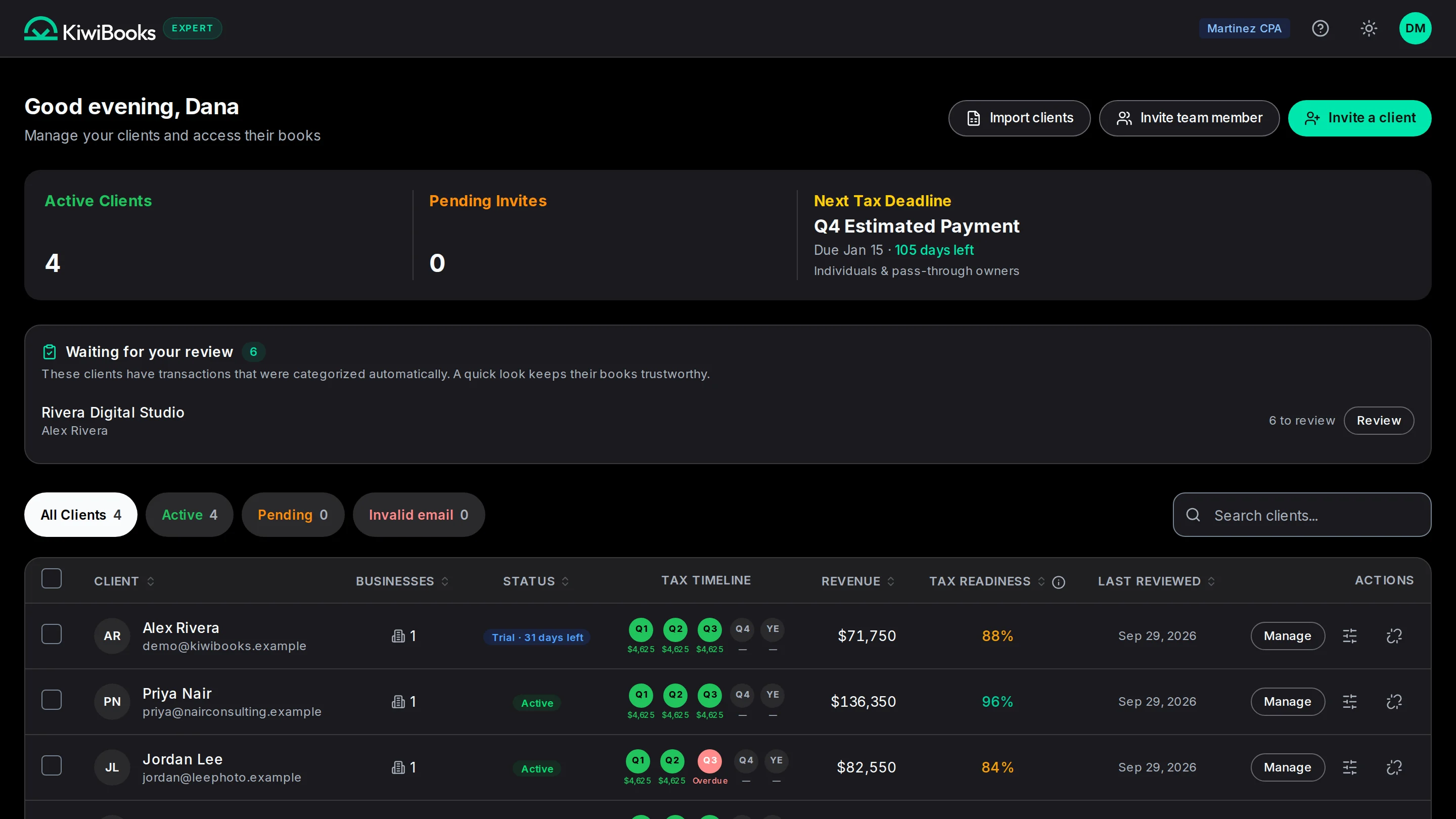
One email invite, and your client is in.
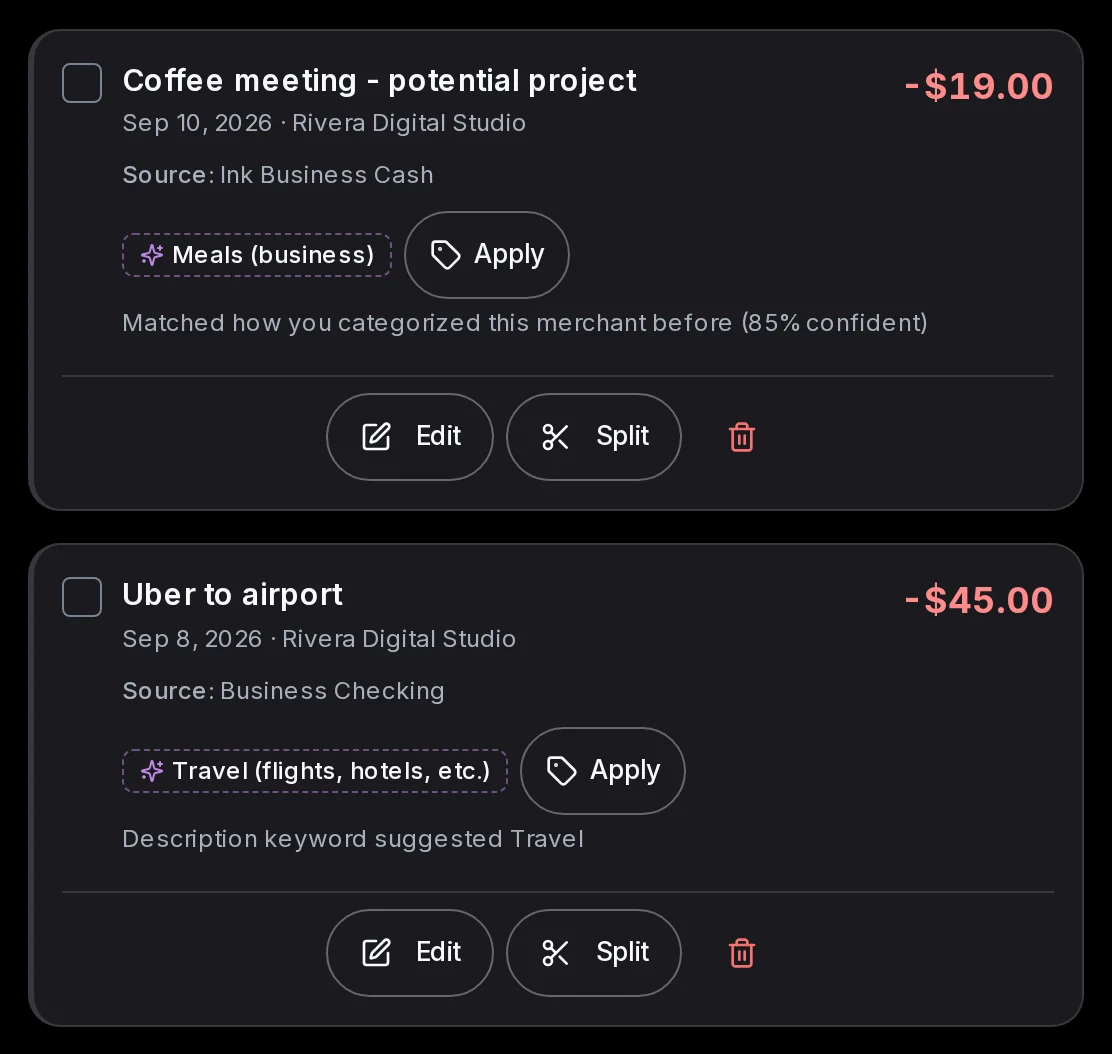
Kiwi categorizes, matches receipts and keeps estimates current.
Lock the year and export every schedule in one workbook.
Real screens from KiwiBooks, not mock-ups.
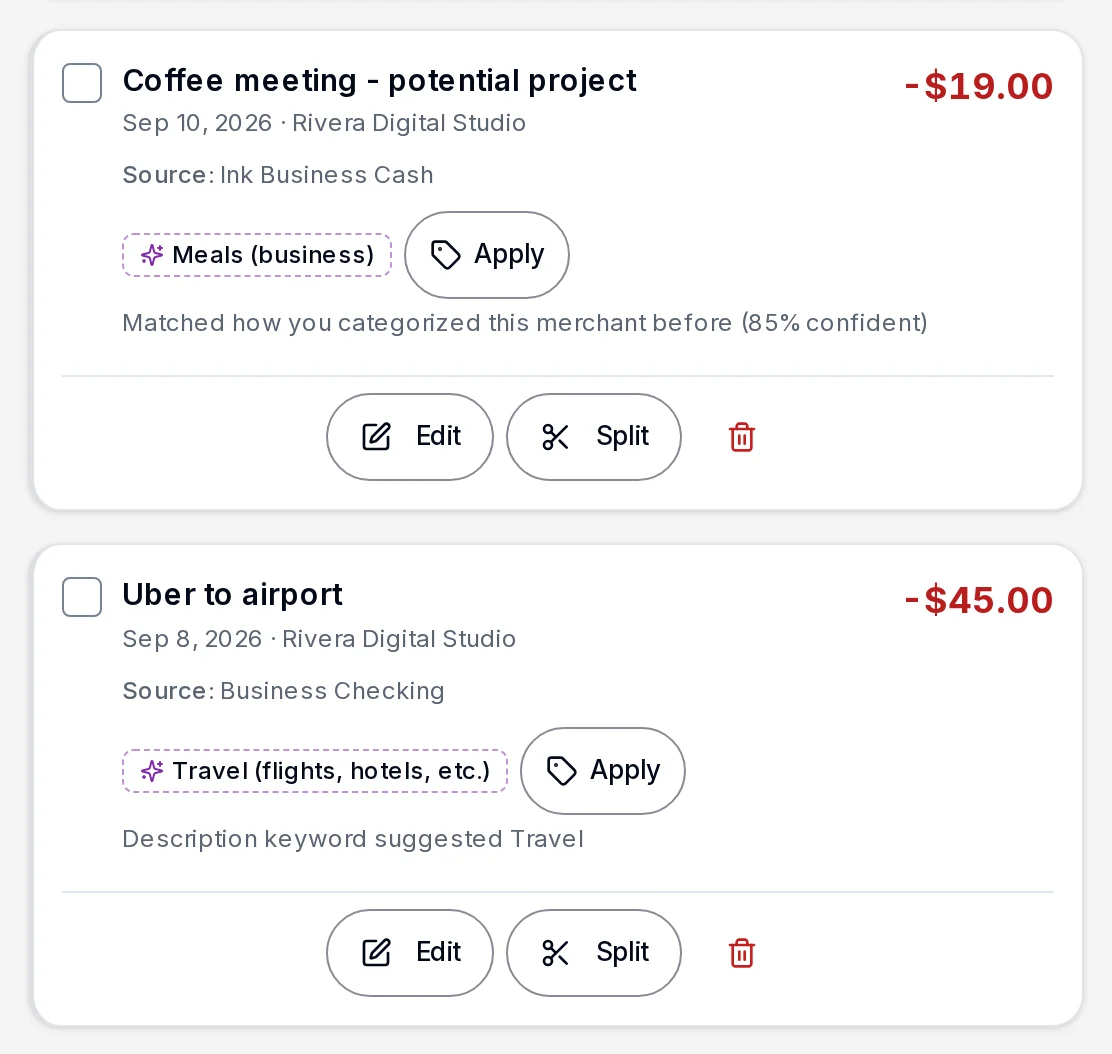
Every line categorized and mapped to its tax line, ready for review.
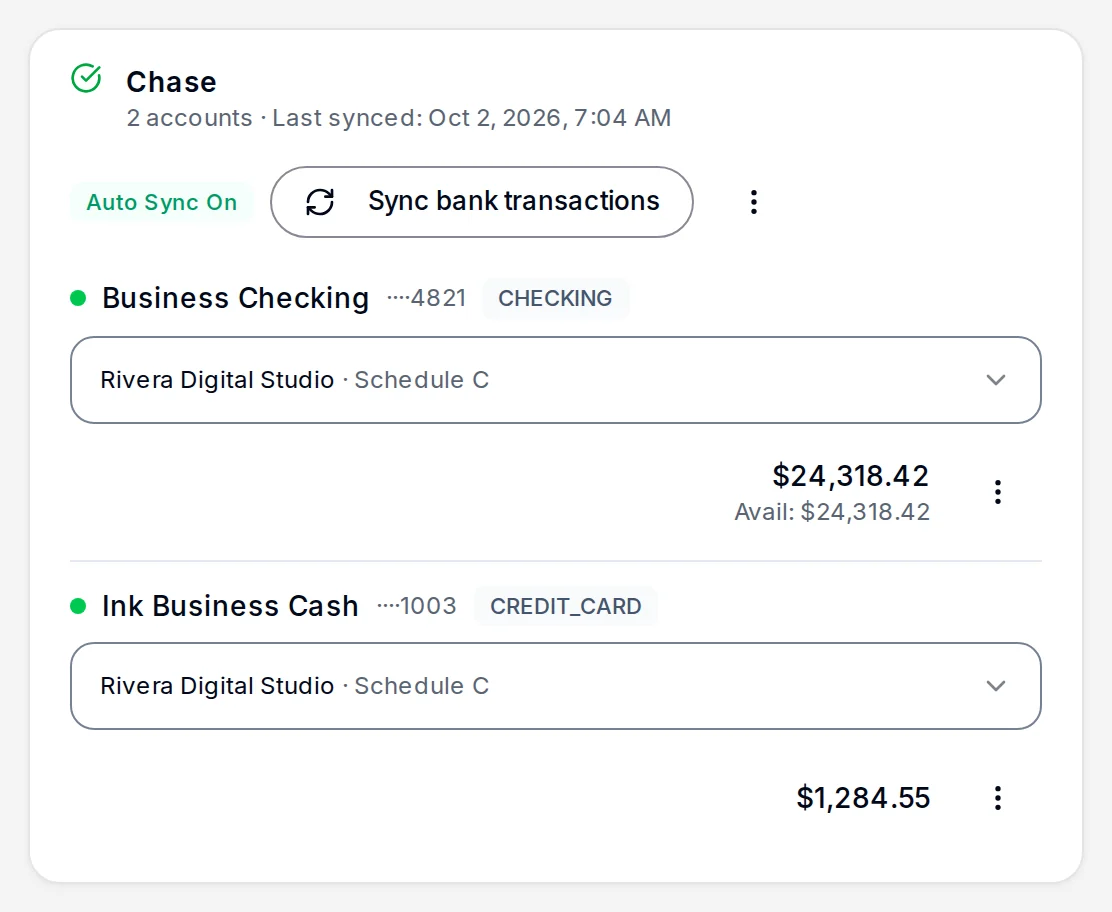
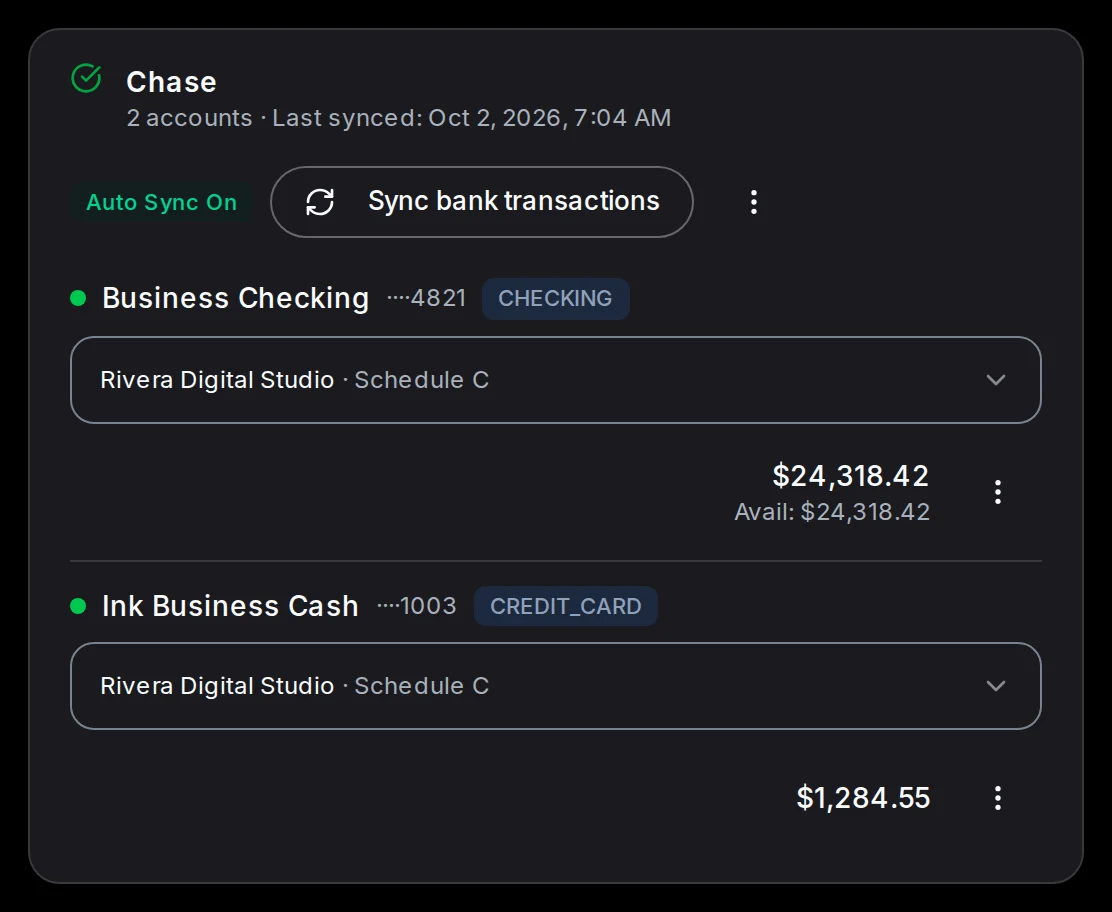
Transactions arrive on their own from your banks and cards.
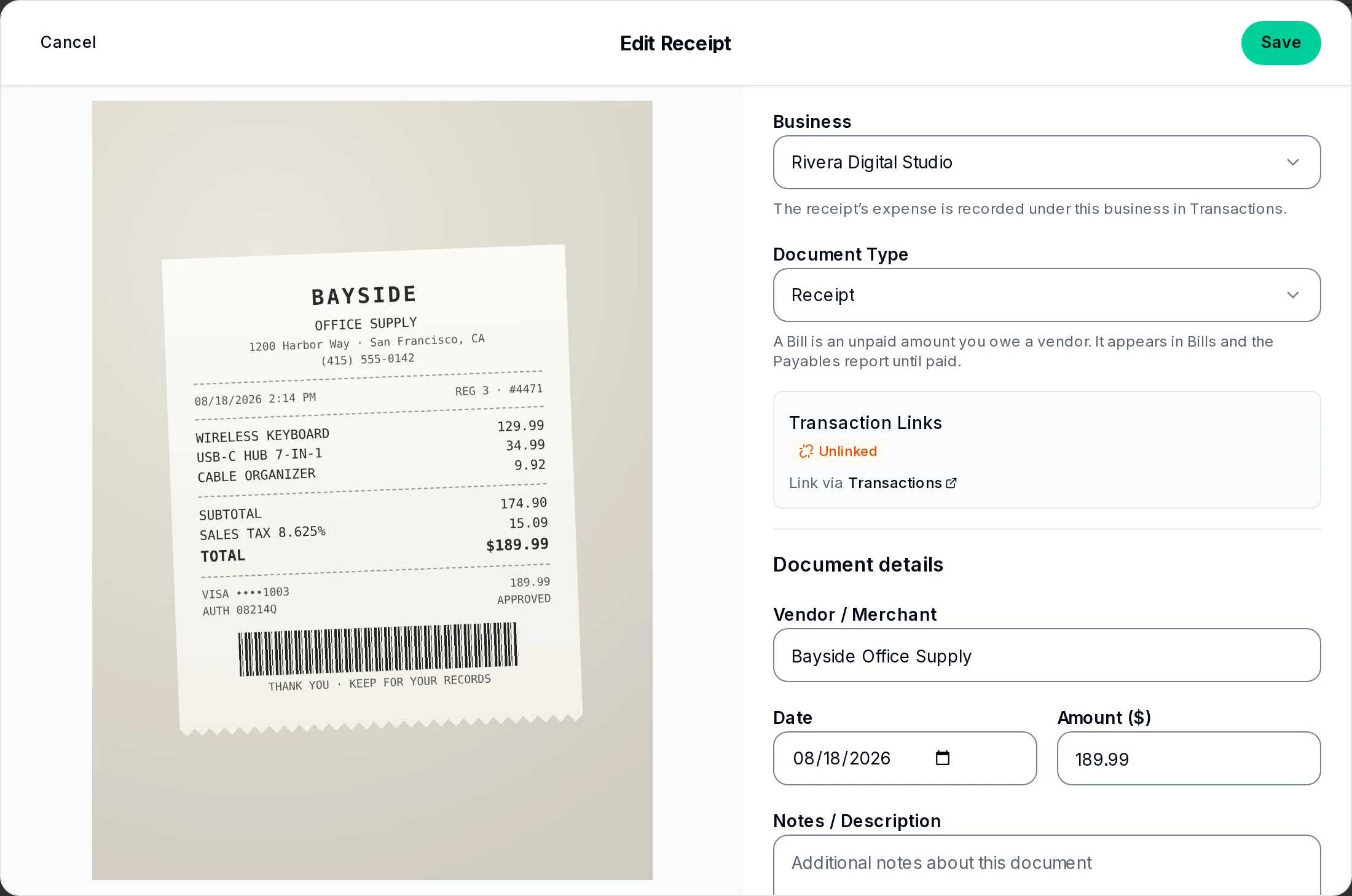
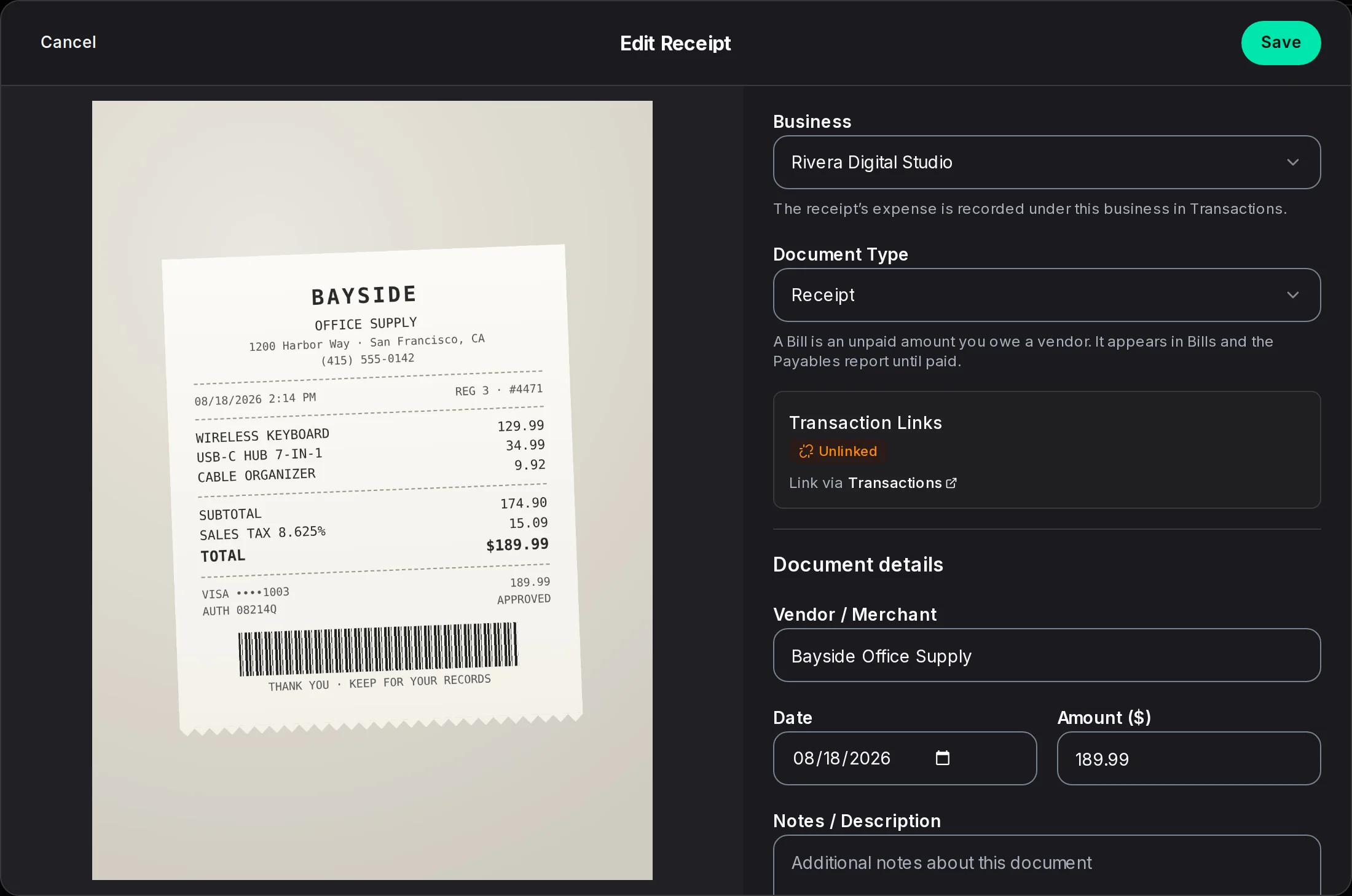
Snap a receipt. Kiwi reads it for you.

Every change tracked. Filed periods stay filed.
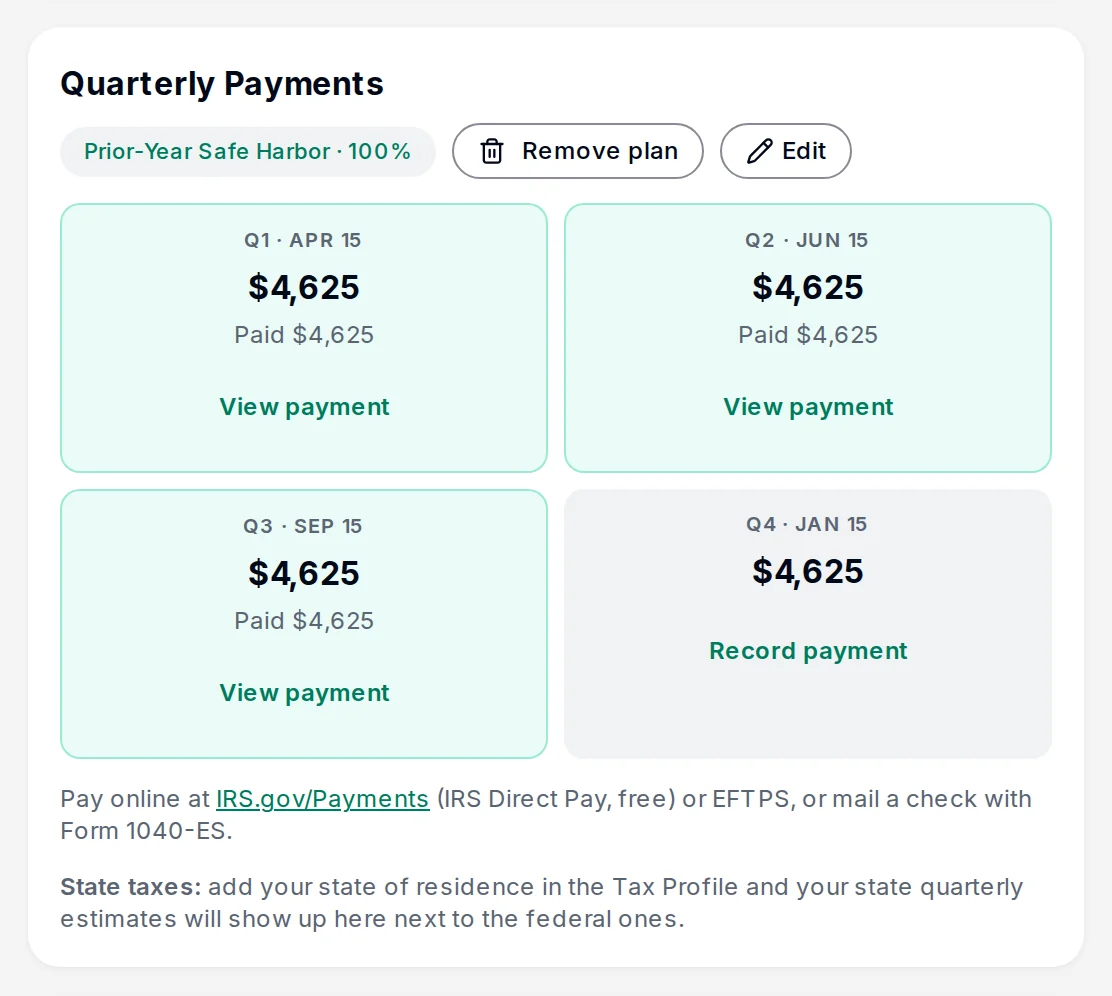
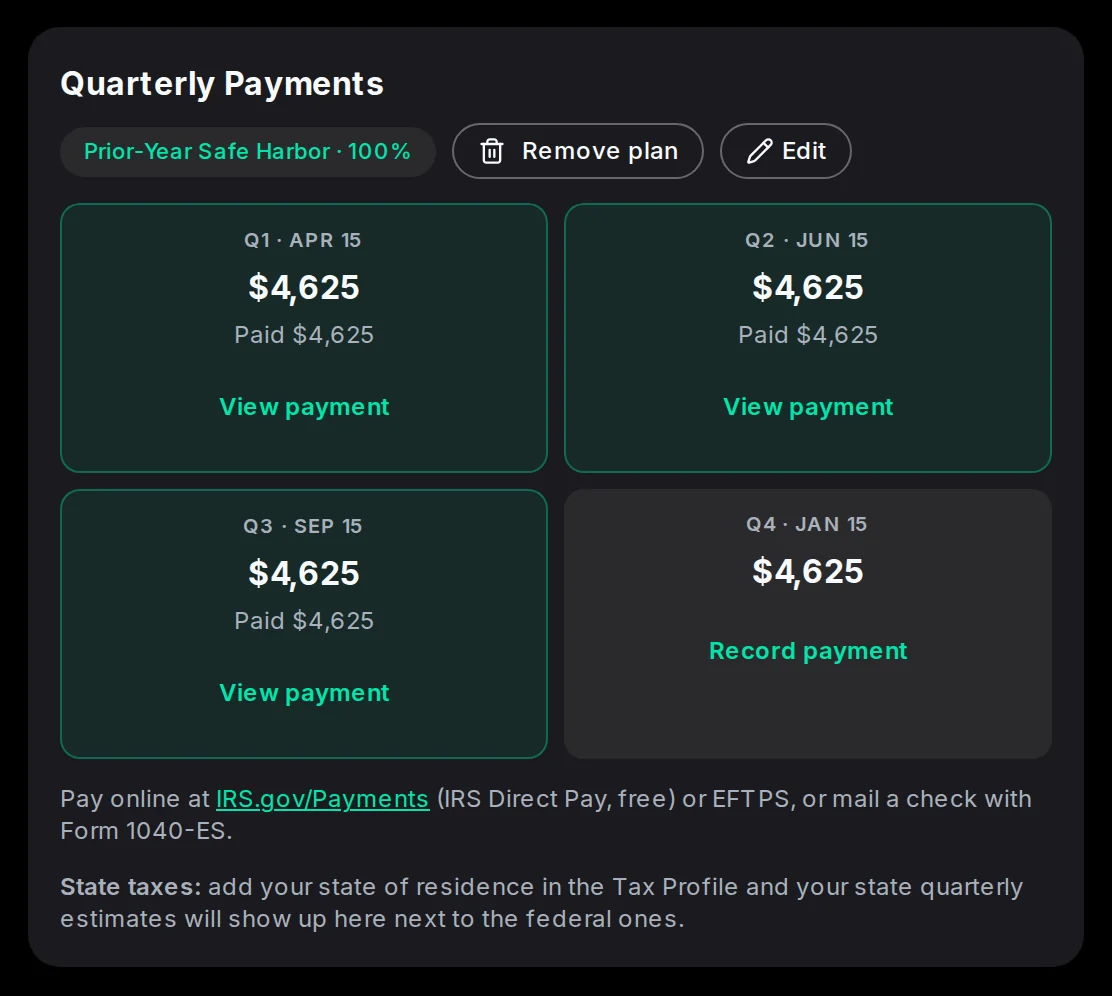
Safe-harbor 1040-ES plans, quarter by quarter.

Standard rate or actual expenses, whichever deducts more.
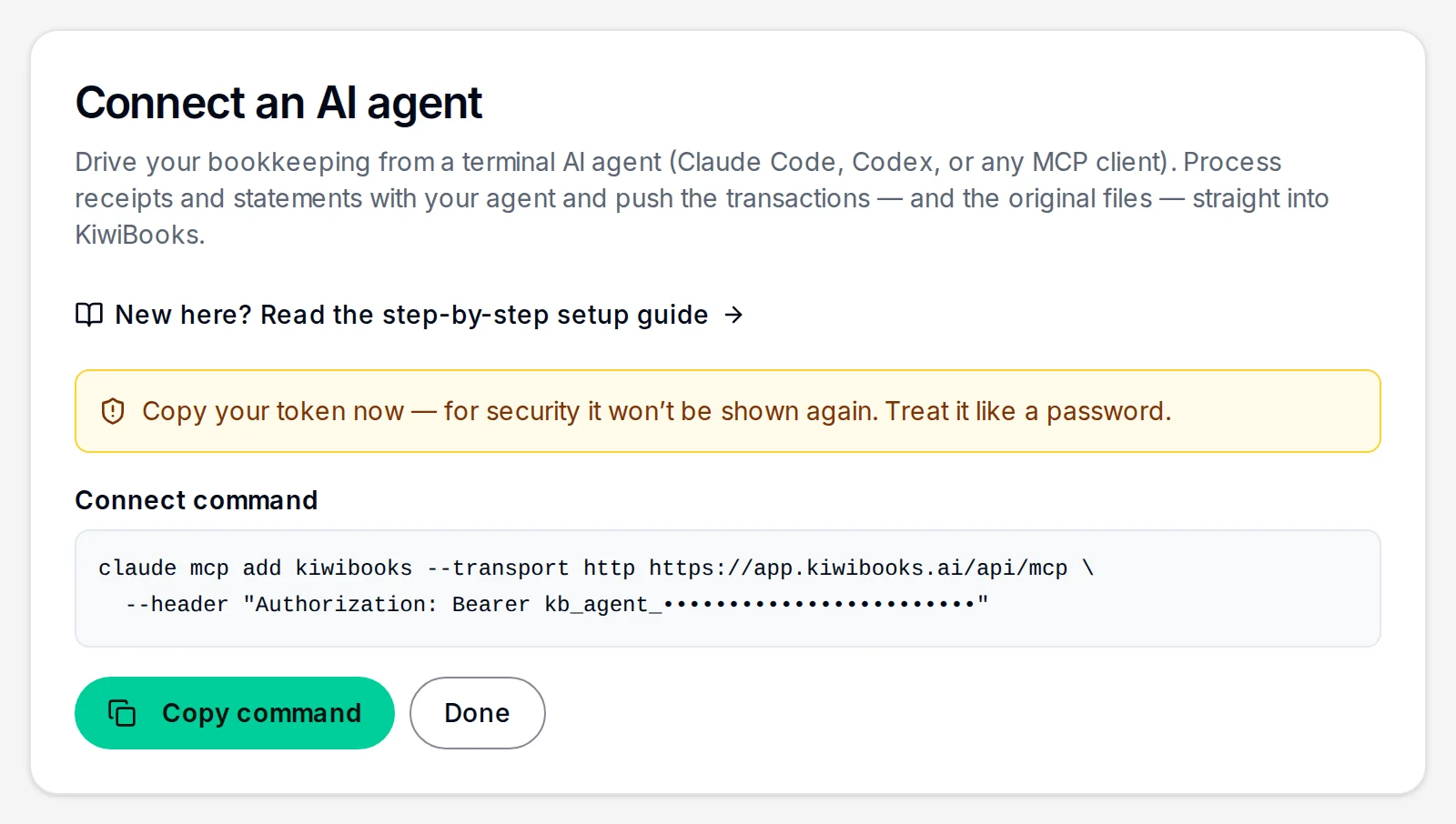
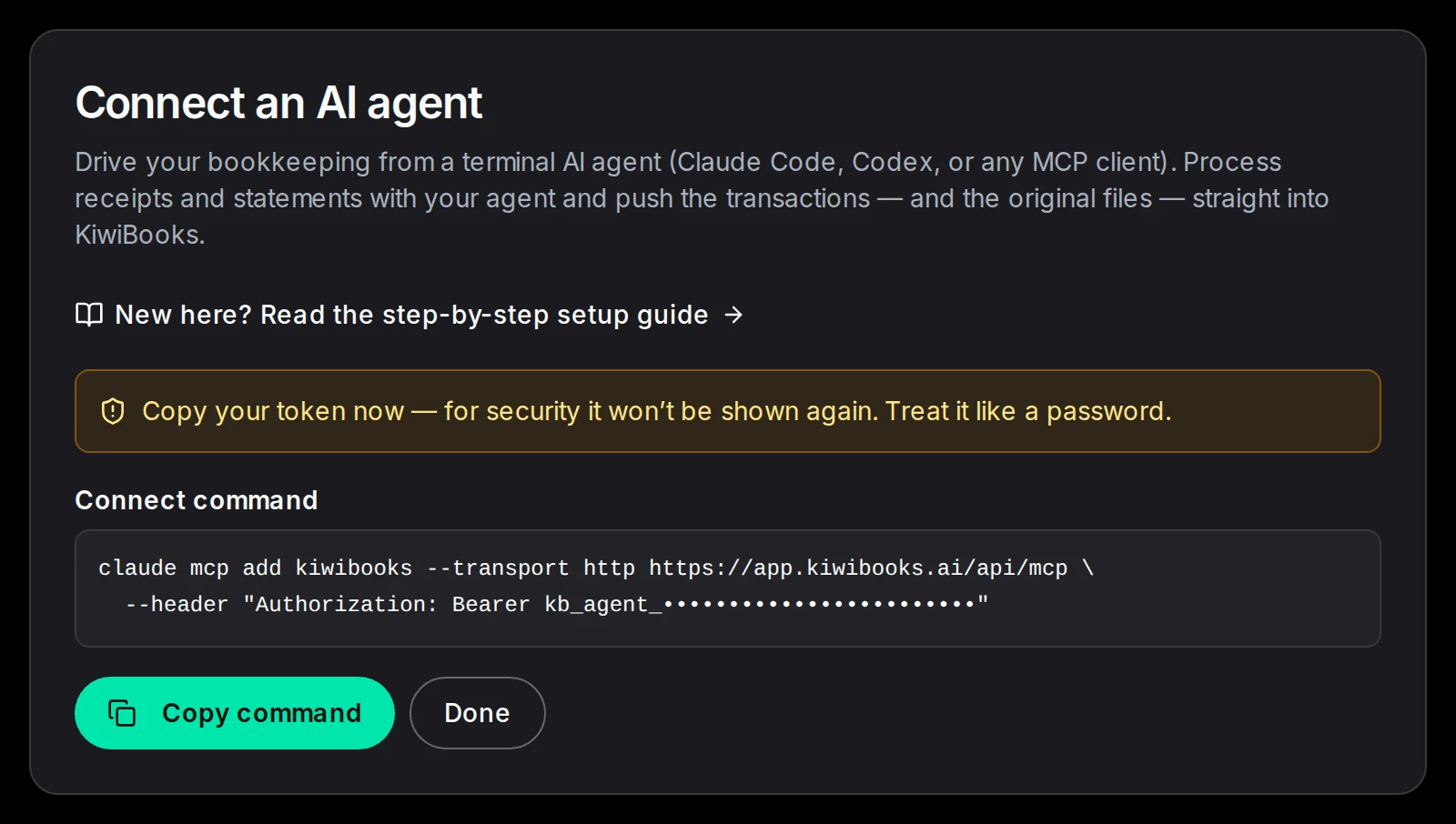
Connect Claude, ChatGPT, Grok, Claude Code, Codex, or another MCP client. Reading is free.
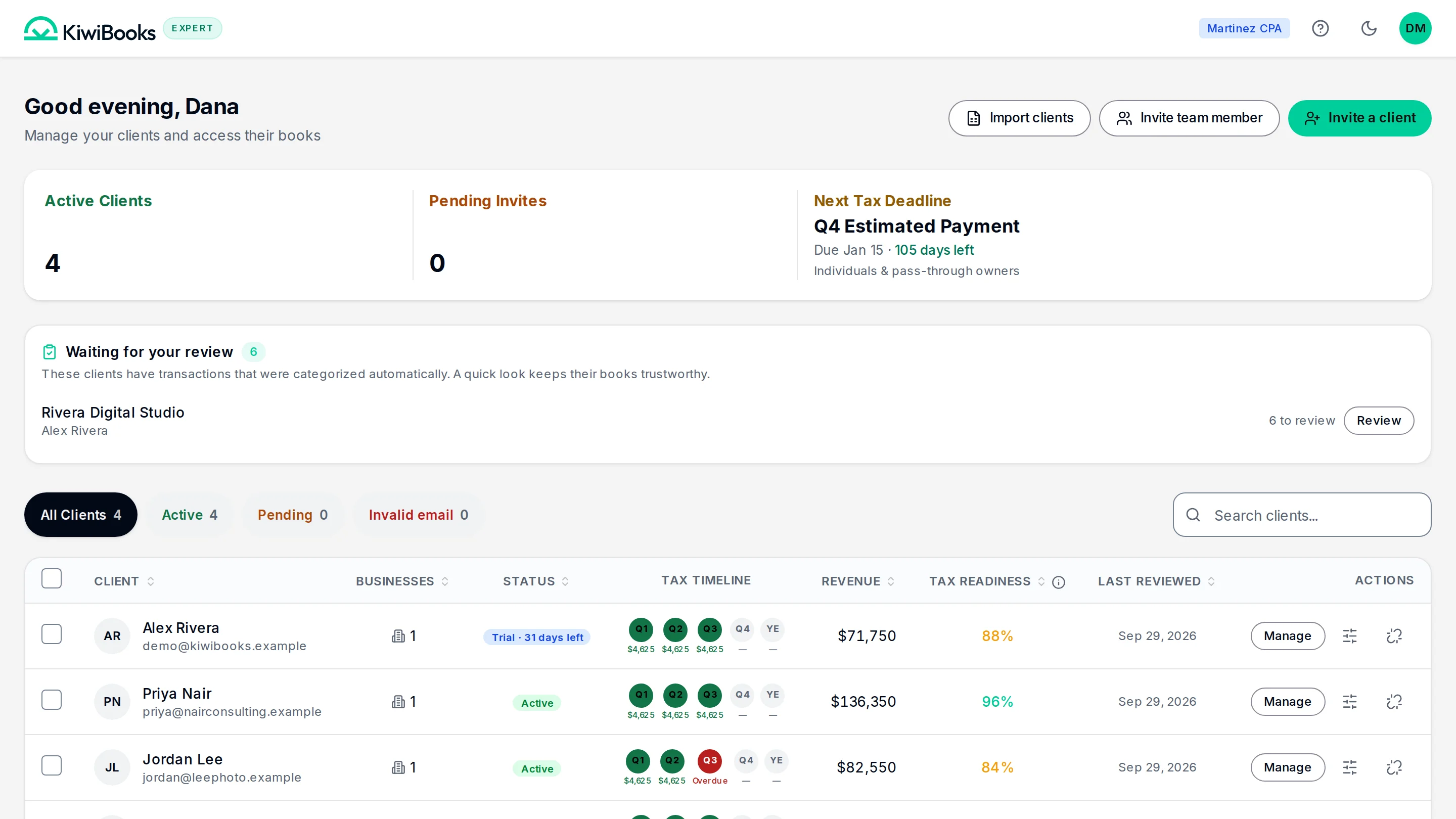
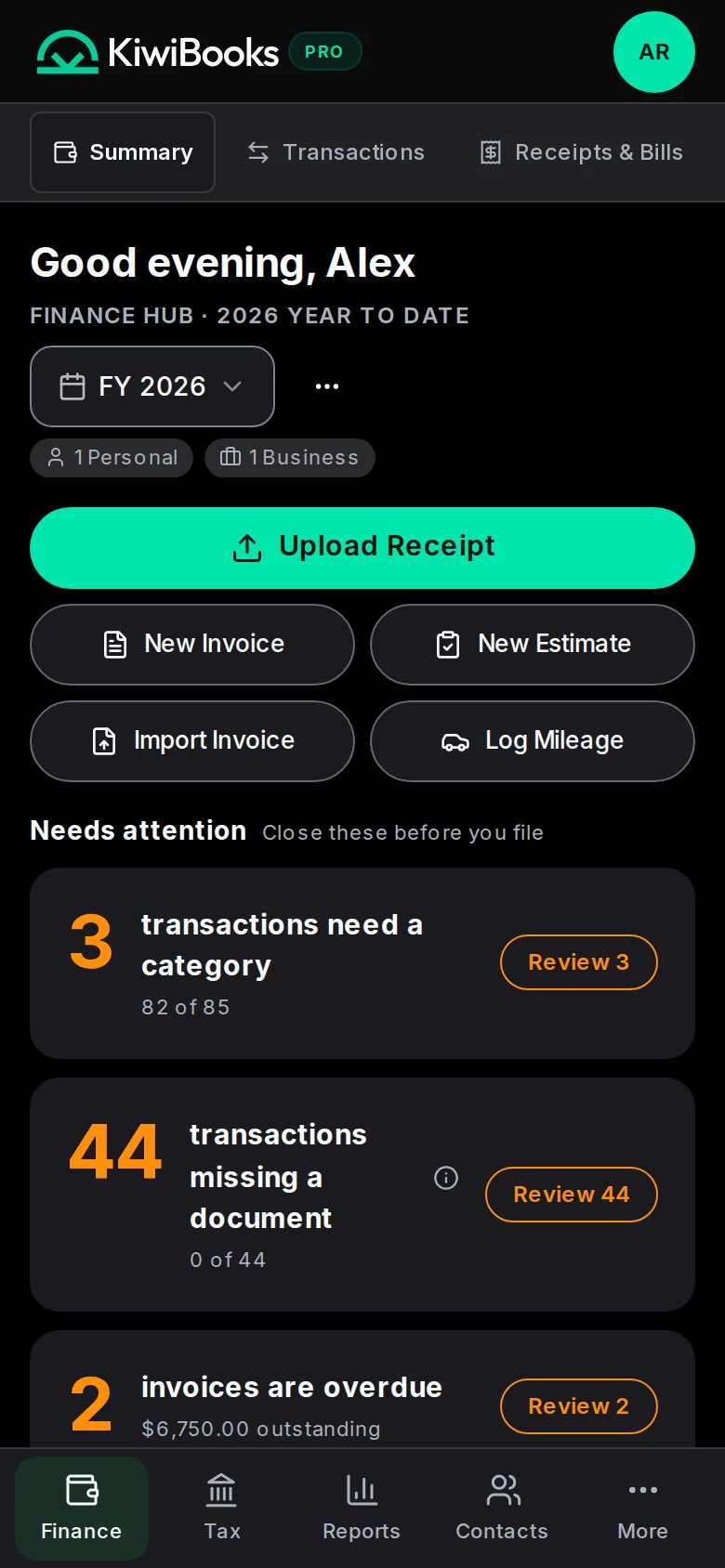
You decide who pays for each client’s Pro.
$0/month for your firm
Everyday bookkeeping, with manual entry and imports.
Free plan, $0
No billing cycle. Free stays free.
No card, no time limit.
What you get
Bank sync and automatic categorization to speed up your review.
$15/month
$15/mo, or $120/yr ($10/mo, Save 33%). Renews automatically; cancel anytime in Settings. Try free for 7 days, no card.
No card. Trial ends on Free unless you subscribe.
Everything in Free, plus
* Fair use limits apply. See Terms.
| Area | KiwiBooks |
|---|---|
| Software per client | Free, or $15/mo |
| Support | We aim to reply within 24 hours |
| Categorization | Automatic, learns from your edits |
| Entity coverage | C, E, F, 1065, 1120, 1120-S |
| Period lock and audit log | Included |
Bank connections


Billing


Hosting
KiwiBooks is bookkeeping software for small businesses and the CPAs who serve them. It manages invoicing, expenses, receipts, mileage, and cash flow in one place, with tax-ready reports across every entity type. Accountants and bookkeepers get free unlimited access to all their clients' books.
No. Firms use the Expert console free across every client, with no seat fees. When a client wants Pro, the fee is billed to the client or to the firm, whichever you set per client.
Yes. KiwiBooks uses Plaid, a trusted bank-grade security provider, to handle all bank connections. Your bank credentials are never stored on our servers. They go directly to Plaid, which is used by millions of users and thousands of apps.
KiwiBooks supports Schedule C (sole proprietorship), Schedule E (rental and royalty), Schedule F (farming), Form 1065 (partnership) with Schedule K-1 shares, Form 1120 (C-Corp), Form 1120-S (S-Corp) with K-1 shares, and a Form 1040 personal consolidator that rolls up every entity. Each one maps to the correct tax-form line items at the category level.
A 15-minute demo, or your firm set up in two minutes.